
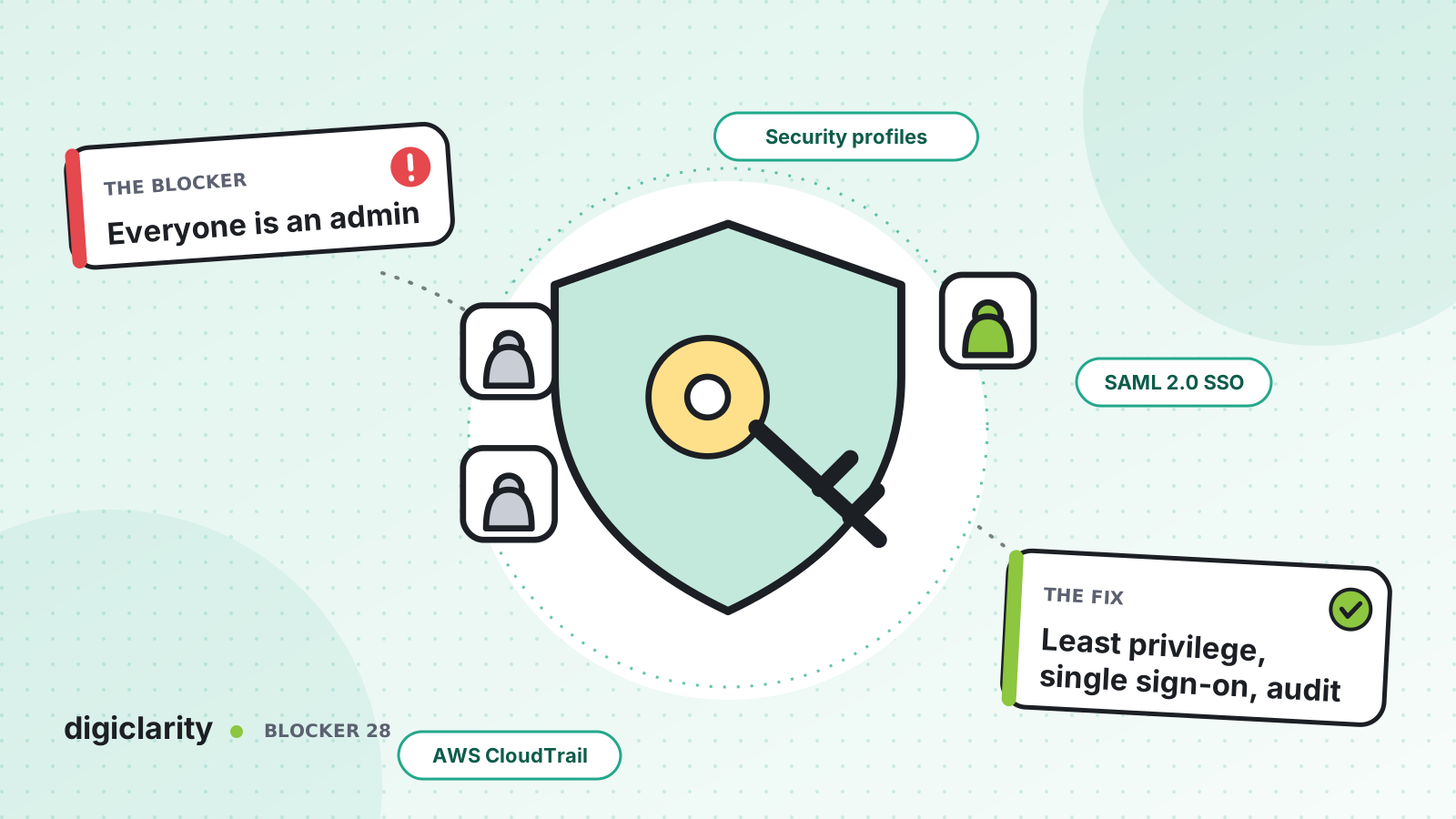
The blocker
The contact center went live in a hurry. To save time, team leads were given the Admin security profile “for now”. Two years later, forty people can edit flows, reset passwords and download recordings. Some of them have left the company, but their Amazon Connect logins still work because nobody remembered to remove them. An auditor asks who can access call recordings, and nobody can answer with confidence.
Access sprawl rarely starts as a decision. It builds up one shortcut at a time, until a single compromised or careless account can change routing for every customer.
Why it happens
- The Admin profile is the default answer. Building role-specific profiles takes time, so people get more access than they need.
- Users live inside Amazon Connect. Separate usernames and passwords are easy to forget when someone leaves.
- AWS access is too broad. Engineers and scripts use wide IAM permissions because tighter ones were never written.
- Nobody reviews access. There is no regular check of who has which profile, or what they did with it.
How Amazon Connect solves it
Security in Amazon Connect is a shared responsibility. AWS protects the infrastructure that runs the service. You are responsible for how you configure users, permissions and data in your instance and AWS account.
1. Build security profiles around roles
A security profile is a group of permissions that maps to a role in the contact center. Amazon Connect includes default profiles: Admin, Agent, CallCenterManager and QualityAnalyst. AWS’s advice is to use them only if they match what users need, and otherwise create profiles that grant only the required permissions.
AWS’s security profile best practices single out the riskiest permissions. People with Users - Create or Users - Edit can reset passwords, including the administrator’s, and assign the Admin profile to others. Keep that group very small. The permissions list also flags Users - Edit permission, which changes user security profiles. Review inherited permissions before assigning a profile, because granting one permission can grant others with it.
To go further, tag-based access control restricts a profile to resources with matching tags. In the permissions list, AWS gives the example of using it to deny access to administrators and the Admin profile.
2. Sign in with your company identity provider
Amazon Connect supports three identity management options, and the choice cannot be changed after the instance is created. Changing it means a new instance, so make the decision early.
With SAML 2.0 federation through IAM, users sign in through your organization’s identity provider and reach Amazon Connect without a separate password. When someone leaves, disabling them in the directory stops them signing in that way. Remove or update their Amazon Connect user record as well. AWS also publishes an integration guide for IAM Identity Center as the SAML identity provider for Amazon Connect.
3. Apply least privilege on the AWS side
The admin website is only half the picture. IAM controls who can be authenticated and authorized to use Amazon Connect resources through the AWS console and APIs. Give engineers read access by default, give change rights to the deployment pipeline’s role, and scope policies to specific instances. Tag-based access control works here too, using the aws:ResourceTag condition key in IAM policies.
4. Log and review access
AWS CloudTrail captures all public Amazon Connect API calls, with the identity, IP address and time of each request. AWS’s security profile best practices specifically recommend logging UpdateUserIdentityInfo: anyone who can call it could change a user’s email address to one they control and then reset the password.
AWS also recommends tracking who accesses recordings. It notes that the recording download setting in security profiles is not a security feature, because users without it can still download recordings in other, less discoverable ways.
5. Encrypt what you store
AWS documents that Amazon Connect encrypts contact data classified as PII at rest using AWS-owned KMS keys. Recordings and chat transcripts delivered to your Amazon S3 bucket are protected with the KMS key configured when the instance was created. Several related features, such as Customer Profiles, let you choose a customer managed key. Control who can use those keys with key policies, and treat the recordings bucket as sensitive data.
6. Manage permissions as code
Security profiles can be declared with AWS::Connect::SecurityProfile in CloudFormation, alongside users and routing. That way a new permission is a reviewed pull request rather than a quiet click, and the access model in production matches what was approved.
What good looks like
Fewer than a handful of people hold administrative permissions, and each one has a reason. Everyone signs in through the company directory, so leavers lose access the day they leave. Engineers work through the pipeline, not with broad console rights. CloudTrail answers “who changed this, and when?” in minutes, and access is reviewed on a fixed schedule.
Where to start
- Export the list of users and their security profiles, and count how many hold Admin or user-management permissions.
- Create role-based profiles for supervisors, analysts and developers, and move people off Admin.
- Plan SAML 2.0 sign-in, noting that changing identity management requires a new instance.
- Confirm a CloudTrail trail is capturing Amazon Connect API calls, and schedule a quarterly access review.









