
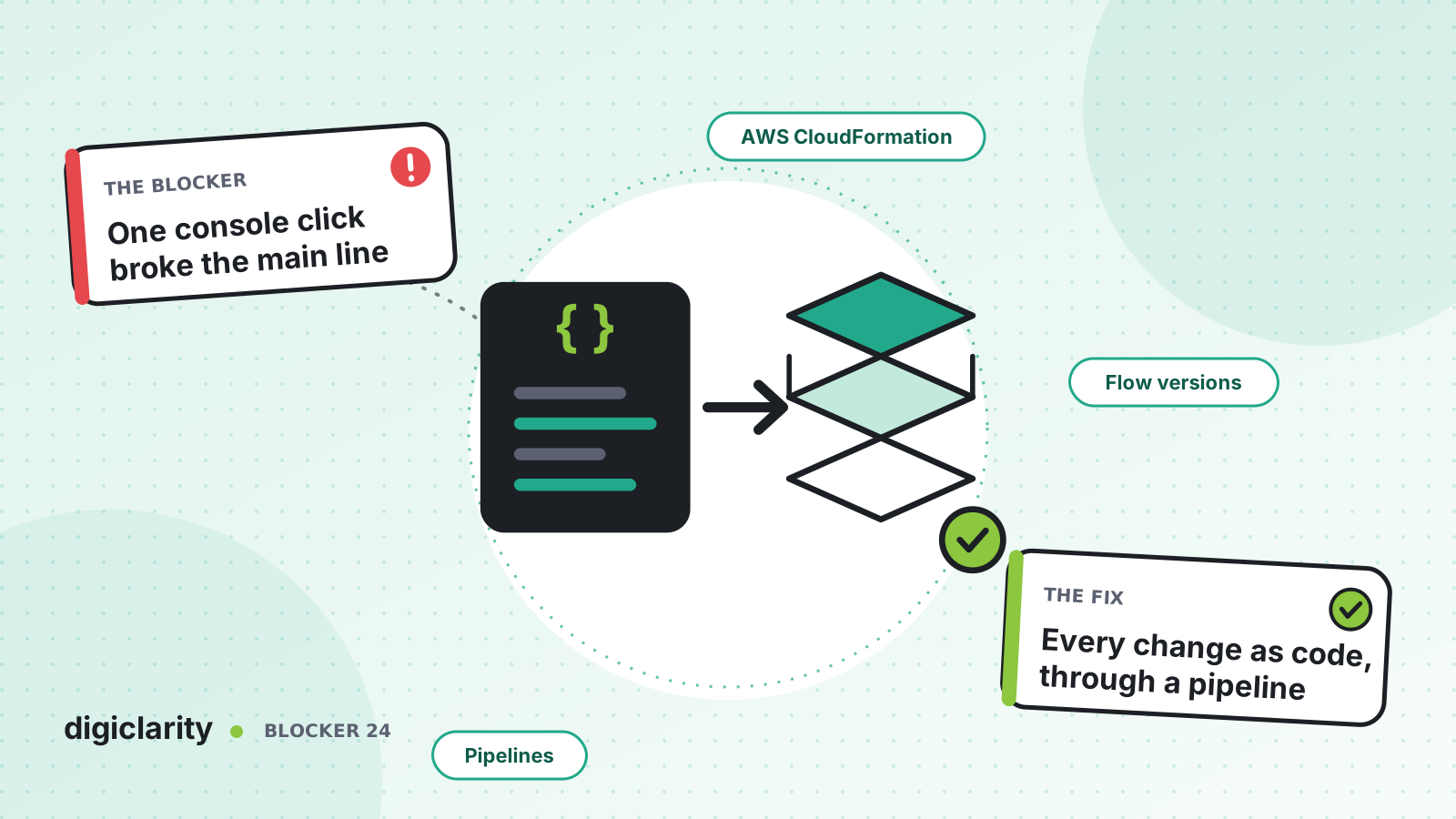
The blocker
A supervisor changes the hours of operation for a holiday. An analyst edits a queue in a flow to test something and publishes it. A developer swaps a Lambda function in production because the test instance “is the same anyway”. Each change takes a minute in the admin website. One of them sends the main line to a closed message at 9 a.m.
Then the questions start. What changed? Who changed it? What did it look like before? In a contact center run by hand, nobody can answer quickly, and the fix is another manual change made under pressure.
Why it happens
- The console is the source of truth. The only record of how the contact center is configured is the live instance itself.
- Changes skip review. Anyone with the right security profile can edit and publish a flow, with no second pair of eyes.
- Environments drift apart. Test and production are configured by hand, so a change that worked in test behaves differently in production.
- Rollback is a memory exercise. Undoing a change means remembering what the settings were.
- Nobody can see the blast radius. A queue or Lambda function used by ten flows looks the same in the console as one used by none.
How Amazon Connect solves it
Amazon Connect resources can be created and changed through AWS CloudFormation and the Amazon Connect API. That makes the contact center something you can store in Git, review and deploy like any other code.
1. Describe the instance in code
AWS CloudFormation has resource types for Amazon Connect, including AWS::Connect::Instance, AWS::Connect::ContactFlow, AWS::Connect::ContactFlowModule, AWS::Connect::Queue, AWS::Connect::RoutingProfile, AWS::Connect::HoursOfOperation, AWS::Connect::SecurityProfile, AWS::Connect::User and AWS::Connect::PhoneNumber.
A flow is declared with AWS::Connect::ContactFlow. Its content is JSON in the Amazon Connect Flow language, so a flow change shows up as a readable diff in a pull request. Whatever tool generates the templates, the principle is the same: the repository, not the console, is the source of truth.
2. Version flows and shared logic
The CreateContactFlowVersion API publishes a new version of a flow. AWS documents that versions are immutable and increase monotonically. In CloudFormation, the same thing is declared with AWS::Connect::ContactFlowVersion.
Logic used by many flows, such as authentication, belongs in flow modules. Modules support immutable versions and aliases that point to a specific version, and flows can reference a module version or alias. Moving an alias to a new version is a single, reviewable change.
For changes that were made in the flow designer, flow version control lets you open a previously published version and publish it again to roll back. The View historical changes link on the Flows page shows changes across all flows, filtered by date or user name.
3. Ship every change through a pipeline
A pipeline turns “someone clicked publish” into a repeatable process:
- Preview. A CloudFormation change set shows how a change will affect running resources before you apply it.
- Test. Run automated checks against a test instance first. Amazon Connect has native testing and simulation for flows, which a pipeline can use as a gate.
- Promote in stages. The AWS Contact Center blog post on managing Amazon Connect flows as code with AWS CDK describes flows moving through stages with automated testing gates, an approval gate and automated rollback.
4. Catch the changes that still happen by hand
Some people will still edit in the console. CloudFormation drift detection finds resources whose live configuration no longer matches the template.
AWS CloudTrail records Amazon Connect API calls, with the identity, time and source IP of each request. AWS’s routing troubleshooting guide explains how to tell an edit made in the admin website from a direct API, import or pipeline call by reading the UpdateContactFlowContent events in CloudTrail.
Once the pipeline is in place, narrow the security profiles that can edit and publish flows in production. Most people need to view, not change.
5. Keep the pipeline honest
A pipeline only helps if it is the normal path. Make it faster to open a pull request than to log in to the admin website. Keep templates small and grouped by area, such as routing, hours and flows, so a review is quick. Store the flow content in the repository exactly as the pipeline deploys it, and never patch production and the repository separately. If an urgent fix must be made in the console, copy it back into Git the same day so the next deployment does not undo it.
What good looks like
Every change to production has a pull request, a reviewer, a test run and a deployment record. When something goes wrong, the team can see the exact diff that caused it and redeploy the previous version from Git. Test and production are built from the same templates, so they stay aligned. Console edits become rare, and when they happen, they are visible.
Where to start
- Export the flows, queues, hours and routing profiles from production and commit them to a repository.
- Bring one low-risk area, such as hours of operation, under CloudFormation first.
- Add a pipeline with a change set preview, a test stage and a manual approval for production.
- Turn on drift detection, review CloudTrail for console edits, and tighten who can publish flows.









