
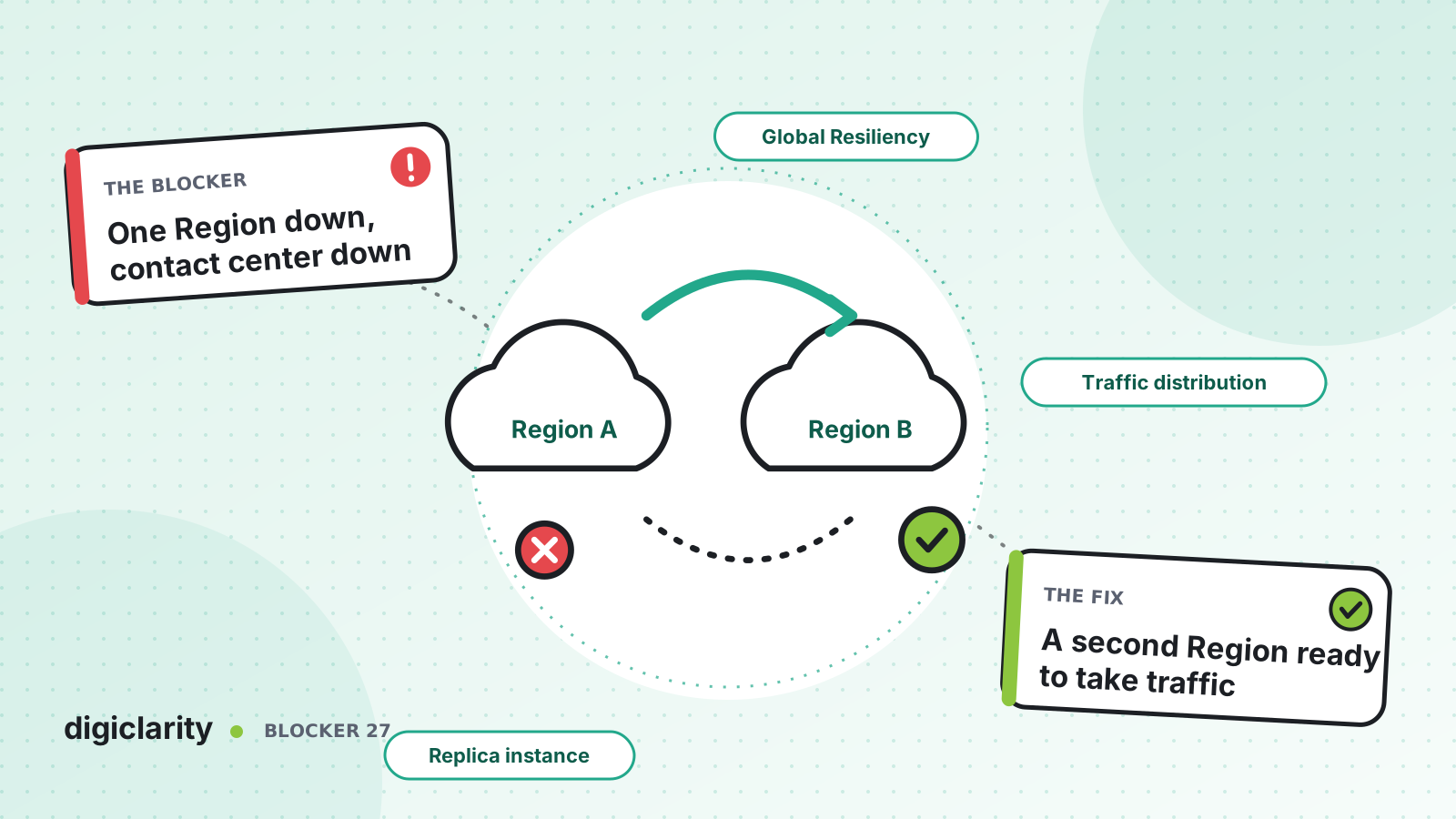
The blocker
Your contact center runs on Amazon Connect in one AWS Region. Your phone numbers, flows, queues and agents all point at that one instance. AWS Regions are built to be highly available, but your continuity plan cannot rest on “it has not happened yet”. If that Region has a serious problem, callers get no answer, and there is nowhere to send them.
Many teams know this and have a disaster recovery plan on paper: a second instance “we could stand up”, phone numbers “we could repoint”. On the day, that plan takes hours, if it works at all.
Why it happens
- An instance is regional. Each Amazon Connect instance functions only in the Region where it was created.
- Phone numbers are tied to one instance. The
UpdatePhoneNumberAPI can move a number only to another instance or traffic distribution group in the same AWS Region. - A cold standby drifts. A second instance built by hand months ago no longer matches production.
- Failover is never tested. Nobody has moved real traffic, so nobody knows how long it takes or what breaks.
How Amazon Connect solves it
Amazon Connect Global Resiliency (ACGR) provides APIs to provision a linked instance in a second Region, manage phone numbers that work in both, and distribute telephony traffic and agents between them. AWS states that ACGR is the only AWS-supported solution for multi-Region resiliency in Amazon Connect, and that custom-built alternatives are not supported.
1. Check that you qualify
ACGR is available for instances in specific Region pairs: US East (N. Virginia) and US West (Oregon), Europe (London) and Europe (Frankfurt), and Asia Pacific (Tokyo) to Asia Pacific (Osaka). Access is requested through your AWS Solutions Architect or Technical Account Manager.
The requirements include AWS Enterprise Support or AWS Unified Operations, a SAML 2.0-enabled instance, and phone numbers ported to Amazon Connect. AWS also asks you to request matching service quotas in the replica, give Lambda functions the same names in both Regions, and replace hardcoded Regions in flows with $.AwsRegion.
2. Create the replica and the traffic distribution group
The setup sequence is:
- Create a replica with
ReplicateInstance. - Create a traffic distribution group with
CreateTrafficDistributionGroupand wait for it to beACTIVE. - Claim phone numbers to the group with
ClaimPhoneNumber. Traffic starts at 100% to the source instance. - Use
UpdateTrafficDistributionto split traffic in 10% increments.
Replication mirrors a documented list of resources, including flows, flow modules, users, routing profiles, queues, security profiles, hours of operation, quick connects, prompts not stored in S3, and test cases. Some things are not copied, such as schedules for saved reports and views still in draft. Check the list against what you use.
3. Plan how agents move
Calls are only half of failover. With the agent experience features, agents sign in once through a global sign-in endpoint and work from whichever Region is active. You add agents to the traffic distribution group and distribute them with the same UpdateTrafficDistribution API.
AWS’s tips are worth following exactly: shift agents whenever you shift telephony, or calls will arrive in a Region with no one to answer them. Make sure each username exists in both instances, and call AssociateTrafficDistributionGroupUser in the source Region. For the agent workspace, add each instance’s access URL to the other’s approved origins. Agents must set themselves to Available after they are shifted.
With global routing, which is on by default for ACGR instances created on or after September 1, 2026 and available on request for older ones, contacts already queued in one Region can be answered by agents in the other. A traffic change only affects new contacts, and an agent on a call can finish it before switching.
4. Keep the integrations ready too
A replica instance is not enough if the systems behind it live in one Region. Deploy the Lambda functions your flows call in both Regions with the same names, as AWS requires. For Amazon Lex bots, the requirements page describes two options: replicate them with Amazon Lex Global Resiliency, or branch flows on the Region they run in. Check the data stores, APIs and CRM links those functions depend on, and decide how each behaves when the primary Region is unavailable.
5. Rehearse it on a schedule
AWS recommends monthly failover testing to validate the procedure and keep the runbook current. If a full failover is not feasible, create a test traffic distribution group pointed at the replica Region and test critical flows without touching production traffic.
What good looks like
The replica is always ready and built from the same code as the source. A one-page runbook says who decides to fail over, which UpdateTrafficDistribution calls to run, and how to confirm calls and agents have moved. The team has done it in a drill recently, as part of its regular drill schedule and knows how long it takes. Integrations, such as Lambda functions and Amazon Lex bots, run in both Regions.
Where to start
- Confirm your Region is in a supported pair and ask your AWS account team for access.
- Check the requirements: support plan, SAML 2.0, ported numbers, Lambda naming and
$.AwsRegionin flows. - Onboard a test instance first, as AWS recommends, and practice shifting calls and agents.
- Bring production on, write the runbook, and schedule regular failover drills.









