
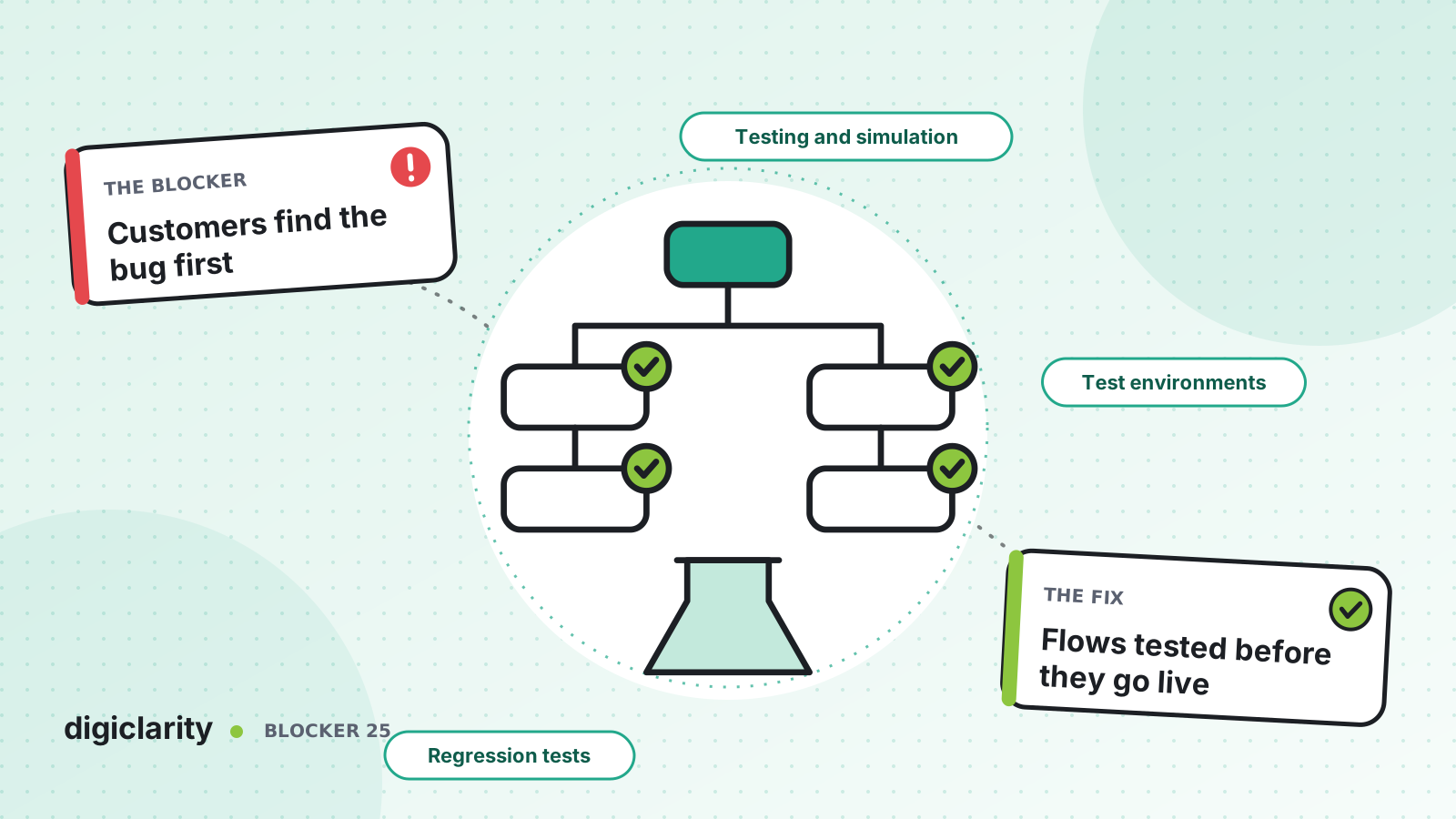
The blocker
A developer adds a new menu option to the main IVR. They call the number twice from their desk, it works, and they publish. What they did not try was the after-hours path, the Spanish branch, or a caller who presses nothing. On Monday, callers who choose Spanish hear silence and get disconnected. The first report comes from a customer complaint.
This is not carelessness. Testing a contact center by hand is slow. Someone has to dial in, wait for prompts, press keys and write down what happened, for every path, after every change. So teams test the path they changed and hope the rest still works.
Why it happens
- Testing is manual. Each test is a phone call, so the number of paths tested is limited by how many calls people have time to make.
- Time and state get in the way. After-hours branches, full queues and customer-specific routing are hard to reproduce on demand.
- There is no regression suite. Nobody re-tests the paths that did not change, so side effects slip through.
- Test and production are the same instance. Testing means touching live queues and sometimes live agents.
- Nobody writes down what “correct” means. Without an expected prompt or outcome for each path, a test call can only show that something happened.
How Amazon Connect solves it
1. Simulate calls and chats against your flows
Amazon Connect testing and simulation lets you build automated tests for your contact center experience, including self-service interactions. You can create tests in a visual designer or through APIs, and each run reports where the contact deviated from the expected path.
When you create a test case, you choose the channel (voice call or chat) and the starting point: the flow, the incoming phone number for voice, and any contact data to set at the start. The test is made of interaction groups. Each one has an observe block that waits for an expected prompt or message, using a “contains” or similarity match, plus optional check and action blocks.
The AWS launch post shows actions that mock resource behavior, such as replacing a Lambda response or overriding hours of operation so an “in hours” test passes whenever it runs. That makes time-dependent and integration-dependent paths testable on demand.
2. Keep simulated contacts away from real agents
AWS documents that a simulated contact that is not ended before it is transferred to a queue might reach a live agent. The recommended approaches are to end the test with an action block before the queue, or to substitute a dedicated test queue.
The same page lists the current execution limits: up to five concurrent tests, up to 100 executions in the queue (including the five running), and a maximum of five minutes per test. Check the page before you size a large suite, because limits can change.
3. Run the tests from your pipeline
Tests are most useful when nobody has to remember to run them. The StartTestCaseExecution API starts a published test case and returns an execution ID and a status. Status values include IN_PROGRESS, PASSED and FAILED. Test cases can also be declared in CloudFormation with AWS::Connect::TestCase, so they are versioned in Git next to the flows they test.
A pipeline can then deploy a change to a test instance, run the quick tests for the changed path first, then run the full regression suite, and stop the release on any failure. The AWS launch post makes the same recommendation: run relevant test cases before deploying flow changes, and prioritize critical journeys such as agent transfers, common self-service paths and after-hours handling.
4. Test in an instance that is not production
AWS describes creating separate instances, for example a sandbox for development, another for QA and a third for production. Flows are moved between them with the APIs described in Migrate flows to an instance, Region, or environment. Note that UpdateContactFlowContent fails with an InvalidContactFlow error if the flow still references queue, flow or prompt ARNs from the source instance, which is a useful check in itself.
When a test fails, flow logs in CloudWatch show each block the contact passed through. AWS’s operational excellence guidance also recommends testing all use case scenarios, inbound and outbound, in an environment as close as possible to the one your agents and customers use.
What good looks like
Every flow change arrives with tests. The pipeline runs the whole regression suite in a test instance in minutes, not a day of phone calls, and a failed test blocks the release. After-hours, full-queue and error paths are tested as often as the happy path. Real agents never receive a test contact.
Where to start
- List your top ten customer journeys, including after-hours and error paths.
- Build a test case for each in the test designer, using a test queue or an end action before any agent queue.
- Declare the test cases in code with
AWS::Connect::TestCaseand run them from your pipeline withStartTestCaseExecution. - Make a passing suite a required gate before any flow is promoted to production.









