

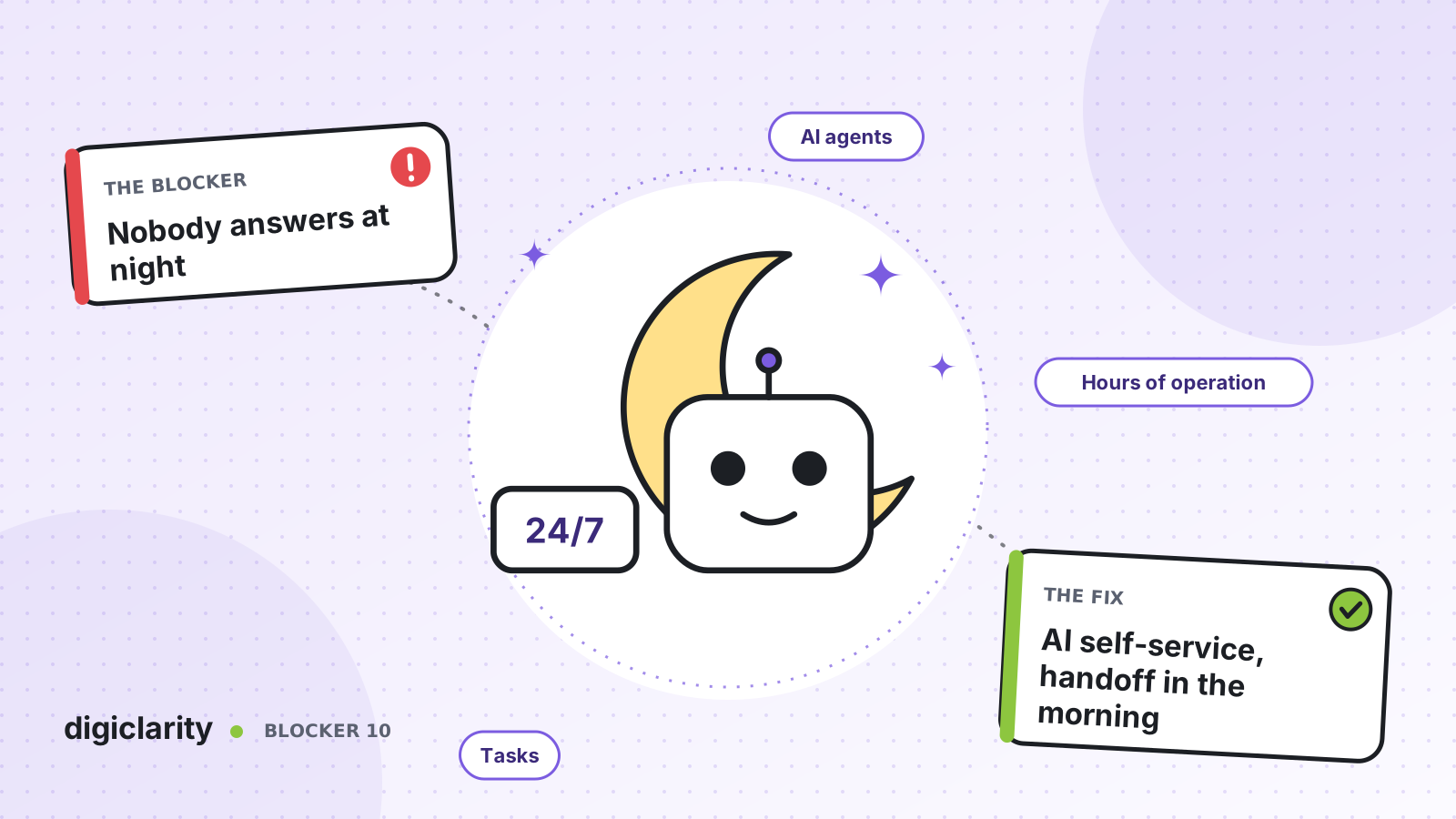
The blocker
A customer finds a problem with their order at 10 p.m. They call and hear “Our office is closed. Please call back between 8 a.m. and 6 p.m.” They try again the next morning, along with everyone else who could not get through overnight. The first two hours of the day are a queue of people who are already annoyed.
Hiring a night shift is expensive, and for many teams the overnight volume is too small to justify it. Outsourcing nights brings its own problems: a second team to train, different tools and a handover that loses detail. So most contact centers simply close, and accept the morning spike as normal.
Why it happens
- The out-of-hours path is a dead end. The flow plays a closed message and disconnects. Nothing is captured.
- The IVR cannot do the work. It can route, but it cannot check an order or move an appointment, so it is useless when there is nobody to route to.
- Voicemail is a black box. Messages land in a mailbox with no context, no priority and no tracking, and someone has to listen to every one.
- Morning demand is not planned for. Overnight requests arrive all at once when the doors open.
How Amazon Connect solves it
Amazon Connect lets you treat “closed” as a different route, not the end of the call. AI agents handle what they can, and Amazon Connect Tasks carry the rest to your team.
1. Route on your real hours
You set hours of operation and a time zone for each queue, including overrides for dates when you close early or not at all. In the flow, the Check hours of operation block branches on In hours and Out of hours. It works for voice, chat, task and email. AWS notes it can also add branches for overrides, for example to play a holiday greeting before the standard out-of-hours path.
The out-of-hours branch is where self-service begins.
2. Let an AI agent complete the task
With agentic self-service, an orchestrator AI agent talks with the customer over voice or chat, reasons across several steps and keeps the conversation going until the issue is resolved or it needs a person. It works the same at 3 a.m. as at 3 p.m.
To act, the AI agent uses MCP tools. AWS lists examples such as looking up order status, processing refunds and updating customer records. You can turn existing flow modules into MCP tools, so the same business logic serves your daytime IVR and your AI agent. Security profiles control which tools each AI agent can use.
Decide in advance which requests are safe to complete overnight. Checking status, answering policy questions and changing a booking are often good candidates. Anything that needs judgment or an exception should go to a person.
3. Hand off to the morning team as a task
When the AI agent cannot finish, it calls an Escalate tool. AWS shows how to build a custom Escalate tool that captures the customer’s intent, sentiment, the reason for escalation and a short summary. These values come back to the flow as attributes.
Out of hours, nobody is waiting to take that escalation. So the flow uses the Create task block. It can start a task now or schedule it for a future date and time, set as a Unix timestamp. Schedule it for opening time, and include the summary and the customer’s number.
A task is a contact. It is routed, prioritized, assigned and tracked like a call or chat, and AWS lists “follow up with a customer through a call” as a typical use. Your morning agents see the task with its context in their Contact Control Panel and call the customer back. No voicemail to transcribe, and nothing lost.
4. Watch how the night shift performs
The AI Agent performance dashboard shows self-service metrics for AI agents, such as invocation count, latency and success rate, over time. Compare overnight results with daytime, and check the escalation reasons on the morning tasks to see which requests the AI agent should learn to handle next.
What good looks like
A customer who calls at night either gets the job done in one conversation or hears a clear promise: “I have passed this to our team, and they will call you after 8 a.m.” The morning queue holds tasks with summaries, not a pile of repeat calls. Agents start the day working through prepared follow-ups, and the list gets shorter as the AI agent takes on more.
Where to start
- Pull three months of contact data and count calls and chats that arrive outside your hours, by reason.
- Pick two or three high-volume reasons that can be completed safely with your systems, and expose those actions as MCP tools.
- Add an out-of-hours branch with an AI agent, and a custom Escalate tool that captures a summary.
- Create a scheduled task for every escalation, routed to a follow-up queue, and review the results each morning for the first month.









