

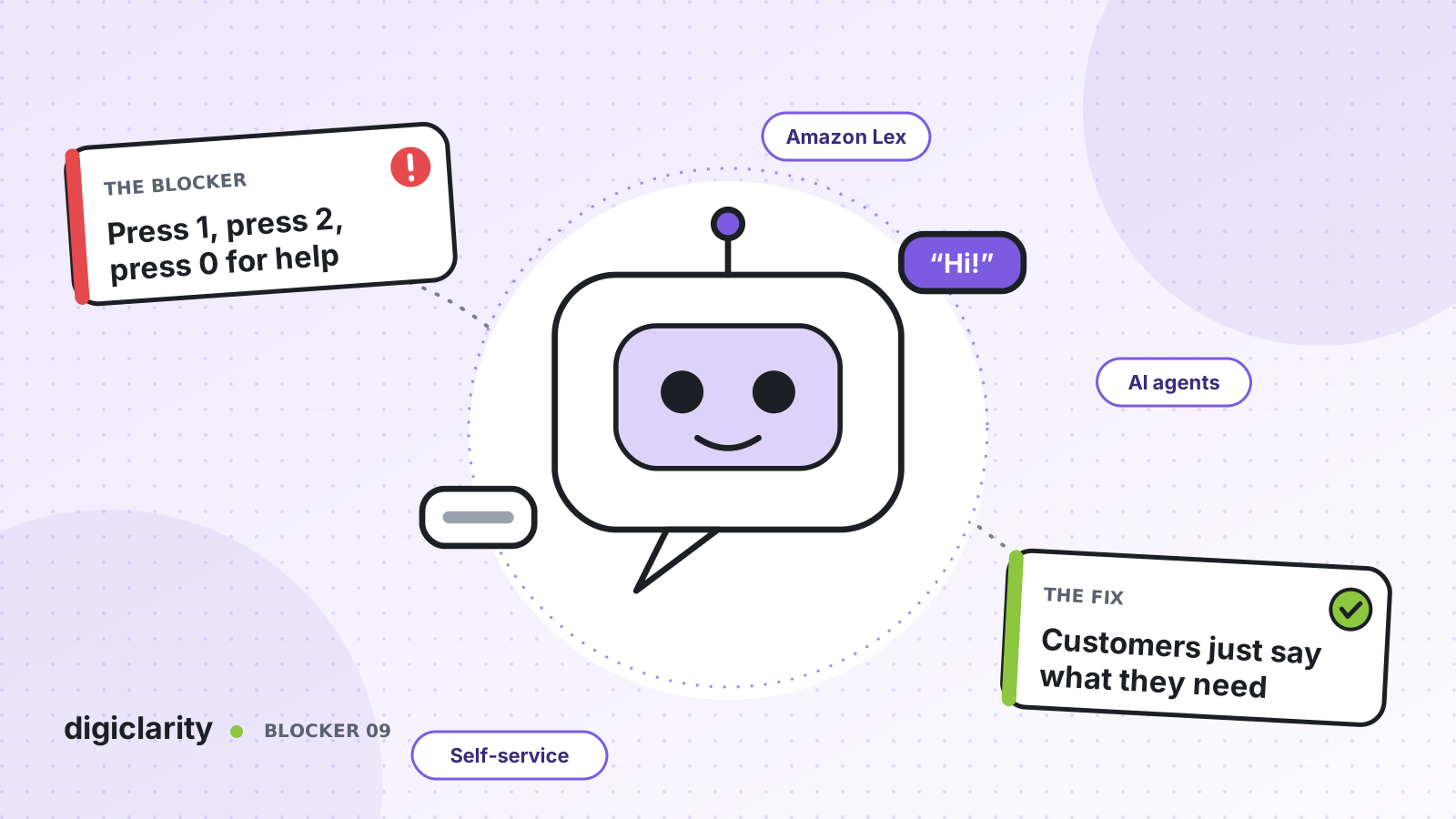
The blocker
“For billing, press 1. For technical support, press 2. For all other questions, press 3.” Five options later, the caller still has not heard the one they need. So they guess, or they press zero again and again until a person answers.
The result is a contact center that pays for an IVR and still sends almost every call to an agent. Worse, many of those calls arrive in the wrong queue, get transferred, and start again. The menu was meant to save time. It ends up costing it.
Why it happens
- The menu reflects the org chart, not the customer. Options are named after departments, so callers have to guess which team owns their problem.
- Menus only grow. Every new product or policy adds an option or a sub-menu. Nobody removes the old ones.
- The IVR only routes. It sorts callers into queues but cannot check an order, move a booking or reset an account, so there is little reason to stay in it.
- Nobody measures where callers drop out. Without data on which prompt makes people press zero, the menu never improves.
How Amazon Connect solves it
Amazon Connect lets you replace the tree of options with a conversation. You can start small, with one open question at the top of the flow, and add more self-service over time.
1. Ask an open question with an Amazon Lex bot
You add an Amazon Lex bot to a flow and call it from the Get customer input block. Instead of reading a list, the flow asks what the caller needs. The bot matches their words to an intent, such as “check my balance” or “speak to an agent”, and collects the details it needs in slots.
Callers do not lose the keypad. AWS documents that Amazon Lex bots in a flow can also capture digits, so a customer can choose to type an account number instead of saying it out loud. AWS also notes that customers can interrupt prompts by speaking, which makes the call feel more natural. The flow then branches on the intent that Amazon Lex returns.
Amazon Lex V1 reached end of support on September 15, 2025. Build new bots on Amazon Lex V2.
2. Let an AI agent finish the task, not just route it
Intents work well for requests you can list in advance. For everything else, Amazon Connect offers AI agent self-service. AWS recommends the agentic approach for new builds.
With agentic self-service, an orchestrator AI agent reasons across several steps and calls MCP tools to act in your systems, such as looking up order status or updating a record. AWS gives the example of a hotel guest: the AI agent greets them by name, asks clarifying questions, finds the booking and changes it, all in one conversation.
The AI agent sits behind the same Get customer input block. When it is done, it uses a Complete or Escalate tool to hand control back to the flow, and a Check contact attributes block decides what happens next. AI agents use the same security profile framework as human agents, so you control exactly which tools each one can use.
3. Keep a clear path to a person
A good conversational IVR never traps a caller. Build a “speak to an agent” intent into every Amazon Lex bot, and give your AI agent clear escalation rules. AWS shows how to replace the default Escalate tool with one that captures the customer’s intent and a short summary, so the agent who answers does not have to ask the same questions again.
4. Measure and improve the conversation
Amazon Connect shows how the bot performs. The bot analytics page reports metrics such as utterance recognition rate and conversation performance for bots called from flows. Automated interaction logs put the flow path, keypad selections and the full bot transcript on each contact’s details page.
You can also evaluate self-service interactions against your own criteria, for example whether the AI agent kept failing to understand the customer before a transfer. AWS notes this is only available as part of Amazon Connect with unlimited AI.
What good looks like
Callers say what they need in a sentence. Simple requests, such as a balance, a status check or a booking change, are finished without an agent. The rest reach the right queue the first time, with the reason for the call already captured. Every week, the team reviews the bot analytics and the transcripts where callers gave up, and fixes the top issue.
Where to start
- Pull a month of contact data and list the top ten reasons customers call.
- Pick the two or three that are simple and high volume, and build Amazon Lex intents for them, with a “speak to an agent” intent from day one.
- Replace the first menu level with one open question in the Get customer input block, and keep keypad input as a fallback.
- Turn on bot analytics and automated interaction logs, review them weekly, and only then add an AI agent for the open-ended requests.









