

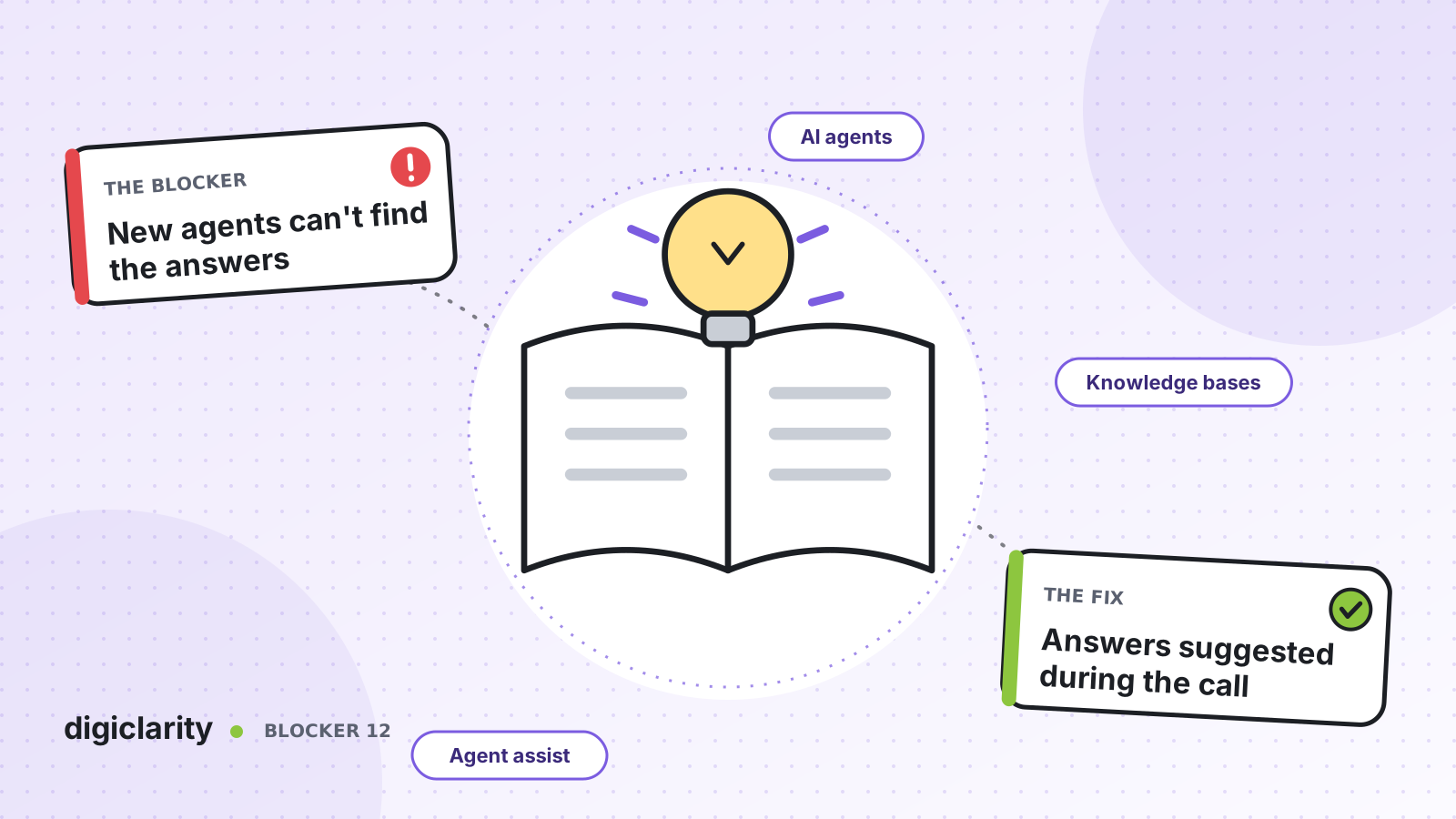
The blocker
A new agent finishes two or three weeks of classroom training and takes their first live call. The customer asks about a refund on a partly used booking. The agent knows the policy exists, but not where. They put the customer on hold, search the intranet, open a PDF, message a team lead and wait.
Multiply that by every unusual question in their first months. Handle times are long, transfers are high, and team leads spend their day answering the same questions. Some new hires leave before they ever feel confident, and the cycle starts again.
Why it happens
- Knowledge is scattered. Policies live in a document store, procedures in a wiki, product details in the CRM, and the latest changes in an email from last Tuesday.
- Search needs the right words. A new agent does not know what the article is called, so they cannot find it.
- Training front-loads everything. Agents are taught hundreds of scenarios before they meet one real customer, and forget most of them.
- Experienced agents are the real knowledge base. New hires learn by asking the person next to them, which does not scale and does not work remotely.
How Amazon Connect solves it
Amazon Connect AI agents support human agents during calls, chats, tasks and emails. They detect what the customer needs, then give the agent a generated answer with links to the articles it came from, right in the Amazon Connect agent workspace. AWS states that agent assist can be used in compliance with GDPR and is HIPAA eligible. Eligibility does not make your setup compliant on its own: under the AWS shared responsibility model, how you configure and use it is up to you.
1. Connect the knowledge you already have
You start by setting up AI agents: create a domain, then add a knowledge base. Prebuilt connectors bring in content from Amazon S3 and from common document stores and CRMs, a web crawler can index your own web pages, and for some integrations you set a sync frequency. Supported files include HTML, DOCX, PDF and text, up to 1 MB each.
You do not need to rewrite everything first. But clean up what you load. If two articles disagree, the AI agent can only be as right as the content it is given.
If your content is spread over several knowledge bases, an orchestration AI agent can use several Retrieve tools, one per knowledge base, and pick the right one for each question. Content segmentation narrows a search to specific content within a single knowledge base.
2. Bring answers into the conversation
In the flow, a Connect assistant block links the AI agent domain to the contact. For calls, AWS requires conversational analytics in real-time mode, so the AI agent can follow what is said.
During the contact, the agent sees real-time recommendations. The AI agent proactively suggests the customer’s intent as a clickable item. When the agent chooses it, the AI agent generates a solution from the knowledge base, with citations and related articles. The agent can also type their own question in plain language. Nobody has to guess the title of the right article.
3. Turn answers into actions with step-by-step guides
Knowing the policy is half the job. The other half is doing it right. Step-by-step guides walk agents through workflows such as a claim submission or a travel rebooking, screen by screen.
You can integrate guides with agent assist. Tag a guide so the AI agent can find it, or associate it with a knowledge article. When the AI agent recommends that content, it also offers the guide. A new agent gets both the answer and the steps to complete it.
4. Support every team in its own language
You can set the locale on an AI agent so it answers, and recommends guides, in the language your agents work in. That matters for teams split across countries.
5. Measure what helps
The AI Agent performance dashboard has an agent assistance summary, knowledge base usage and invocation success rates. Use it to find the questions where the AI agent struggles, then fix the content behind them.
What good looks like
A new agent hears a question they have never seen, and the answer is already on screen with a link to the source. Holds to search for information become rare. Team leads spend less time answering the same questions and more time coaching. Classroom training gets shorter, because agents learn the rest on real contacts with support beside them.
Where to start
- Ask team leads for the 20 questions new hires ask them most, and check that each has one clear, current article.
- Create the AI agent domain and connect the knowledge source that holds those articles.
- Turn on agent assist for one queue with a new-hire cohort, with real-time analytics in the flow.
- Review the dashboard and agent feedback every week, fix the content gaps, and then add step-by-step guides for the most common procedures.









