

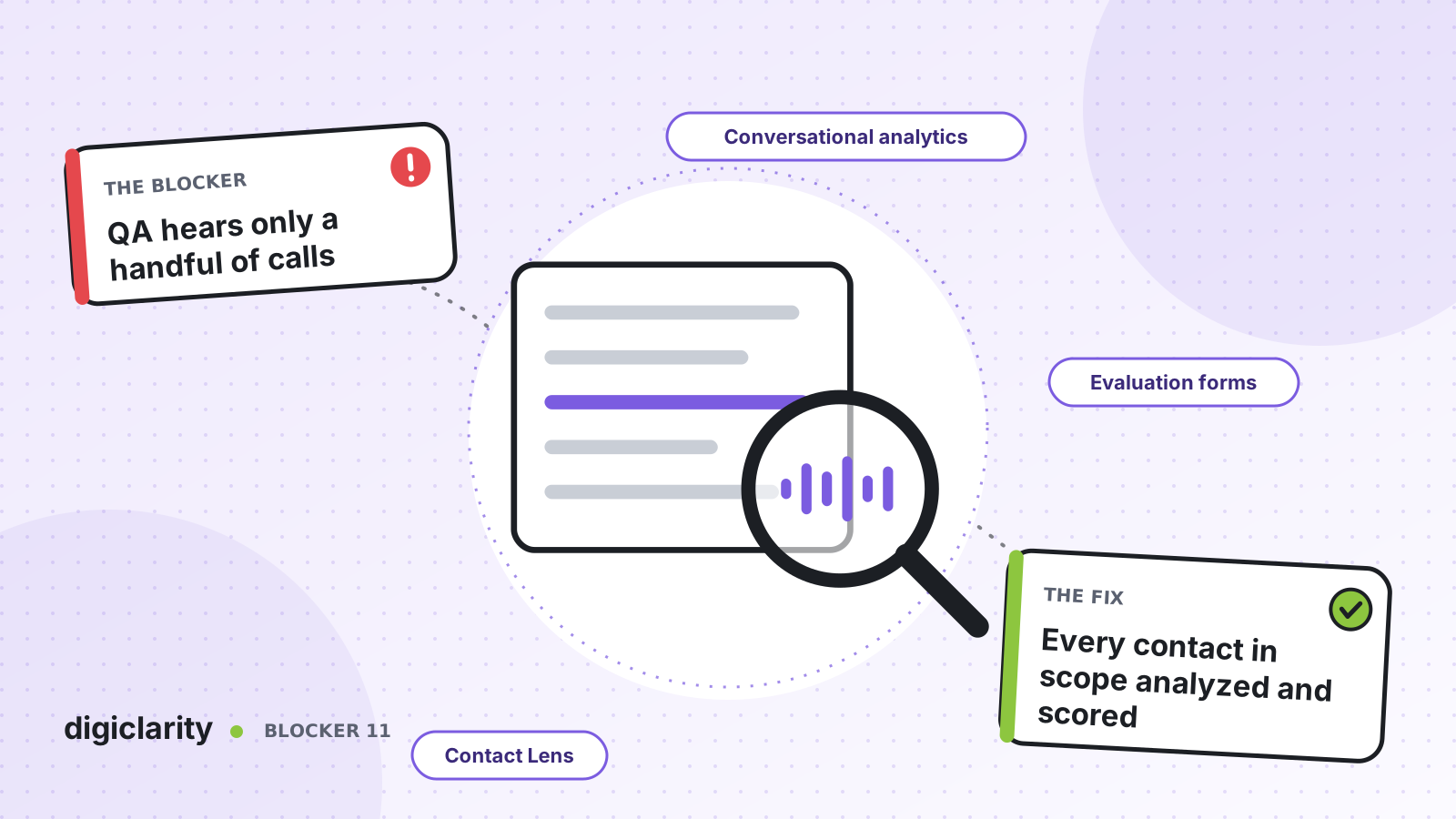
The blocker
The QA team has a target: a few calls per agent per month. They pick some recordings, listen to each from start to finish, fill in a spreadsheet and send feedback weeks later. In a busy contact center that adds up to a small fraction of all contacts.
Everything else goes unseen. A compliance statement that is skipped on one call in ten, a policy that agents explain wrongly, a new product that confuses customers: none of it shows up until a complaint or an audit finds it. Agents also feel the sample is unfair. One bad call can define their month.
Why it happens
- Listening takes as long as the call. A reviewer can only cover so many minutes in a day, so coverage stays low however hard they work.
- Samples are not random. Reviewers pick calls that are easy to find or long enough to be interesting, and that biases the results.
- Scoring is inconsistent. Two reviewers read the same question differently, and nobody calibrates.
- Feedback is late. By the time the score reaches the agent, they do not remember the call.
- Self-service is not reviewed at all. Conversations handled by bots and AI agents rarely get a QA form, even though they are a growing share of contacts.
How Amazon Connect solves it
Amazon Connect conversational analytics (Contact Lens) brings analytics and quality management into the same place as your contacts. Together they move QA from sampling to coverage.
1. Analyze every conversation
With conversational analytics turned on in your flows, Amazon Connect transcribes and analyzes calls, chats and emails, including conversations with bots. It scores sentiment and detects issues. You can then categorize contacts automatically, either with exact words and phrases (for example, a required disclosure) or with natural-language criteria such as “the customer wanted to change their subscription plan.”
That alone tells you where to look. You no longer search for the calls that matter. They are labeled for you.
2. Build an evaluation form that can answer itself
Performance evaluations let you define your own criteria and review each contact alongside its recording, transcript, summary and analytics in one view. AWS notes that evaluations can assess both human agents and automated interactions handled by bots or AI agents. When you create an evaluation form, you can configure automation on each question, so answers are filled from conversational analytics insights and metrics.
For questions that need judgment, such as “did the agent resolve the customer’s issue?”, you can use generative AI. The AI reads the question and your instructions to evaluators, analyzes the transcript, and returns an answer with a justification and references to specific points in the conversation. AWS describes this as automating evaluations of up to 100% of customer interactions.
3. Trigger evaluations with rules
You can create a rule that submits an automated evaluation when post-call or post-chat analysis is ready. Conditions such as agent hierarchy, queue and interaction duration decide which contacts get which form, and you can exclude very short contacts that ended early.
You choose how much to automate. Evaluators can receive AI answers and review them before submitting, or forms can be filled and submitted automatically.
4. Keep people in the loop
AWS is direct about this: AI-generated evaluations are not 100% accurate. It recommends reviewing a sample before acting on the results, letting evaluators override AI answers, and keeping a manual process to catch drift. AWS also notes that transcription accuracy limits evaluation accuracy, for example on calls with more than one language or several people speaking at once.
So keep a human sample, and make it fair. Random sampling selects a set number of contacts per agent from a time window, creates draft evaluations in bulk, and records that each contact was randomly selected.
5. Turn scores into coaching
The Agent performance evaluations dashboard shows scores by form, section and question, across agents and over time, next to metrics such as average handle time. Supervisors drill down to the individual contact and coach on what actually happened.
What good looks like
Every contact in scope gets an evaluation. Reviewers stop listening to random calls end to end and spend their time checking AI answers, calibrating questions and coaching. Compliance gaps show up in days, not at audit time. Agents trust their scores more, because they are based on all of their work, not two calls.
Where to start
- Take your current QA form and mark each question as “can be detected from the transcript” or “needs a person.”
- Turn on conversational analytics for one queue, and build the form with automation on the questions that can be detected.
- Use the Ask AI option on generative AI questions for a few weeks, and compare its answers with your reviewers’.
- Once they agree, add a rule to submit evaluations automatically, and keep a random sample for human review every month.









