

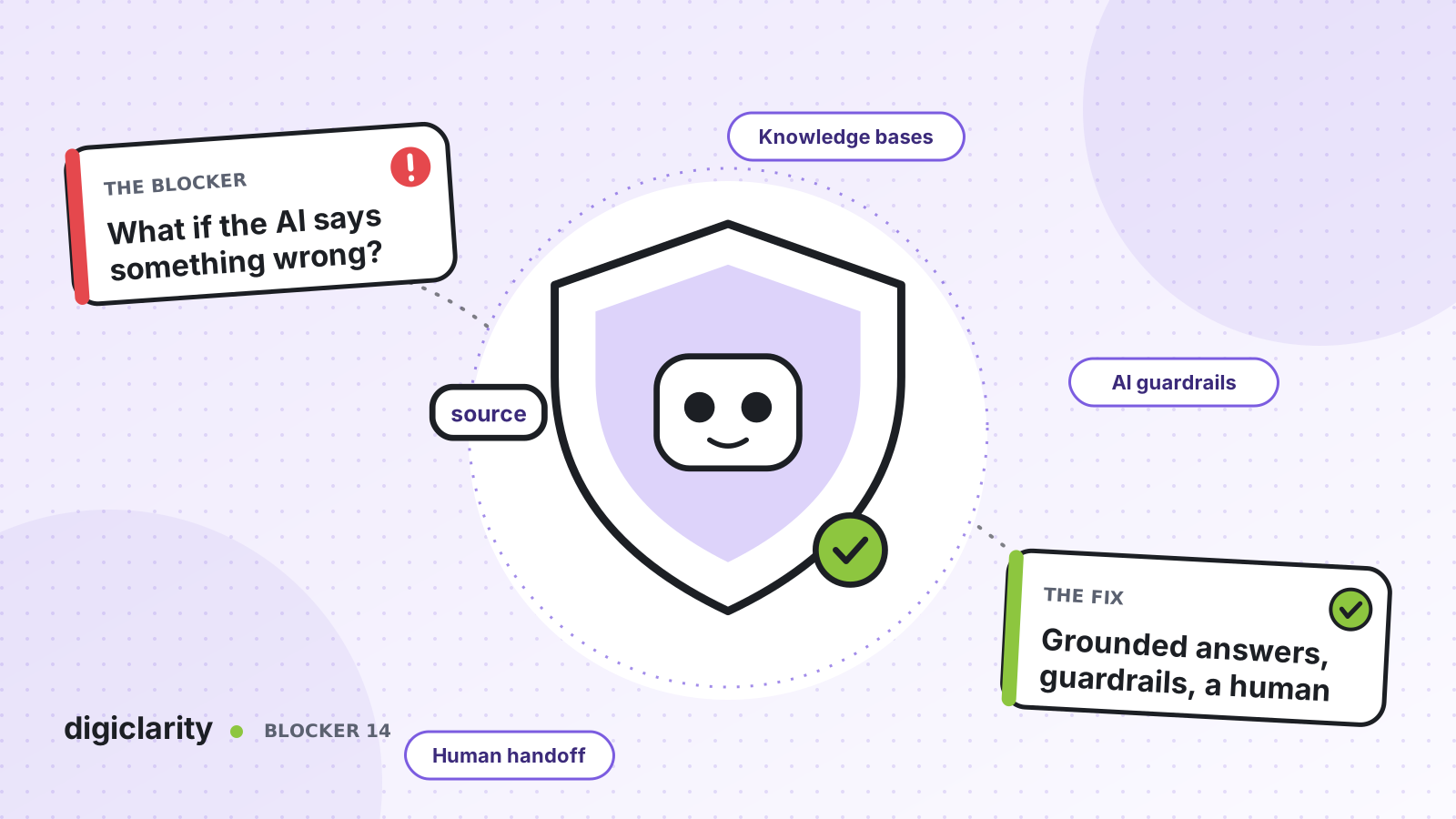
The blocker
The business case for AI self-service is easy to write. Getting it approved is harder. Legal asks what happens if the AI promises a refund the policy does not allow. Compliance asks about personal data. The brand team asks what it will say about a competitor. Nobody can answer with confidence, so the project stays a pilot.
These are fair questions. A large language model will produce a fluent answer whether or not it has the facts. In a contact center, a wrong answer is not a typo. It is a commitment made in your name.
Why it happens
- The model answers from general knowledge. Without your content, it fills gaps with something that sounds plausible.
- Nobody defined what is out of scope. The AI agent was told what to do, but not what it must never do.
- It can act without limits. An AI agent with broad access to back-end systems can take actions nobody intended.
- There is no way out. When the AI cannot help, the customer is stuck in a loop instead of reaching a person.
- Nobody can see what happened. Without a record of each step, a bad answer cannot be explained or fixed.
How Amazon Connect solves it
No single setting removes the risk. Amazon Connect gives you several controls that work together. AWS notes that AI agents are built on Amazon Bedrock and include automated abuse detection.
1. Ground answers in your approved content
Give the AI agent a knowledge base and make it the source of truth. With orchestrator AI agents, you configure Retrieve tools, each querying one knowledge base. Content segmentation narrows a search to specific content, so a billing question does not pull from an internal-only article. You can also add citation data to the AI agent trace, so you can see which content an answer came from.
AWS also advises putting fixed domain policies that matter in every conversation directly in the prompt, rather than retrieving them each time, so they do not drop out of the model’s context in long conversations.
2. Put guardrails on input and output
AI guardrails use Amazon Bedrock guardrails, created and edited in the Amazon Connect admin website. Policies include:
- Content filters for hate, insults, sexual content, violence, misconduct and prompt attacks.
- Denied topics, up to 30, which the guardrail helps block in customer questions and model responses.
- Word filters for exact words and phrases, such as offensive terms or competitor names.
- Sensitive information filters that help block or mask PII, plus your own regular expressions.
- Blocked messaging, the message the customer sees instead.
A few details matter. First, orchestration AI agents do not support contextual grounding policies, so for agentic self-service, grounding relies on your Retrieve tools and prompt, not on that guardrail check. Second, guardrails only work in the languages Amazon Bedrock guardrails support, and AWS warns that streaming responses with guardrails add some latency. You can also create up to three custom guardrails. Test your configuration before go-live.
3. Limit what the AI agent can do
In agentic self-service, AI agents use the same security profile framework as human agents. The security profile controls which tools the AI agent can call. Give it only the actions it needs for the requests you have approved.
4. Define the boundaries and the way out
AWS’s prompt engineering best practices recommend a structured prompt with a Restrictions section (never, always, out of scope) and an Escalation boundaries section with triggers for human handoff. Pair that with an Escalate tool. AWS shows a custom version that records the reason, the customer’s intent, their sentiment and a summary, so the person who picks up does not start from zero.
5. Watch every conversation
AI agent traces show flow, bot and AI agent steps alongside the self-service transcript on the contact details page. The AI Agent performance dashboard tracks invocations, latency, success rates, tool use and knowledge base usage. For deeper debugging, you can send AI agent logs to Amazon CloudWatch.
Finally, evaluate self-service interactions against your own criteria, filled manually or automatically, to find patterns such as repeated misunderstanding before a transfer.
What good looks like
The AI agent answers from content your team approved, refuses denied topics politely, masks personal data, and never takes an action it was not given. When it reaches a boundary, the customer is handed to a person, and that person has the summary. Every week, someone reviews traces and evaluations, fixes the content or the prompt, and the AI gets better in a way you can show to compliance.
Where to start
- Write down, with legal and compliance, what the AI agent may answer, what it must never say, and when it must hand over.
- Build the knowledge base from approved content only, and put the fixed policies in the prompt.
- Create a guardrail with denied topics, word filters and sensitive information filters, and test it with hostile and off-topic questions.
- Launch on one low-risk use case with traces and the dashboard switched on, and review real conversations every week.









