

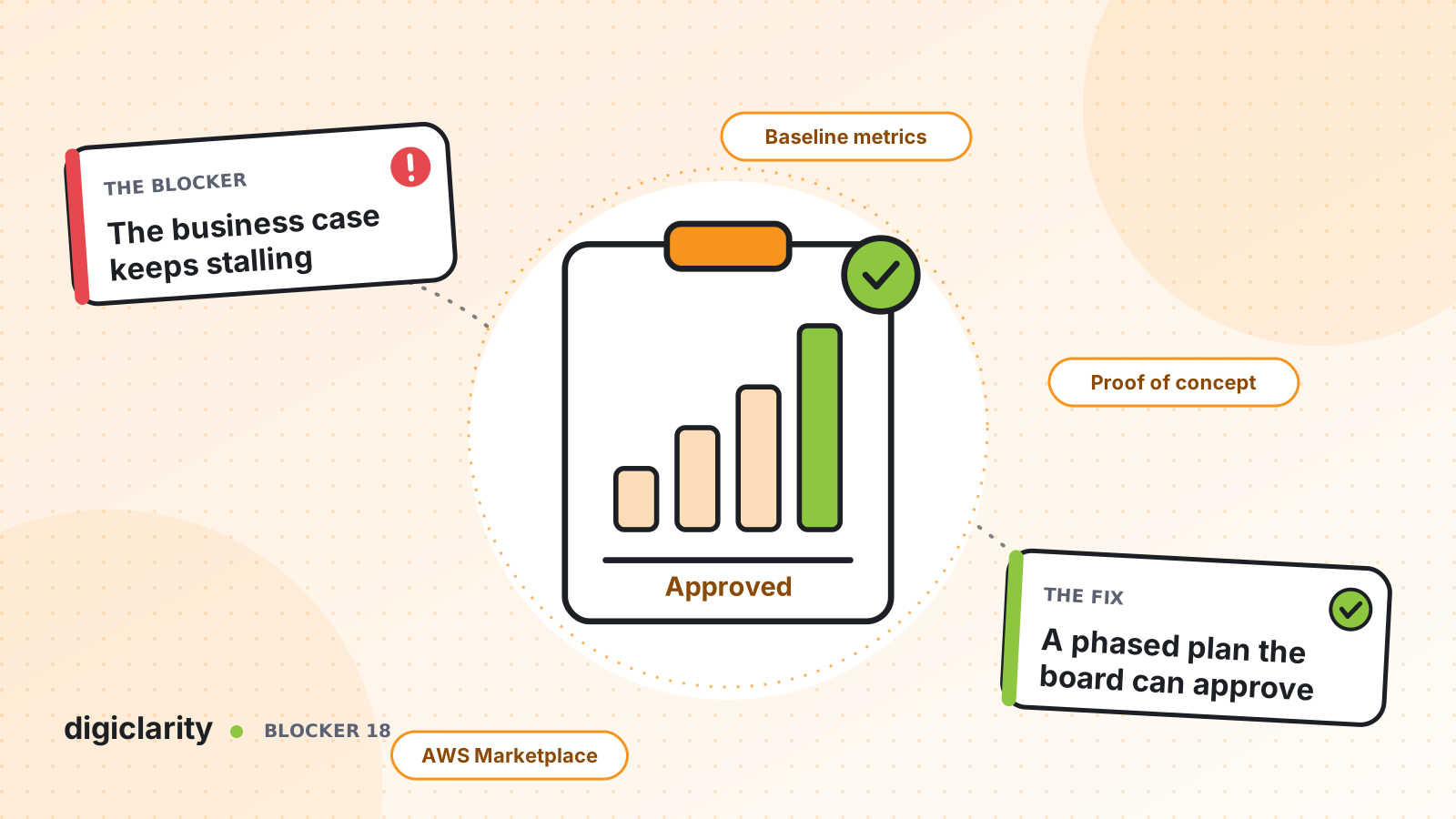
The blocker
The CX team has seen what Amazon Connect can do. Operations wants out of the legacy platform before the next renewal. Then the business case goes to finance and comes back with questions nobody can answer: what will it really cost, what will we save, what happens if it goes wrong, and why now?
So the project waits another budget cycle. The old contract renews, often for several more years, and the window closes.
The problem is rarely the platform. It is a business case built on vendor averages, one large all-or-nothing number, and no proof that the new system works for your customers.
Why it happens
- No baseline. Nobody has pulled the true current cost and performance, so savings are estimates of estimates.
- One big bang. The proposal moves every line of business at once, which makes the risk and the budget look large.
- No evidence. Approvers are asked to trust slides, not results from their own calls.
- Procurement friction. A new vendor means security reviews, contract paper and a new supplier record, which adds months.
How Amazon Connect solves it
A strong business case has four parts: your own baseline, a phased plan, a proof of concept and a simple way to buy. Amazon Connect and AWS support each one.
1. Build the baseline from real numbers
Start with what you run today. Pull twelve months of contact volume by channel, average handle time, abandonment and service level, and list every cost: licenses, telephony, hardware, add-on tools, support and the renewal dates for each.
Then price the same volume on Amazon Connect. The pricing page describes pay-as-you-go pricing by channel, with no minimums, no long-term contracts and no seat-based licensing. Prices can vary by Region, so use the current page and the AWS Pricing Calculator for your Region rather than a number from a slide. Remember that platform cost is only part of the picture. The case usually rests on agent time saved, fewer transfers and fewer tools to license.
2. Plan in phases, not one big bang
Pick a first wave that is small, measurable and visible: one line of business, one region or a few call types. Each wave has its own cost, success criteria and go/no-go. Approvers can sign off on the first step without signing off on everything.
Plan the data, too. If you will use Amazon Connect forecasting, AWS documents how to import historical data from your previous system, and recommends doing so when you have less than a year of history in Amazon Connect.
3. Prove it with a proof of concept
Amazon Connect lets you create separate instances for development, QA and production. A proof of concept can run in its own instance without touching the live contact center.
Build one to three real call types, have your own agents test them, and measure the results using historical metrics reports and the standard metric definitions. Agree the success criteria before you build. The results then replace assumptions in the business case.
4. Use AWS programs where they apply
The AWS Migration Acceleration Program (MAP) is AWS’s program for cloud migrations. AWS describes it as providing tools, training, expertise from AWS Migration Competency Partners and financial investments, with a three-phase framework: Assess, Mobilize, and Migrate and Modernize. AWS says MAP can help offset initial migration costs, and its Assess phase includes building a realistic TCO model. Eligibility depends on your situation, so ask your AWS account team or partner whether your contact center migration qualifies.
5. Buy through AWS Marketplace
AWS Marketplace is AWS’s catalog for third-party software, data and services, and its charges appear on your AWS bill. It includes professional services, such as implementation work.
AWS documents how buying professional services works: you request an offer, the seller sends a private offer with the agreed price and terms, and you accept it in your AWS account. Payment can be upfront, in installments or by variable payments, depending on the offer. For some procurement teams, buying from AWS, a supplier they already have, can be faster than onboarding a new one.
What good looks like
The business case fits on one page. It shows today’s measured cost and performance, the modeled cost on Amazon Connect, the results from a proof of concept on your own calls, and a first wave with a fixed scope and a go/no-go. It names the AWS programs you have asked about and how you will buy. Finance approves a step, not a leap.
Where to start
- Find the renewal date of your current platform and work back from it.
- Pull twelve months of volume, handle time, abandonment and full cost.
- Choose one to three call types for a proof of concept and agree the success criteria.
- Ask your AWS account team about MAP and other programs that may apply.
- Check with procurement whether buying through AWS Marketplace shortens approval.









