

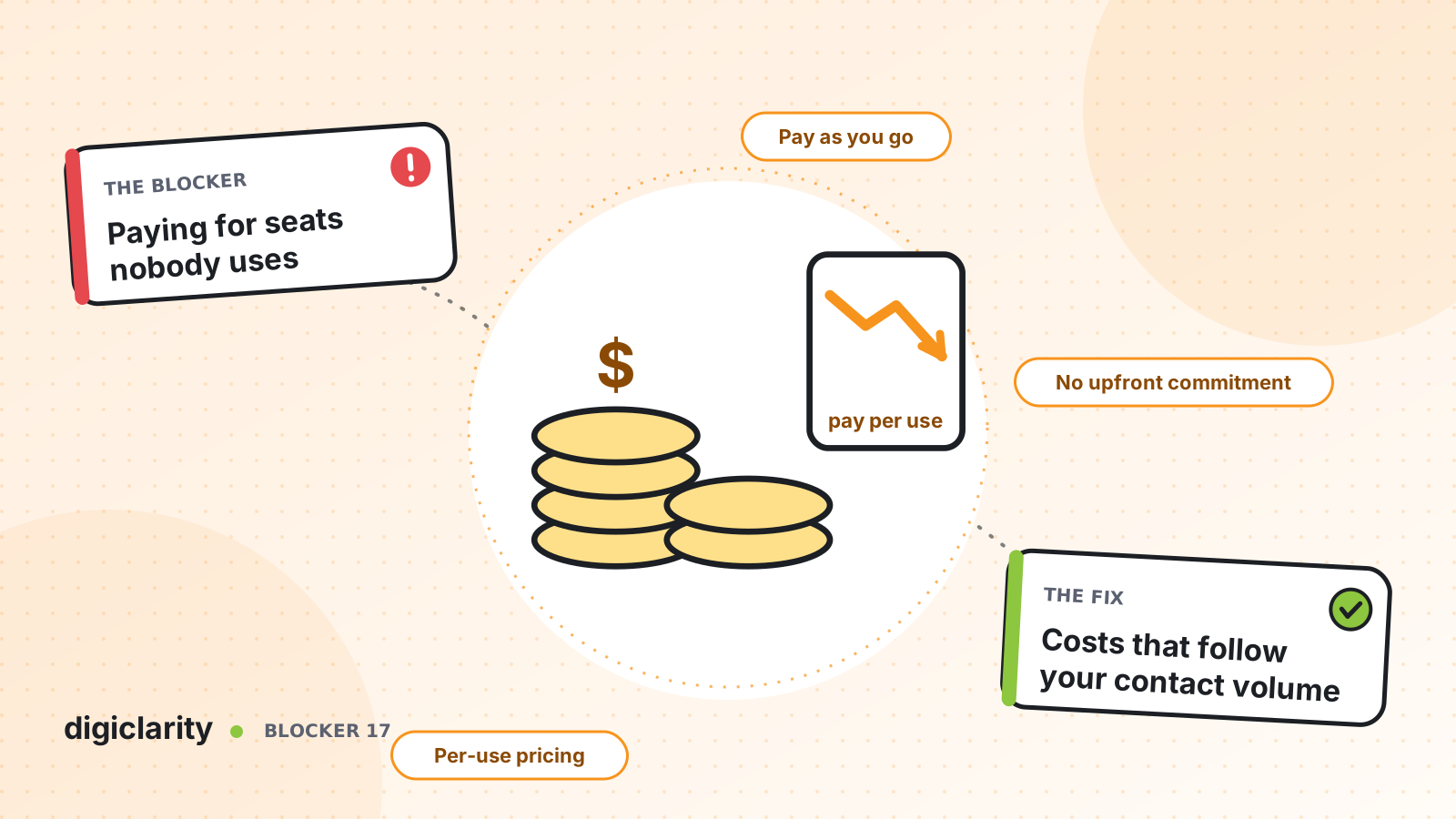
The blocker
The contact center budget is set once a year. It is sized for the busiest week: enough licenses for every agent who might log in during open enrollment, the holiday rush or a product recall. For the other fifty weeks, a share of those seats sit idle and are still paid for.
Around the licenses sit other fixed costs. Telephony trunks, on-premises servers, a separate workforce management tool, a separate recording and quality tool, each on its own contract and renewal date. Adding a channel or a seasonal team means a new order and a new negotiation. Removing them is often not possible until the term ends.
For finance, the result is a cost that does not move when volume moves. For operations, it means every new idea needs a new business case before anyone can try it.
Why it happens
- Costs are bought per seat, not per contact. You pay for the maximum number of agents, whether they are busy or not.
- Capacity is bought in advance. Hardware and trunks are sized for the peak and depreciated over years.
- Each capability is a separate product. Recording, quality, workforce management and analytics often come from different vendors with their own minimums.
- Nobody can see cost by line of business. One invoice covers everything, so it is hard to show which team or program drives spend.
How Amazon Connect solves it
Amazon Connect is priced on usage. The cost follows the contacts you handle, and AWS tools let you split and track it the way your finance team works.
1. Pay per interaction, not per seat
The Amazon Connect pricing page describes the model directly: no minimums, no long-term contracts, no seat-based licensing and zero upfront commitment. You pay by channel. At the time of writing, the page lists voice at $0.038 per minute (standard telephony rates apply on top), chat at $0.010 per message, SMS at $0.014 per message and email at $0.080 per email. AWS notes that pricing can vary by Region, communication type and third-party provider, so check the current page for your Region before you model anything.
The product page FAQ adds that AI capabilities are included in the channel price, with no separate AI license fees. The Connect Customer documentation lists what that covers, including forecasting and agent scheduling, performance evaluations and conversational analytics. AWS also offers Customer Basic, where you add features such as these one by one and pay for each separately, and some newer capabilities are not offered.
2. Lower cost per contact by design
AWS’s guidance on cost optimization for Amazon Connect lists practical levers:
- Region selection. Telephony prices for claimed numbers and inbound minutes can differ by the Region your instance runs in.
- Callbacks. Customers keep their place in the queue and hang up, instead of holding.
- Self-service. Amazon Lex bots can handle tasks such as balance checks or appointment booking without an agent.
- Storage tiers. Recordings live in Amazon S3, so lifecycle rules can move older recordings to lower-cost storage.
The same page is honest about where the money goes. It notes that the largest cost of a contact center often comes from people and real estate, not the platform. That is why the levers that reduce agent time matter most.
3. See cost by department and cost center
By default, Amazon Connect usage is summarized at the AWS account level. With granular billing, you add up to 6 user-defined tags to each contact, such as department, cost center or business unit, using the Contact tags flow block or the TagContact API. Amazon Connect also adds system tags for the instance ID and the phone number used.
Once you activate them as cost allocation tags in the AWS Billing and Cost Management console, you can group usage by those tags and export the detail in Cost and Usage Reports. Finance gets a view of which program drove which cost.
4. Forecast and cap spend
Because cost follows volume, a good volume forecast is a good cost forecast. Amazon Connect forecasting predicts contact volume and handle time from your history. Long-term forecasts look up to 64 weeks ahead. Feed those volumes into the AWS Pricing Calculator to estimate monthly cost, then set AWS Budgets to track actual and forecasted spend and alert you when a threshold is reached.
What good looks like
Finance sees a monthly bill that rises in peak season and falls after it, split by line of business. Operations can add a channel or try an AI feature without a new license order. Budget owners get an alert before spend drifts, not at the end of the quarter. And the conversation shifts from “how many seats do we need” to “what does each contact cost, and how do we lower it”.
Where to start
- List every fixed cost in today’s contact center: licenses, trunks, hardware, add-on tools and their renewal dates.
- Pull twelve months of volume by channel and line of business.
- Model the same volume on the current Amazon Connect pricing page for your Region, including telephony.
- Agree a tagging scheme with finance, such as department and cost center, before the first flow goes live.
- Turn on cost allocation tags and a budget alert on day one, and review them monthly.









