
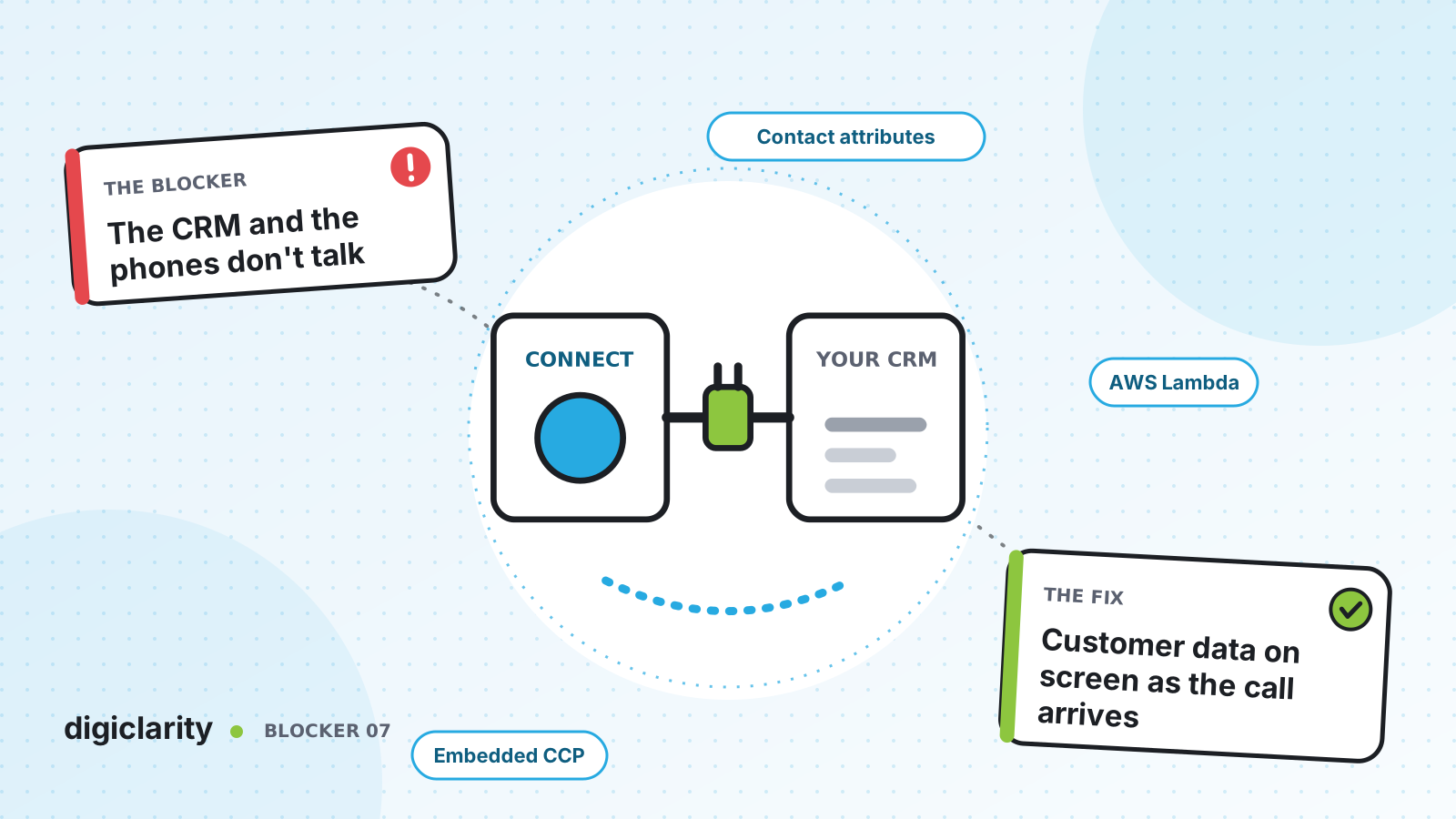
The blocker
A call comes in. The softphone shows a phone number and nothing else. The agent copies it into the CRM search box, picks the right record from three similar ones, and asks the customer to confirm their date of birth. At the end of the call, they type a summary into the CRM by hand, because nothing in the contact center writes to it.
Multiply that by every call, every day. Agents spend real time on copy and paste, records get missed, and the CRM, the system the business relies on for the customer’s story, has gaps exactly where the conversations happened.
Why it happens
- The softphone and the CRM are separate windows. Nothing tells the CRM a call has arrived, or which customer it is.
- The IVR cannot see CRM data. The flow routes everyone the same way, because it does not know who is calling.
- Nothing writes back. Call outcomes, recordings and follow-ups stay in the contact center and never reach the customer record.
- Integration feels like a big project. Teams assume every connection needs months of custom work.
How Amazon Connect solves it
Amazon Connect gives you four documented building blocks. You can use them on their own or together.
1. Put the softphone where agents already work
The Amazon Connect Streams API lets you embed the Contact Control Panel (CCP) into an existing web application, such as your CRM, or handle agent and contact events directly to build your own controls. AWS also documents ready-made CCP integrations for some widely used CRMs.
Once the CCP runs inside the CRM, contact attributes carry what the flow learned to the agent’s screen. With Streams, your code reads them with contact.getAttributes() and can open the matching CRM record when the call arrives.
The other direction works too. If agents work in the Amazon Connect agent workspace, you can add your CRM as a third-party application shown in an iframe, so it sits next to the contact controls.
2. Look up the customer from the flow with Lambda
For any CRM with an API, AWS Lambda is the bridge. You add a Lambda function to your instance and call it from a flow with the AWS Lambda function block. The function can search the CRM by phone number, return the customer’s name, tier and open tickets, and the flow stores them as contact attributes for routing and screen pops.
Two settings matter for the caller’s experience:
- Synchronous calls wait for the result, with a timeout of up to 8 seconds. Use these for quick lookups that the next block depends on.
- Asynchronous calls let the flow move on, with a timeout of up to 60 seconds. You can use a Wait block and load the result later.
Always route the Lambda block’s error branch somewhere sensible. If the CRM is slow or down, the caller should still reach an agent, just without the personal greeting.
The same approach writes back. A Lambda function called from the flow, or your own code in the CRM reacting to Streams contact events, can log the call, its outcome and its contact ID against the customer record.
3. Bring CRM data into Customer Profiles
If you want CRM data in Amazon Connect rather than the softphone in the CRM, use Customer Profiles integrations. Pre-built connectors powered by Amazon AppFlow and Amazon EventBridge bring records from supported applications into the customer profile, next to the contact history. For a system without a connector, you can load the data through Amazon S3 with an object type mapping.
4. Turn CRM events into routed work
Not every CRM update needs a call. With application integrations for tasks, you can create Amazon Connect tasks from events in supported CRMs without code. Tasks gives the example of a rule that creates a task when a new case is created in the CRM. The task is then routed, prioritized and tracked like any other contact. For other systems, the StartTaskContact API does the same from your own code.
What good looks like
When a call arrives, the CRM record is already open and the flow has already routed the caller on their account tier. The agent confirms identity with one question, not three. The call outcome is logged against the record without retyping. New tickets in the CRM turn into tasks that arrive in an agent’s queue. If the CRM has a bad day, calls still flow, just with less context.
Where to start
- Decide where agents will work: the softphone inside your CRM, or your CRM inside the Amazon Connect agent workspace.
- Check whether AWS documents a pre-built integration for your CRM before you build anything custom.
- Add a Lambda lookup by phone number to your main inbound flow, with a short timeout and a safe error branch.
- Add a write-back of call outcomes, then turn your most common CRM follow-up into a task.









