
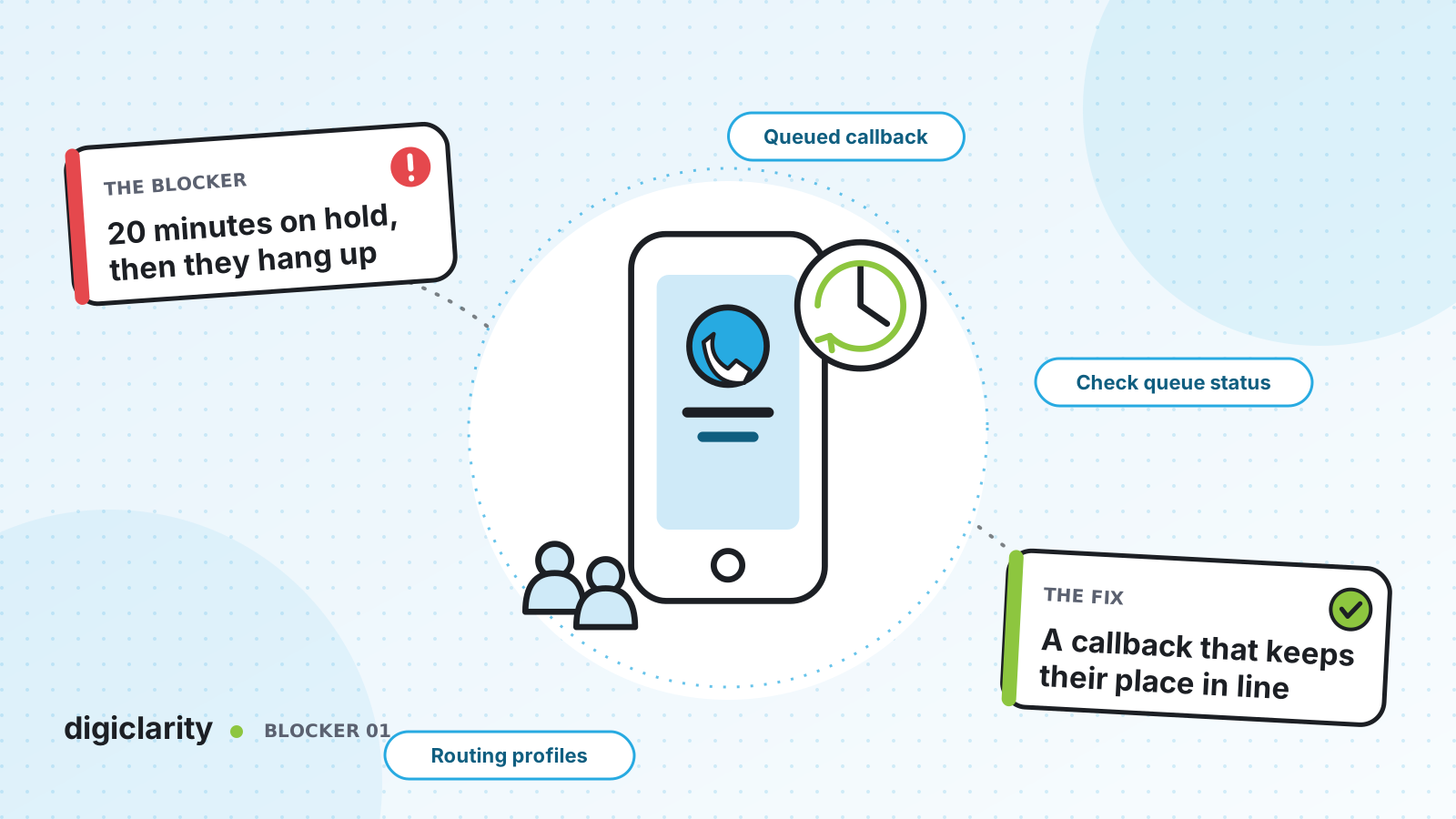
The blocker
It is Monday morning, a storm has cancelled flights, or a billing run has gone out. Calls spike, every agent is busy, and the queue grows. Callers hear the same hold music for ten, fifteen, twenty minutes. Many hang up. Some call back and join the end of the line again, which makes the queue longer for everyone.
Most teams respond by asking for more agents. But in the contact centers we work with, long waits are rarely caused by headcount alone. They come from how calls are routed during a peak: every caller is sent to the same queue, nobody is told how long the wait is, and the only option is to hold.
Why it happens
- One queue for everything. When all calls land in a single queue, a spike in one reason for calling delays every other caller.
- The flow does not look at the queue. Callers are transferred to a queue without checking how long the oldest caller has already been waiting.
- Holding is the only choice. Without a callback, a customer who cannot wait has to hang up and try again later.
- Staffing is planned on averages. Schedules built in spreadsheets miss the hour-by-hour shape of demand.
How Amazon Connect solves it
Amazon Connect gives you the pieces to make routing queue-aware. None of them needs custom code.
1. Check the queue before you send a caller to it
The Check queue status flow block branches on time in queue (how long the oldest contact has waited) or queue capacity (how many contacts are waiting). The Get metrics block retrieves queue metrics so your flow can decide with live numbers. AWS describes this pattern in Set up a flow to manage contacts in a queue.
A simple rule set might be: if the oldest caller has waited less than two minutes, queue normally. If longer, offer a callback. If the queue is at capacity, route to an overflow queue staffed by a second team.
One detail that catches teams out: conditions in Check queue status are evaluated in the order you add them, and the contact follows the first one that matches. Put the narrow conditions first.
2. Offer a queued callback that keeps the caller’s place
With queued callback, the customer hangs up and Amazon Connect calls them back when it is their turn. AWS documents the key behavior: if the callback queue is in the same routing profile at the same priority as the inbound queue, Amazon Connect uses the original call’s start time. A caller who arrived at 10:00 and asked for a callback at 10:05 is ordered by 10:00, not 10:05. If you would rather have agents work callbacks only when live call volume is low, give the callback queue a lower priority instead; callers then trade their place in line for not having to hold.
Optional flows make callbacks smarter:
- A callback creation flow can check contact attributes to spot a duplicate callback, or a customer whose issue was already resolved, before queuing it for an agent.
- An outbound whisper flow plays a message such as “Hello, this is your scheduled callback” before the agent joins.
- A dedicated callback queue shows, in real-time metrics, exactly how many customers are waiting for a call back.
3. Use routing profiles to share the load
Routing profiles decide which queues each agent serves and in what priority and delay. Add the primary queue to a second team’s routing profile at a lower priority and with a delay, and those agents take its calls only when their higher-priority queues are empty and the caller has already waited longer than the delay (priority and delay examples). A customer queue flow, chosen with the Set customer queue flow block, runs while the caller waits and can transfer them to another queue after a set time.
4. Plan for the peak you know is coming
Amazon Connect forecasting uses your historical contact data to predict volume and handle time, so schedules follow the real shape of demand. Track the result with the metric definitions for abandoned contacts and service level.
What good looks like
After a change like this, callers are told their options early, the ones who cannot wait get a call back without losing their place, and supervisors can see the callback backlog in real time. Abandonment drops because fewer people are forced to choose between holding and hanging up.
Where to start
- Pull a month of queue data and find the hours where abandonment spikes.
- Add a Check queue status branch and a callback option to the inbound flow for those queues.
- Create a dedicated callback queue at the same priority in the routing profile.
- Watch the callback queue in real-time metrics for two weeks, then tune the thresholds.









