
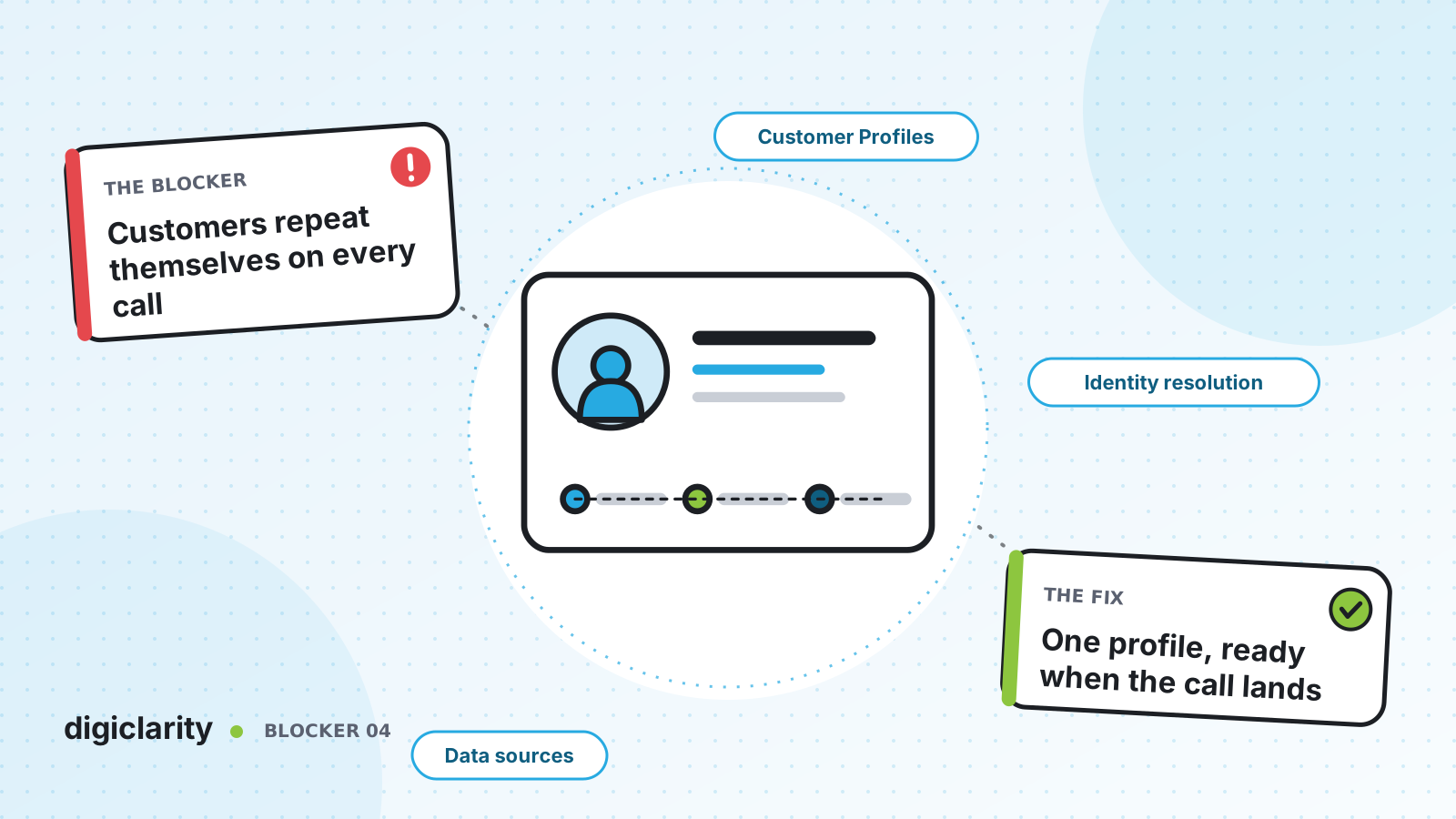
The blocker
A customer calls about a delivery. They type their account number into the IVR. The agent asks for it again. They explain the problem. The agent transfers them, and the next agent asks for the account number a third time. The customer chatted about the same order yesterday, but nobody on the call can see that.
Customers do not think in systems. They think they have already told you. Every repeat question feels like you were not listening, and it adds time to every contact.
Why it happens
- Customer data is spread across systems. The CRM has the account, the order system has purchases, the ticketing tool has past issues, and the contact center has none of it.
- The IVR does not pass what it learned. Details collected in self-service never reach the agent’s screen.
- Each channel creates its own record. A caller, a chat user and an email sender can be three different “customers” for the same person.
- No shared identifier. Without a common key, nobody can join the records together.
How Amazon Connect solves it
Amazon Connect Customer Profiles combines information from external applications, such as your CRM, with contact history from Amazon Connect. Agents see product, case and contact history in one place, so they can confirm identity and understand the reason for the contact quickly.
1. Turn on profiles for every contact
AWS explains what a customer profile is: a record that combines contact history with details such as account number, name, email and addresses. Once Customer Profiles is enabled, Amazon Connect creates a unique profile for every contact, and the basic profile with contact history comes at no charge. Paid features let you enrich profiles with data from external applications, and the Customer Profiles APIs let you add custom fields and objects.
Amazon Connect does not replace or update the data in your source systems. The profile is a view built from them.
2. Bring in the data agents actually need
There are two main ways to fill the profile:
- Pre-built connectors. Customer Profiles offers integrations powered by Amazon AppFlow and Amazon EventBridge. For supported CRMs and ticketing systems, you set up the connection and define how the source data maps to the customer profile.
- Your own data through Amazon S3. For systems without a connector, you can define data from any source using Amazon S3. For example, purchase transactions from an internal application. An object type mapping describes how the fields populate the profile and link to the right customer.
3. Merge duplicates with Identity Resolution
When the same person appears in several systems or channels without a shared ID, you get several profiles. Identity Resolution finds similar profiles and consolidates them. It runs a job every week that matches profiles and merges them based on your consolidation criteria, and it reports how many profiles it reviewed, matched and merged. You can use machine learning matching or rule-based matching with your own rules. Additional charges might apply.
4. Use the profile before the agent says hello
The Customer profiles flow block retrieves, creates and updates profiles inside a flow. It can search with up to five identifiers of your choice, retrieve objects and calculated attributes, and associate the voice, chat, task or email contact with the profile. The response fields are stored as contact attributes, so you can:
- Play a personal greeting with a Play prompt block.
- Route on a value, such as account tier, with a Check contact attributes block.
- Skip questions the customer has already answered.
Plan for the block’s Error branch. AWS lists the cases, such as Customer Profiles not being enabled or the API request being throttled. The call should still reach an agent if the lookup fails.
5. Show the whole picture to the agent
In the agent workspace, the profile shows cases from Amazon Connect Cases and your connected ticketing system, contact history with date, channel and duration, product purchases, and custom attributes. For teams that need more, Profile Explorer offers a configurable dashboard that searches by several identifiers at once and can be shown in the agent workspace.
What good looks like
The IVR recognizes the caller and greets them by name. The agent’s screen already shows the open order and yesterday’s chat. A transfer keeps the same profile, so the next agent sees the same thing. As AWS puts it when describing omnichannel on Amazon Connect, the interaction history is preserved across agents and channels so customers do not have to repeat themselves.
Where to start
- List the five questions agents ask most often at the start of a contact, and find which system holds each answer.
- Enable Customer Profiles and connect the system that answers most of them.
- Add a Customer profiles block to your main inbound flow, searching by phone number.
- Turn on Identity Resolution once a second data source is connected, and review the match results before relying on them.









