
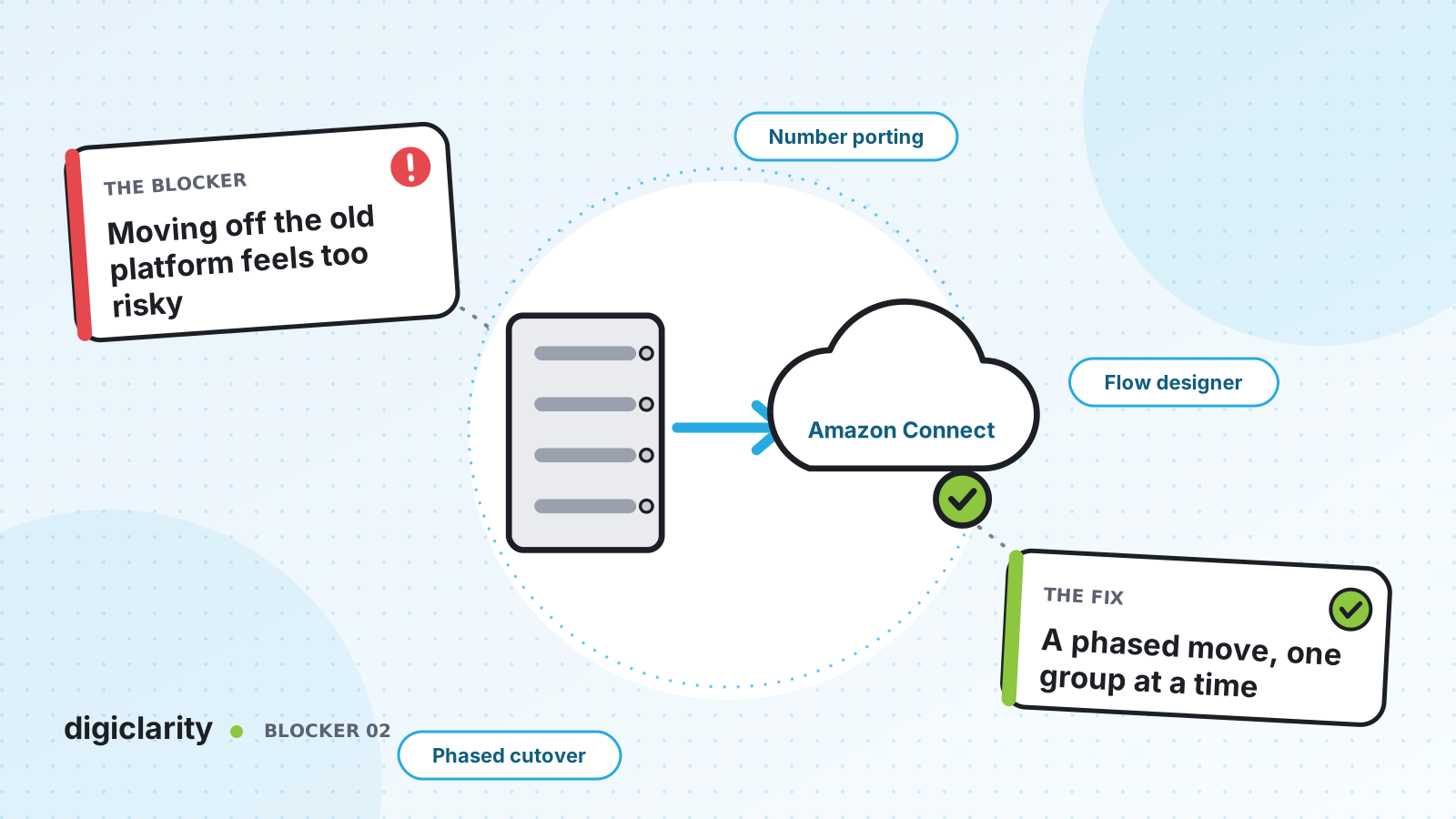
The blocker
The contact center runs on a legacy on-premises system. The hardware is aging, the support contract renewal is coming, and leadership likes the idea of Amazon Connect. But every time the project is discussed, the same fear stops it: what if we switch over and the phones stop working?
That fear is reasonable when the plan is a single weekend cutover. Hundreds of agents, every IVR, every phone number and every integration all change at once. If something breaks, everything breaks. The risk is not in Amazon Connect. It is in moving everything in one step.
Why it happens
- Big-bang plans. All lines of business move on the same night, so there is no small, safe first step to learn from.
- No way to run both platforms. Without a plan for calls that cross platforms, teams assume they cannot run old and new side by side.
- Numbers are treated as an afterthought. Porting has lead times set by carriers and regulators, and it is often left until the last weeks.
- Testing on live traffic. New flows are first exercised by real customers on the day of cutover.
How Amazon Connect solves it
AWS documents several ways to move in phases. The common idea is simple: build and test on Amazon Connect while the old platform keeps serving customers, then move one group at a time.
1. Pick a migration pattern, not a cutover date
In Scenario and deployment approaches, AWS describes the options:
- New workload first. Start with something that is not on the legacy platform today, to build skills and confidence.
- IVR first. Amazon Connect flows handle self-service and routing, and transfer callers to agents still on the legacy platform.
- IVR last. The legacy IVR stays in place and transfers callers to agents already on Amazon Connect.
- Line of business or site. Move one business unit, site or agent group at a time.
Whichever you choose, the legacy platform and Amazon Connect run side by side until the last group has moved. Decide early whether one instance or several fits you. AWS generally recommends a single instance unless there are strong regulatory, data or geographic reasons for more.
2. Run both platforms in parallel
When calls need to move between platforms with their context, AWS calls this a hybrid architecture. You claim as many phone numbers as your expected maximum concurrent contacts, and keep an intermediary database both platforms can read. Before a transfer, the sending platform picks a free number, marks it in use and writes the contact details. On the Amazon Connect side, a Lambda function does this work. The receiving platform looks up the details by that number, routes the call, and frees the number again. AWS notes this is usually an interim step because of the extra cost and complexity, which is exactly how it should be used.
3. Test every flow before a real customer hears it
You can create an Amazon Connect instance and claim a DID or toll-free number for testing. AWS recommends this in Verify flows before porting numbers: test your flows on a claimed number before the porting date, then release it.
Legacy call flows are rebuilt in the Amazon Connect flow designer. Once built, they move between development and production with flow import and export (flows under 200 blocks and 1 MB) or, for hundreds of flows, the APIs described in Migrate flows. That page has one detail worth knowing: you must map every queue, flow and prompt ARN from the source instance to the target, or the update fails.
4. Port numbers by group, on a schedule you planned
Customers keep dialing the numbers they know. Porting moves them from your carrier to Amazon Connect. AWS is clear about the timing:
- US and Canada numbers typically take two to four weeks after portability is verified. Elsewhere, two to six months.
- US DID and toll-free porting requests cannot be submitted more than 30 days before the porting date.
- Requests for more than 10 distinct number ranges or locations are treated as a project that needs coordination with your AWS account team.
- Most porting activity completes in 15 to 30 minutes, with possible call disruption, usually during the losing carrier’s business hours.
The porting process asks for the exact flow each number should map to. About three to four days before the porting date, AWS loads the numbers into your instance, and you attach each number to its flow yourself, so it is ready to take calls when the port completes.
5. Cut over by group
Each group follows the same steps: flows tested, agents trained, numbers ported, then live. AWS gives the example of an internal service desk as the first line of business to move. Once it is stable, the next group goes, and the hybrid layer shrinks until it can be removed.
What good looks like
Each wave is small enough to roll back. The first customers to reach Amazon Connect hear flows that were tested weeks earlier. Calls that cross platforms carry their context, so callers do not repeat themselves. Porting dates are in the plan from day one, not discovered in the last month. When the last group moves, the legacy platform is switched off on a normal working day.
Where to start
- List your lines of business, sites and phone numbers, and note which carrier and country each number sits with.
- Choose a pattern and a low-risk first group.
- Build that group’s flows in Amazon Connect and test them on claimed numbers.
- Open the porting request for the first group’s numbers as soon as the go-live window is known.









