

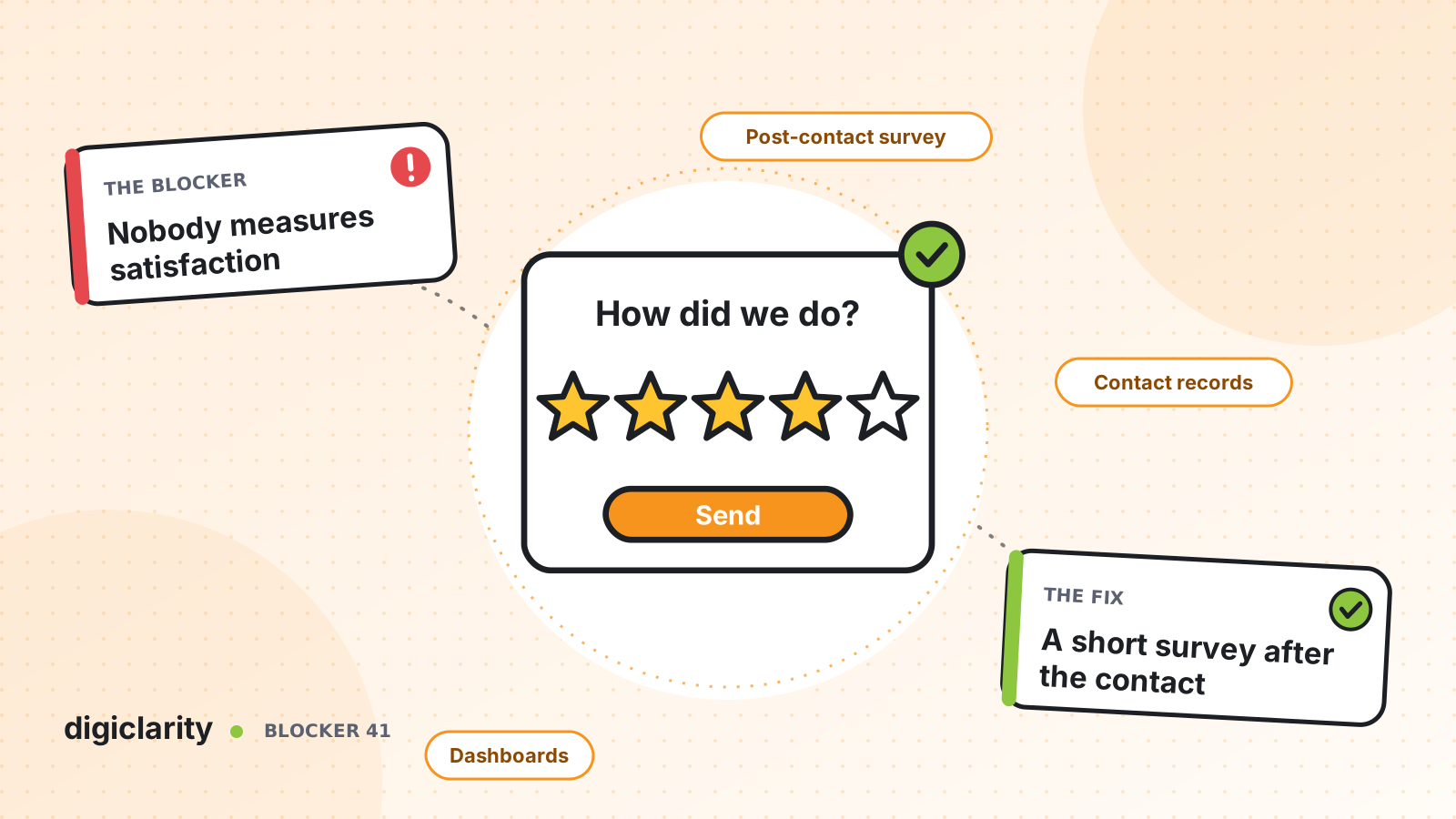
The blocker
Ask a contact center leader how the week went and you will hear about calls handled, average handle time and service level. Ask whether customers were satisfied and the answer is often a guess. Maybe an annual survey goes out by email. Maybe a few complaints reach the executive team. Nobody can say which queues, which reasons for calling or which agents leave customers unhappy.
That gap has a cost. Budget goes to making calls shorter when the real problem is calls that do not solve anything. Good agents go unrecognized. Unhappy customers leave without anyone noticing until renewal time.
Why it happens
- Surveys live outside the contact center. A separate survey tool sends a link days later. Response rates are low and the answers cannot be matched to the call.
- Results are not tied to the contact. Even when customers answer, the score is not stored with the queue, the agent and the reason for calling, so nobody can act on it.
- Nobody owns the follow-up. A low score lands in a report at the end of the month, long after the customer has given up.
- Speed metrics are easier. The platform reports handle time automatically, so that becomes the measure of success.
How Amazon Connect solves it
Amazon Connect can ask the question inside the contact itself, and store the answer on the contact record. The pieces are standard flow blocks.
1. Ask while the contact is still open
The Set disconnect flow block names a flow to run when a contact ends. AWS uses post-contact surveys as its first example: the agent asks the customer to stay on the line, the agent hangs up, and the disconnect flow asks a few questions with the Get customer input block. Customers answer with their keypad or by speaking to an Amazon Lex bot. In chat, the block works only with an Amazon Lex bot.
One detail matters for voice. AWS notes that when the customer hangs up first, the flow ends. A spoken survey only runs when the agent ends the call, so agents need a short, consistent closing line that invites the customer to stay.
2. Reach the customers who leave
Not everyone stays on the line. The Send message block can send survey messages by email or SMS, and AWS recommends a disconnect flow for this use case. AWS also lists post-contact surveys as a reason to start outbound SMS contacts, so customers can answer when it suits them. SMS messaging must be set up first.
3. Keep the score on the contact record
Store each answer with the Set contact attributes block, for example a satisfaction score from 1 to 5 and a “resolved” flag. These are user-defined attributes. They are saved in the Attributes map of the contact record, the same record that holds the queue and details of the agent who handled the contact. The score is linked to the contact and the agent from the start, so there is no matching to do later.
Make the survey attributes searchable, and managers can filter contact search for every low score this week, open the contact, and review the recording or transcript. Contact search goes back up to two years. For trend reporting, the Amazon Connect data lake holds contact records you can query with SQL or use to build custom reports.
4. Act on a bad score the same day
The Create task block works in all flow types. Add a branch in the survey flow: if the score is 1 or 2, create a task for a supervisor queue with a link to the contact. The customer gets a call back the same day instead of a line in a monthly report. This rule is a design you build into your flows, not a built-in survey feature.
5. Fill the gaps with sentiment, and know your options
Surveys only hear from customers who answer. Sentiment scores in conversational analytics cover every analyzed contact. AWS suggests looking at contacts that start positive and end negative to find customers who left unhappy. Compare the two: if survey scores and sentiment disagree for a queue, that is worth a closer look.
If you want a ready-made starting point, AWS publishes Guidance for Contact Surveys. It is sample code you deploy in your own account. It gives managers a web application to define and edit surveys and view results, stores results in Amazon DynamoDB, and uses a flow module and an AWS Lambda function to offer the right survey to the caller.
What good looks like
Every queue has a satisfaction score next to its service level. Leaders can see which reasons for calling leave customers unhappy and which agents consistently resolve issues. Low scores turn into callbacks within hours. Coaching starts from the contacts customers rated poorly, not from a random sample. The business case for any change can be measured by whether customers say it worked.
Where to start
- Pick one high-volume queue and agree on two or three questions, including “Was your issue resolved?”
- Add a Set disconnect flow block before the transfer to queue, and build the survey flow with Get customer input and Set contact attributes.
- Make the survey attributes searchable and give supervisors a saved search for low scores.
- Add an SMS or email survey for chat contacts and for callers who hang up.
- After a month, compare scores by queue and agent with handle time and sentiment, and decide what to change first.









