
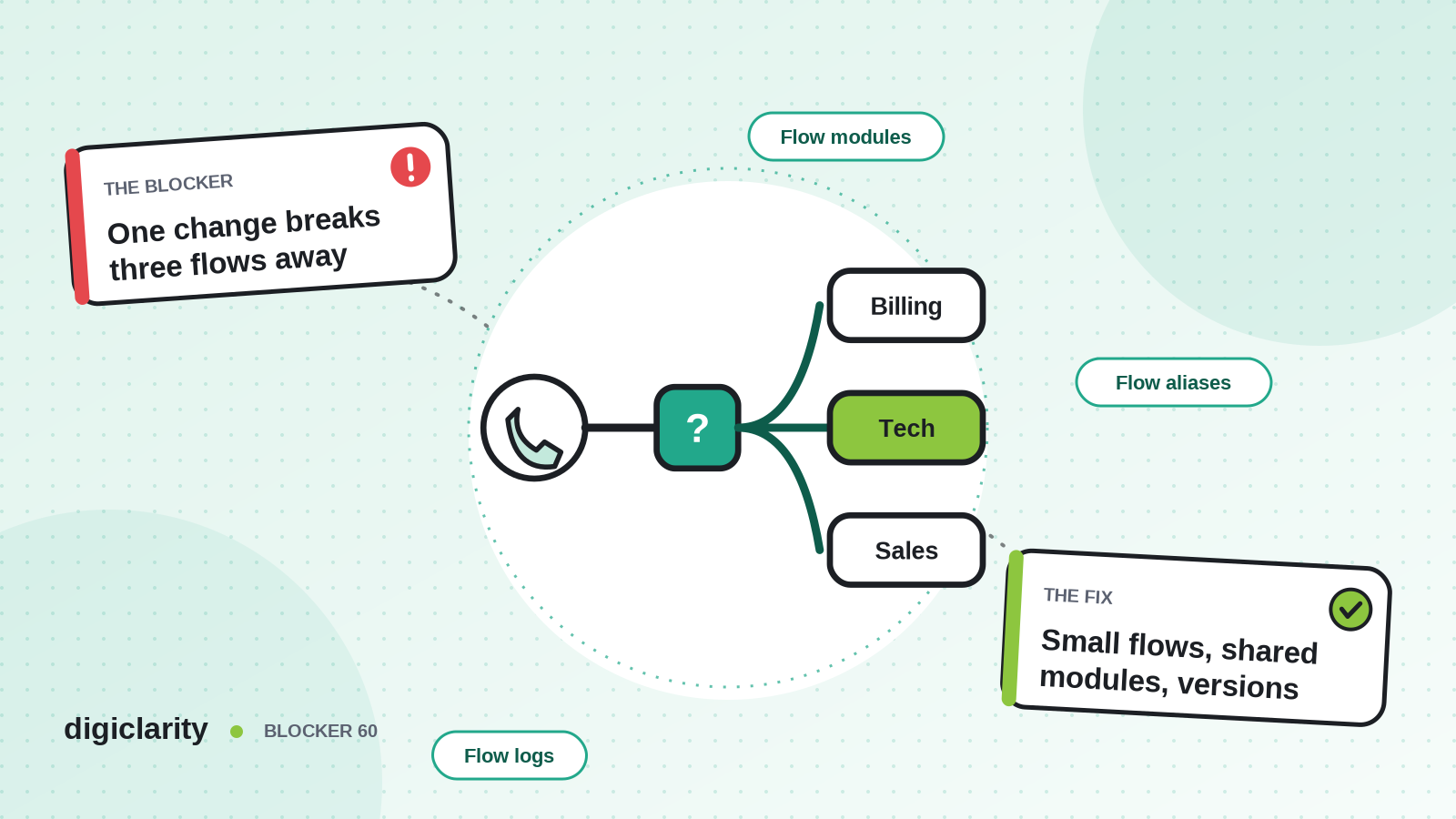
The blocker
The main inbound flow started small. Then came a holiday message, a VIP check, a new product line, a survey and a workaround for an outage two years ago. Each change was urgent and made in place. Now the flow is a canvas you have to zoom out to see, with blocks named “Play prompt” and “Check contact attributes” over and over.
The flow also calls other flows, and they set and read attributes the main flow depends on. Someone renames an attribute in the callback flow. A week later, VIP callers in another flow stop reaching the priority queue. Nobody connects the two events, because nobody can see the whole picture.
Teams in this state stop changing flows unless they must. Every request turns into a long regression test, or a risk nobody wants to own.
Why it happens
- Flows grow by addition. New logic is added to the existing flow, because that is the quickest change.
- Logic is copied, not shared. The same authentication steps live in six flows, each slightly different.
- Attributes are an unwritten contract. Flows pass data through contact attributes, but nobody writes down who sets what and who reads it.
- Names say nothing. Flows called “Main v2 FINAL” and blocks with default names make the canvas hard to read.
- Production is the only copy. Without versions, code or tests, there is no safe way to see what a change will do.
How Amazon Connect solves it
1. Break big flows into small flows and modules
AWS’s best practices for flows say it directly: make flows as small as possible, then combine them into the end-to-end experience. AWS notes this keeps flows manageable and means you won’t need numerous regression testing cycles.
There are two tools for this. The Transfer to flow block ends one flow and hands the contact to another published flow. Flow modules are reusable sections, called with an Invoke module block. Put shared steps such as authentication, callback handling or SMS sending in one module. A fix to the module then reaches every flow that uses it.
Modules can define input and output schemas, with types such as String, Number, Boolean, Object and Array, and up to 8 custom branches. AWS’s own example is an authentication module that takes a phone number and returns a customer ID, name and email, with “authenticated” and “unauthenticated” branches. Modules can call other modules up to five levels deep.
Two limits to plan for. Modules can’t override the invoking flow’s local data, so AWS lists data you can’t use with modules, including external attributes, Amazon Lex attributes and stored customer input. Pass what the module needs through its inputs or contact attributes. And an archived module still runs if an active flow calls it, so remove every reference before you retire one.
2. Point resources at aliases, not at “latest”
With flow versioning and aliasing, each version is an immutable snapshot, numbered from 1. An alias points to one version. Queues, quick connects, phone numbers and other resources can reference an alias. When you publish a new version, you move the alias, and every resource that uses it picks up the change. If you don’t select an alias or version, the latest published content is used.
That gives you a controlled switch and a fast rollback: point the alias back at the previous version. Modules have their own versions and aliases too, so a flow can call a tested module version rather than whatever was edited last.
3. Make the canvas readable
The flow designer guide tells you to develop a naming convention before you start, because you may end up with tens or hundreds of flows. It also strongly recommends against renaming flows once created. Agree a pattern such as channel, line of business and purpose, and use it for flows and modules alike. You can also add resource tags to flows and modules.
Inside a flow, give blocks custom names such as “Play VIP greeting”. Custom block names appear in CloudWatch logs in the Identifier field, which makes logs easier to read. Use annotations to explain why a branch exists. Each note holds up to 1,000 characters, a block can carry 5 notes, a flow can hold 100, and you can search notes across the flow.
4. Treat contact attributes as a contract
Contact attributes carry data between blocks and flows, so they are the interface between parts of your design. AWS recommends consistent camel case names such as yourAttributeNames, with no spaces or special characters. Keep a list of each attribute, the flow or module that sets it, and the flows that read it.
Plan for missing data. AWS notes that if an attribute a block needs does not exist, the contact goes down the Error branch. Every error branch should lead somewhere useful. For shared logic, prefer module inputs and outputs over loose attributes, because the schema makes the contract visible.
5. Trace a contact through every flow
Flow logs go to Amazon CloudWatch once a Set logging behavior block turns them on. That setting also applies to any later flow the contact is transferred to. Each log entry includes the contact ID, so you can follow one customer across flows. AWS advises searching the whole log group, because a transfer can write to a different log stream.
Flow designer analytics mode shows traffic through each block of published flows and modules. Metrics are kept per version, so you can compare before and after a change.
6. Keep flows in code, and test them
The Flow language is a JSON representation of a flow, so flows can live in Git and be reviewed like any other code. AWS CloudFormation has resources for AWS::Connect::ContactFlow, AWS::Connect::ContactFlowModule, AWS::Connect::ContactFlowVersion, AWS::Connect::ContactFlowModuleVersion and AWS::Connect::ContactFlowModuleAlias. Flow aliases can be created with the CreateContactFlowAlias API. Terraform’s AWS provider has resources for flows and modules too. We covered the pipeline side in stopping manual changes from breaking production.
Before a version goes live, run Testing and Simulation test cases that check the expected path and attributes. Our post on testing flows before they go live goes further.
What good looks like
A new product line needs a menu option. The designer adds it to a small entry flow and reuses the authentication and callback modules unchanged. The pull request shows a short JSON diff. Tests pass, then the alias moves to the new version. When a caller reports a problem, the team searches the logs by contact ID and finds the block by its name. Changes become routine again.
Where to start
- Map your flows: which flows call which, and which attributes each one sets and reads.
- Agree naming conventions for flows, modules, blocks and attributes, and apply them to new work first.
- Pull the most copied logic, often authentication, into one module with defined inputs and outputs.
- Create versions and aliases for your main flows, and point phone numbers and queues at the aliases.
- Turn on flow logs, keep flows in Git as Flow language JSON, and add a test case for each main path.