
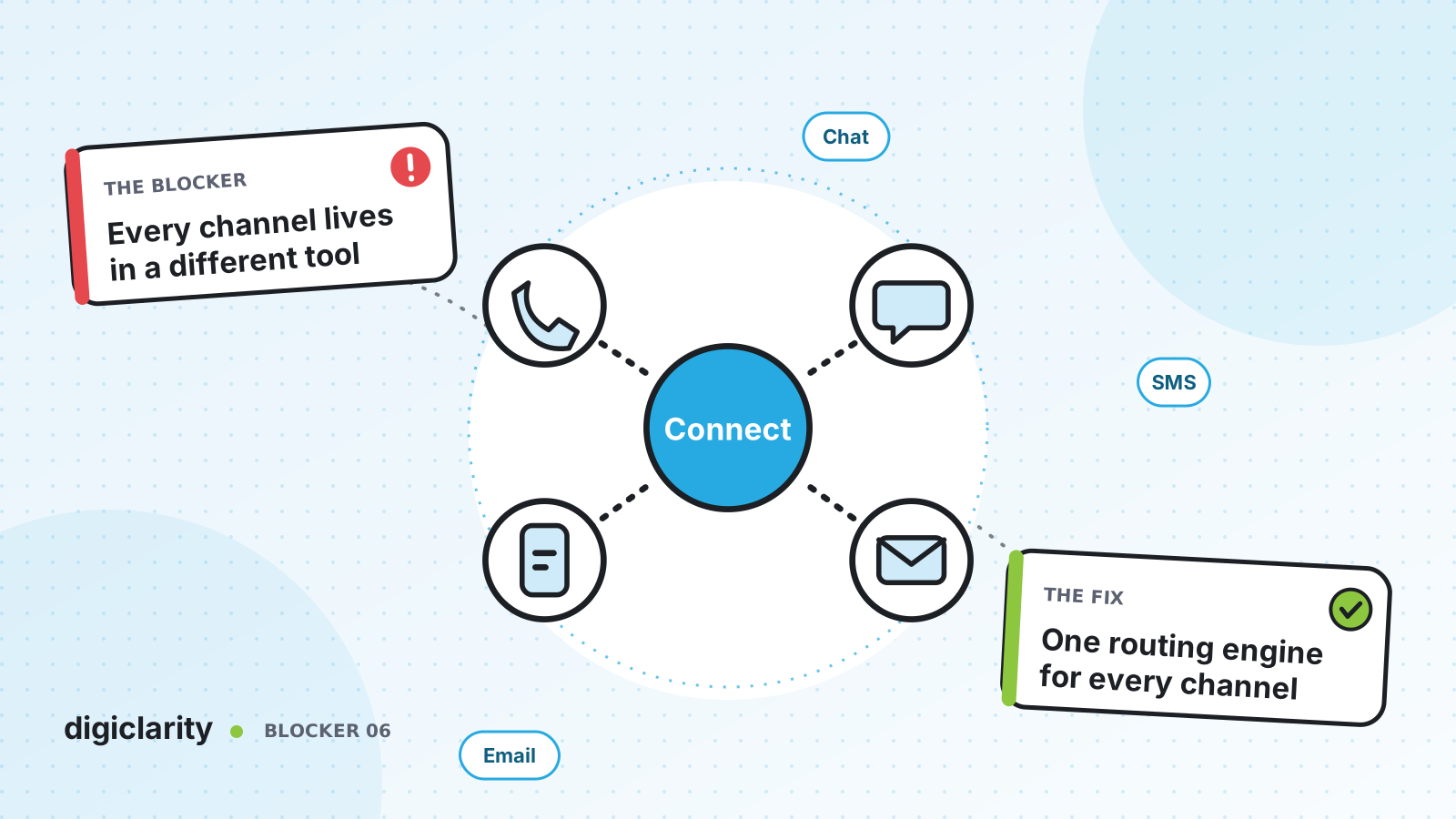
The blocker
The phones run on one system. Web chat came later from a different tool. SMS is handled by a marketing platform, email sits in a shared inbox, and messaging apps are someone’s side project. Each has its own login, its own queue and its own report.
The customer does not see any of that. They chat on Monday, text on Tuesday and call on Wednesday, and each time they reach someone who has no idea about the earlier conversations. Inside, the problem is just as bad. Chat agents sit idle while the phone queue overflows, because nobody can move work between tools.
Why it happens
- Channels were added one project at a time. Each new channel brought its own vendor and its own agent tool.
- Routing is per tool. There is no single place that decides which agent takes the next contact, whatever the channel.
- History stays in the channel. A chat transcript is invisible to the agent who takes the follow-up call.
- Reports do not add up. Each tool counts contacts differently, so nobody knows total demand.
How Amazon Connect solves it
AWS describes Amazon Connect as a unified omnichannel solution: phone, in-app and web calling, video, chat, SMS and email. If a customer reaches a different agent, their interaction history is preserved so they do not have to repeat themselves.
1. Add the channels to one instance
Each channel connects to the same Amazon Connect instance:
- Chat. The chat channel supports web and mobile chat. It is enabled at the instance level, then added to an agent’s routing profile.
- SMS. You request an SMS-enabled number in AWS End User Messaging SMS, enable two-way SMS, and import it into Amazon Connect. One number cannot be shared for voice and SMS. Some countries require registration, which can take up to 15 business days.
- WhatsApp. You link a WhatsApp Business Account and number through AWS End User Messaging Social and import the number. AWS recommends a new number that is not carrying live voice or SMS traffic.
- Email. You enable email for the instance and create addresses. Amazon Connect email uses Amazon SES to send, receive and check messages. It can receive mail at addresses on a verified domain, through a routing rule on your existing mail server, or from a web form using the StartEmailContact API.
2. Build flows once and reuse them
AWS notes that chat uses the same flows and automation you built for voice: you build once and reuse across channels. Where a channel needs something different, add a Check contact attributes block on the Channel attribute at the start of the flow and branch. For example, offer a link in chat that you would read out on a call. SMS and WhatsApp messages run through flows too, and can use Amazon Lex to answer common questions before an agent is needed.
3. Route every channel to the same agents
Queues and routing profiles work across channels. In Channels and concurrency, AWS describes two options for multi-channel agents:
- Cross-channel concurrency. An agent can be offered a contact on one channel while handling another, for example a chat during an email.
- Idle-only. An agent is offered voice, chat, tasks or email only when fully idle, and once they start on one channel they are not offered others.
With cross-channel concurrency, Amazon Connect still respects first in, first out across channels when priority and delay are equal. If it offers the same contact to more than one agent, the contact goes to the one handling the fewest contacts across all channels.
4. Keep the conversation going
Messaging is asynchronous. Customers start a chat, leave, and come back. With persistent chat, they can resume earlier conversations with the context, metadata and transcripts carried forward, and agents see the full history. AWS supports rehydrating the entire past session or from a specific chat segment.
5. Report on all channels together
Because every contact is an Amazon Connect contact, the same real-time and historical reports cover all channels. AWS points out that your metrics and dashboards benefit from unified metrics across channels.
What good looks like
A customer can call, chat, text or email the same team. Every contact goes through one set of flows and lands in the same agent workspace. Agents skilled for several channels pick up whatever is waiting longest, so a spike in chat does not sit unanswered while phone agents wait. A returning chat customer picks up where they left off, and leaders see total demand in one report.
Where to start
- List every channel you offer today, the tool behind it and the team that answers it.
- Enable chat and add it to the routing profile of one voice team, using your existing inbound flow with a Channel branch.
- Start SMS number registration and WhatsApp business verification early, because both have lead times outside your control.
- Turn on persistent chat, then move email into Amazon Connect last, once the routing profiles are proven.









