

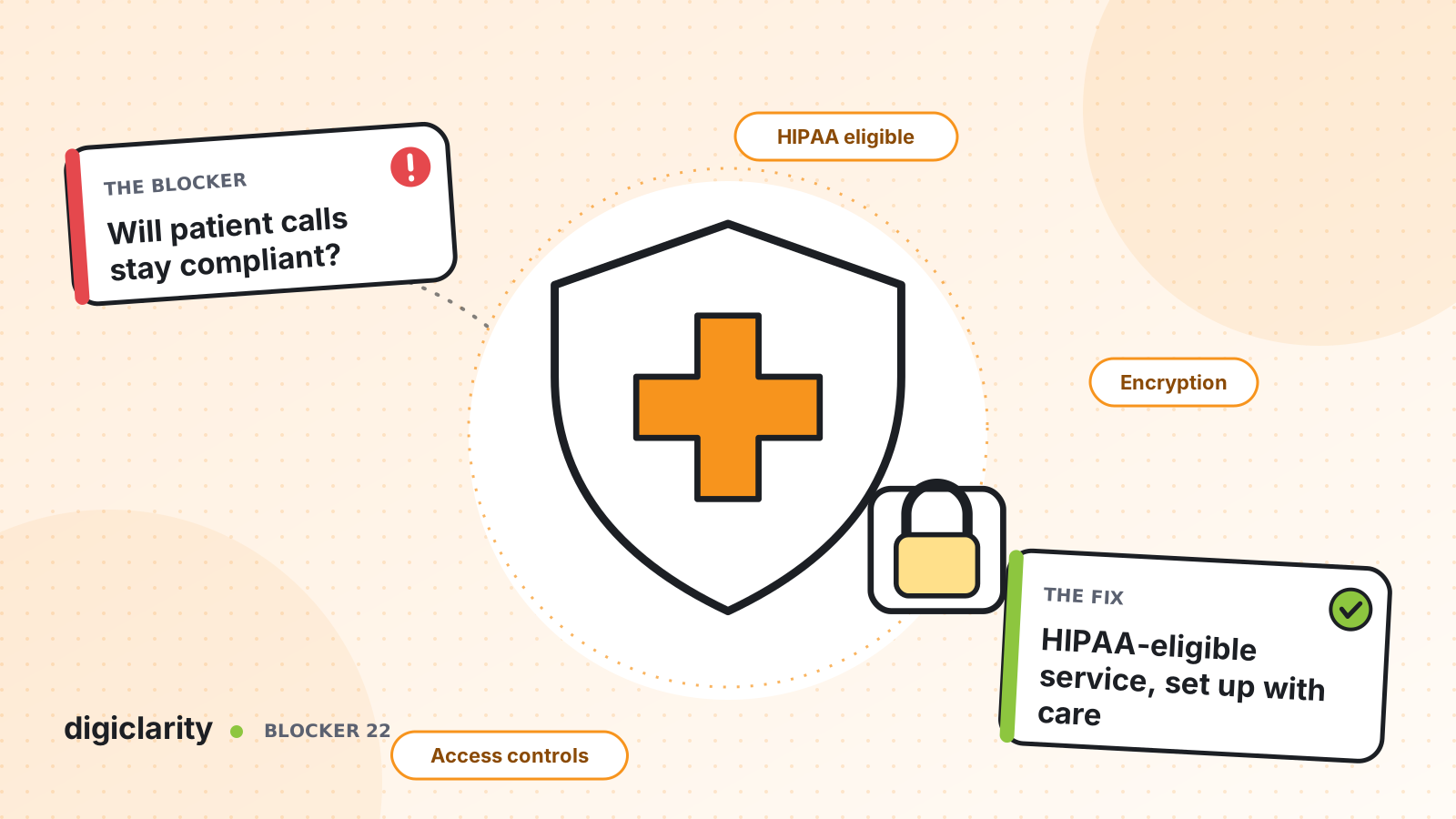
The blocker
A health system, a payer or a specialty clinic knows its contact center needs to change. Hold times are long, the platform is near end of life and patients want to text or chat. But every proposal meets the same question from compliance: how do we know patient data will be protected?
Without a clear answer, the safest choice looks like doing nothing. The old system stays, with its own risks: recordings on servers nobody patches, shared logins, and no clear rule for how long anything is kept.
The real question is not whether a cloud contact center can handle protected health information (PHI). It is whether you can show, control by control, how it will be protected.
Why it happens
- PHI is everywhere in a call. Names, dates of birth, member IDs, conditions and medications come up in normal conversation.
- Recordings and transcripts multiply it. Every stored copy is more data to protect, retain and eventually delete.
- Access is too broad. Legacy platforms often let any agent replay any call.
- Nobody owns retention. Recordings are kept forever because no one set a rule.
How Amazon Connect solves it
Compliance is a shared responsibility between AWS and you. This post describes documented AWS and Amazon Connect features, not legal advice. Confirm your design with your own privacy, security and compliance teams.
1. Start with eligibility and the BAA
The Amazon Connect product page states that Amazon Connect is HIPAA eligible. AWS’s HIPAA compliance page explains that AWS offers a standard Business Associate Addendum (BAA), and that you review, accept and manage it in AWS Artifact. The AWS Artifact guide on managing agreements shows how to accept it for one account or for a whole organization.
HIPAA eligibility applies service by service. AWS’s best practices for HIPAA compliance in Amazon Connect begin with auditing every service and third-party integration in your contact center. Check each one against the HIPAA Eligible Services Reference, where Amazon Connect appears as Amazon Connect Customer (formerly Amazon Connect).
2. Encrypt PHI at rest and in transit
Amazon Connect encrypts contact data at rest with AWS KMS keys, and recordings and chat transcripts in your Amazon S3 bucket are protected with the KMS key configured for your instance. The recordings page notes that encryption is on by default for call recordings and should not be turned off.
For sensitive numbers a caller keys in, such as a member ID, AWS recommends the Store customer input block with encryption. The HIPAA best practices also ask you to keep encryption in transit and at rest for every downstream system, such as your EHR or CRM integration.
3. Limit who can see what
Security profiles group permissions by role, so an agent, a supervisor and a quality analyst each see only what their job needs. Access to recordings and transcripts needs its own permissions, and the Restrict contact access permission keeps agents from opening recordings outside their hierarchy.
The data protection guidance adds account-level controls: multi-factor authentication, individual users through IAM Identity Center or IAM, and AWS CloudTrail logging of API and user activity. It also warns against putting sensitive data in tags or free-text name fields.
4. Keep records as long as you need, and no longer
Recordings live in your own Amazon S3 bucket, so you set the rules. S3 Object Lock can stop recordings being deleted or overwritten for a fixed period, which can help with write-once requirements. S3 Lifecycle rules, described in AWS’s cost optimization guidance, move older recordings to lower-cost storage. AWS notes that a recording moved out of its S3 bucket, for example when its retention period ends, is no longer accessible in Amazon Connect, so set retention rules with that in mind. For analytics data you copy to your own bucket, AWS describes using lifecycle rules to expire it after your required retention period. If you use the analytics data lake, plan for its fixed 25-month window.
One caution from AWS: sensitive data redaction in conversational analytics does not meet HIPAA de-identification requirements. Treat redacted transcripts as PHI.
What good looks like
The BAA is accepted before any PHI flows. Every service in the design is on the eligible list. Recordings and transcripts are encrypted, visible only to the roles that need them, and kept for a defined period. Compliance can trace each control to a documented setting, and the audit trail shows who accessed what. The contact center can then modernize without the privacy team being the last obstacle.
It also changes how projects start. Instead of a long debate at the end of each project, the privacy and security teams review a standard design once: the BAA, the eligible services, the encryption settings, the roles and the retention rules. New lines of business and new channels then reuse that design, and only the differences need a fresh review.
Where to start
- Have your compliance team review and accept the AWS BAA in AWS Artifact.
- List every AWS service and integration in the target design and check each one for HIPAA eligibility.
- Define roles and the security profiles for each, including who can access recordings.
- Agree a retention period for recordings and transcripts, and set S3 Lifecycle and, if needed, Object Lock rules.
- Document each control with your compliance team before the first patient call.









