

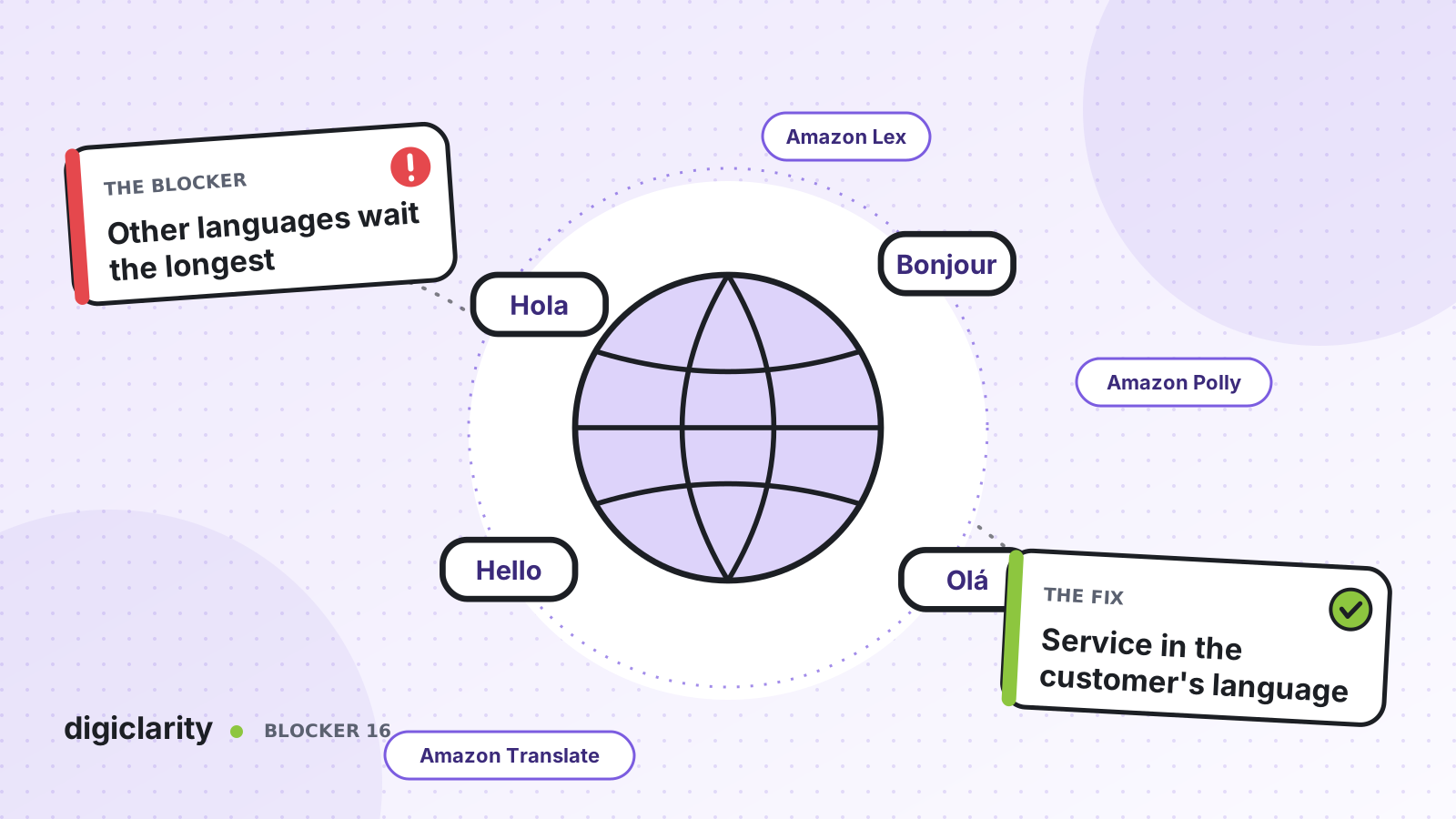
The blocker
Most of your customers speak English. A growing share speak Spanish, and a smaller group speak Hindi, Vietnamese or Arabic. You have a few bilingual agents, spread across shifts. When a Spanish-speaking customer calls at a busy time, they wait for one of those few agents, while English-speaking callers are answered quickly.
The IVR makes it worse. It is in English, or it offers “para español, oprima dos” and then drops the caller into a shorter, older menu. The customers who most need help get the least of it.
Why it happens
- Language skills are scarce. A small pool of bilingual agents cannot cover every hour, so queues for those languages are slow.
- Self-service is built for one language. Prompts, bots and knowledge are created in the main language, and other languages are added late or not at all.
- Every language is a separate project. Each new language seems to need its own recordings, menus and staff.
- The language is found out too late. The customer only reaches someone who speaks their language after a menu, a hold and sometimes a transfer.
- Quality and reporting stop at the main language. Calls in other languages are not analyzed, so problems in those queues stay hidden.
How Amazon Connect solves it
Amazon Connect handles languages at each layer: the voice the customer hears, the bot or AI agent that understands them, the agent who helps them and the analytics that follow. AWS keeps one page of languages supported by Amazon Connect features. Check it for each language you plan to serve, because support differs by feature.
1. Speak the customer’s language
The Set voice block sets the text-to-speech language and voice for the rest of the flow, using Amazon Polly voices, including neural and generative voices. Once it runs, every text-to-speech prompt uses that voice. You do not need to record prompts in every language. AWS notes that text not supported by the selected voice will not be played, so test each prompt in each language, as described in choosing the voice and language for audio prompts.
2. Understand the customer’s language
Amazon Lex V2 bots are built per locale, and AWS lists the languages and locales Amazon Lex V2 supports. One detail catches many teams out: with Amazon Lex V2, the language attribute in Amazon Connect must match the bot’s language. In the Set voice block, choose a voice for that language and select Set language attribute. If you use a voice that is not en-US and skip this step, AWS notes that the Get customer input block results in an error.
For AI self-service, Amazon Connect agentic voice now supports more than 50 languages, according to the Amazon Connect release notes. For agent assistance, you set the locale on an AI agent so it answers and recommends guides in that language.
3. Translate chat between customer and agent
On chat, you can remove the need for a matching agent. Amazon Connect message processing passes each chat message through a processor before it reaches any participant. With a custom Lambda processor, AWS lists language translation among the uses. Processing stays active for the whole chat, including across transfers.
AWS has published a solution that uses chat message processing with Amazon Translate: the Lambda function detects the customer’s language, translates each message for the agent, and translates the agent’s reply back. Any agent can then serve a chat customer in a supported language. This is a build, not a switch, so plan for testing of product names and policy terms.
4. Analyze every language you serve
Conversational analytics supports post-call analytics, real-time analytics, summaries and sentiment in many languages, listed on the supported languages page. AWS also notes a limit: conversational analytics cannot accurately transcribe a conversation that includes more than one language, which lowers the accuracy of generative AI evaluations on those calls. Keep that in mind for translated or mixed-language contacts.
What good looks like
A customer calls and hears your service in their language from the first prompt. Self-service understands them and completes the simple requests. When they need a person on the phone, they reach an agent who speaks their language. On chat, any available agent can help them through translation. Quality scores and reports cover every language that conversational analytics supports, so you can see whether these customers are served as well as everyone else.
Where to start
- Count contacts by language for the last quarter, using the number dialed, the IVR choice or customer records.
- Check each language against the supported languages page for the features you need.
- Add Set voice with the language attribute, and build an Amazon Lex V2 locale or AI agent for your second-largest language.
- Pilot chat translation with message processing on one queue, and review translated transcripts with a native speaker before scaling.









