
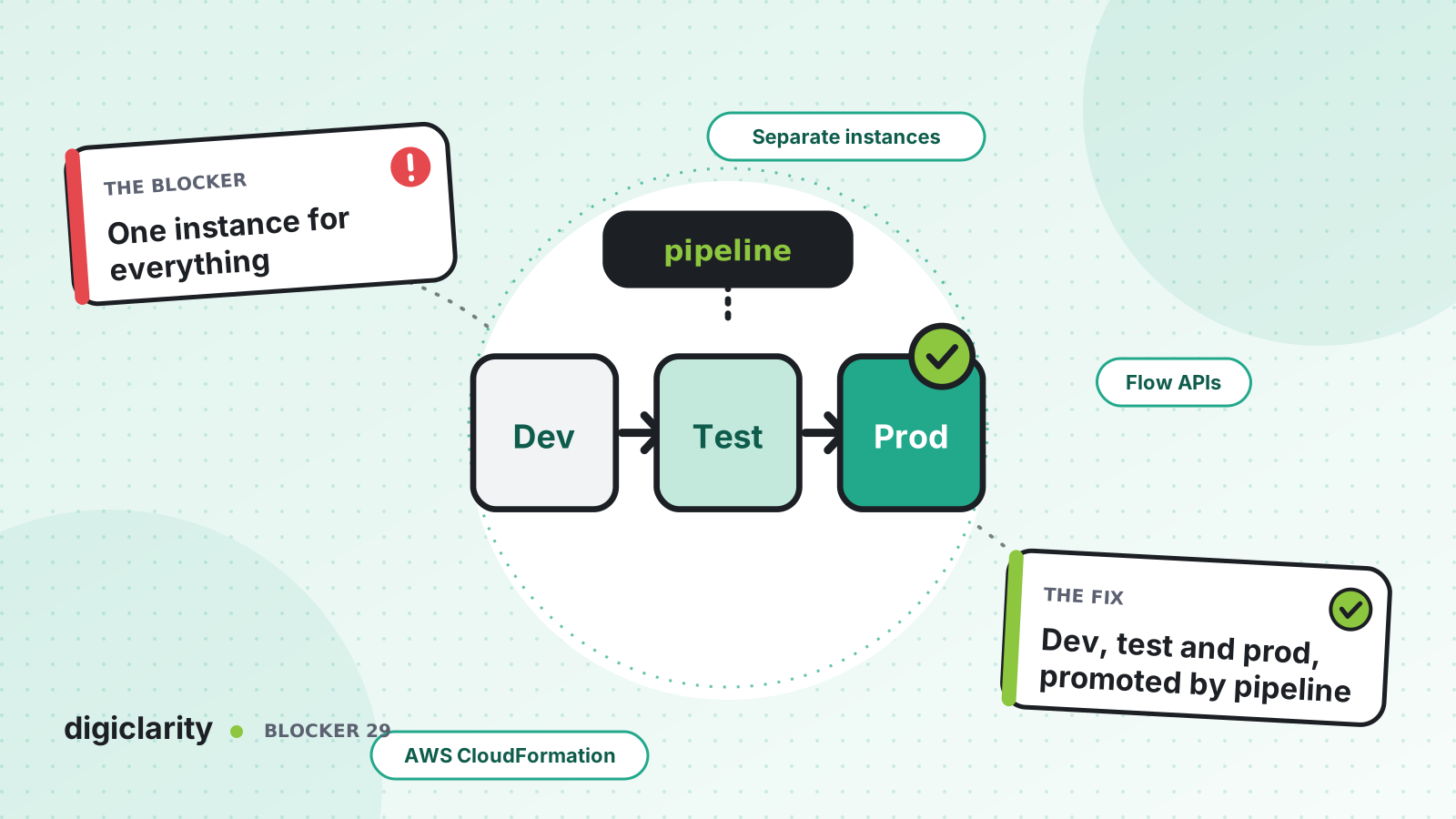
The blocker
There is one Amazon Connect instance. Customers call it. Developers build new flows in it, analysts try out routing changes in it, and the vendor demo was set up in it too. Test flows sit next to live ones with names like “Main IVR copy 3 FINAL”. Someone assigns a test flow to a live number by mistake, or deletes a queue that a production flow still uses.
Even when nothing breaks, the team cannot move quickly. Every experiment is a risk to customers, so people stop experimenting.
Why it happens
- A second instance feels like overhead. It is quicker to build in the instance you already have.
- Moving configuration is manual. Without a way to copy flows and settings between instances, a second instance means building everything twice.
- Environment differences are hardcoded. Flows point at specific Lambda functions, queues and prompts by ARN, so a flow from one instance does not work in another as-is.
- Nobody owns the environments. There is no rule for what lives where or how it gets promoted.
How Amazon Connect solves it
1. Give each environment its own instance, and its own account
AWS describes creating multiple instances, for example a sandbox for development, another for QA, and a third for production. AWS notes three things to keep in mind: service quotas are specific to each instance, some supporting services such as a user directory can be linked to only one instance at a time, and there may be other external or Region-specific limits.
AWS’s operational excellence guidance goes a step further and suggests AWS Organizations to set up separate AWS accounts for development, staging and quality assurance environments. Separate accounts give each environment its own IAM boundary, so a developer with broad rights in dev has none in production.
2. Promote configuration, do not rebuild it
AWS’s flow migration guide covers moving flows from development to production. For a few flows, use import and export in the flow designer, which AWS currently marks as beta. Export works for flows with fewer than 200 blocks and under 1 MB in size. For many flows, use the APIs: read flows from the source with DescribeContactFlow, then create them in the target with CreateContactFlow and UpdateContactFlowContent.
For a repeatable process, keep the configuration in templates. AWS CloudFormation has resource types for flows, flow modules, queues, routing profiles, hours of operation, security profiles, prompts and more. A pipeline deploys the same templates to dev, QA and production in order.
3. Handle environment-specific values explicitly
The migration guide is clear about the hard part: you must map the ARNs of queues, flows and prompts from the source instance to the target, and replace every one. Otherwise UpdateContactFlowContent fails with an InvalidContactFlow error. Flows are JSON in the Flow language, so a build step can do that substitution.
In CloudFormation, template parameters carry the values that differ by environment. The AWS Contact Center blog post on managing flows as code with AWS CDK describes the same idea: identical flow logic everywhere, with a central mapping for environment-specific Lambda functions, queues and prompts.
4. Agree on names and tags
This part is discipline, not a feature. Use one naming pattern for flows, queues and Lambda functions across environments, so the same resource has the same name everywhere and only the ARN changes. Apply tags such as environment and owner to Amazon Connect resources so they are easy to find and filter.
5. Gate each promotion
Run automated tests in QA before anything moves on. Amazon Connect testing and simulation can simulate calls and chats against the flows in the QA instance. The CDK post describes flows moving through staged environments with automated testing gates and an approval gate before production.
6. Decide what does not get promoted
Not everything belongs in every environment. Phone numbers, users and agent data usually differ by design: production has real numbers and real agents, while dev and QA have a few test numbers and test users. Keep those out of the shared templates, or give them their own per-environment files, so a promotion never assigns a test flow to a live number or copies test users into production. Write the rule down so everyone knows which resources the pipeline owns.
What good looks like
Developers build freely in dev. QA mirrors production and runs the full test suite on every change. Production is only changed by the pipeline, and it receives exactly what passed in QA. When someone asks “is this flow the same in test and production?”, the answer is yes, because both were deployed from the same commit.
Where to start
- Create a dev and a QA instance, ideally in separate AWS accounts.
- Export production flows and settings into a repository and agree on a naming pattern.
- Move environment-specific values, such as Lambda ARNs and queue IDs, into per-environment parameters.
- Build a pipeline that deploys dev, then QA with tests, then production after approval.









