

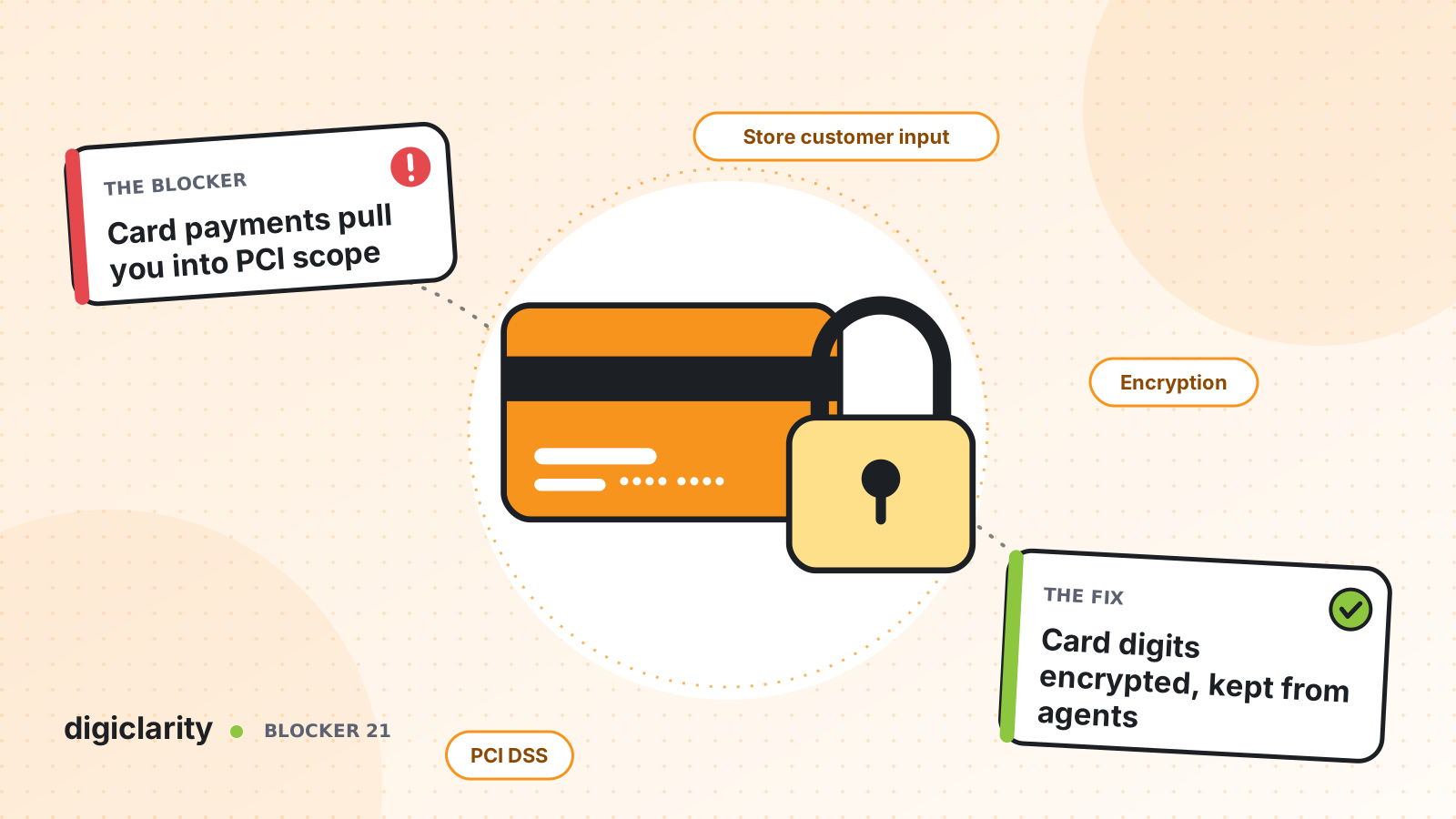
The blocker
A customer calls to pay a bill. The agent asks for the card number, the customer reads it out, and the agent types it into a payment screen. It works, but it has a cost that rarely shows up in the contact center budget.
That card number has now passed through the agent’s ears, possibly their notes, the call recording, the transcript and any system that stores them. Each of those becomes part of the environment your PCI DSS assessment has to cover. The more people and systems that touch card data, the larger the scope, the longer the audit and the higher the risk if something goes wrong.
Many teams respond by pausing recordings by hand, or by banning card payments on the phone. Manual pauses fail when an agent forgets. Banning phone payments loses revenue and frustrates customers who just want to pay.
Why it happens
- Card numbers are spoken. Anything spoken can be heard, written down and recorded.
- Recordings capture everything. Recording is often all or nothing for the whole call.
- Transcripts and logs copy the data again. Analytics and debugging tools can store what was said or keyed.
- The agent desktop sees too much. Payment screens put the full number in front of the agent.
How Amazon Connect solves it
Compliance is a shared responsibility between AWS and you. This post describes documented Amazon Connect features, not legal or audit advice. Confirm your design with your own compliance team and Qualified Security Assessor.
The Amazon Connect product page states support for PCI DSS, and Amazon Connect Customer (formerly Amazon Connect) appears on AWS’s list of PCI DSS services in scope. Check that list for every other AWS service in your design. AWS’s PCI FAQ explains that AWS is a PCI DSS Level 1 Service Provider and that its Attestation of Compliance is available through AWS Artifact. It is also clear that customers manage their own PCI DSS compliance. Your assessor can rely on the AWS attestation for the part of the environment deployed in AWS, but your configuration still has to be assessed.
AWS publishes best practices for PCI compliance in Amazon Connect. The core idea is to collect card data with encrypted DTMF, keep it out of recordings and logs, and encrypt it everywhere downstream.
1. Let the customer key in the card, and encrypt it
The Store customer input flow block plays a prompt, collects digits from the phone keypad, and stores them in a system attribute. With Encrypt entry turned on, Amazon Connect encrypts the input with a public key you upload. Only the holder of the matching private key can decrypt it, using the AWS Encryption SDK. You can keep two keys active at a time to support rotation.
The block supports voice and works in inbound, customer queue, outbound whisper, transfer to agent and transfer to queue flows. You can set the maximum number of digits, the time allowed between digits and a custom terminating key. Amazon Connect encrypts and stores the digits; it does not take the payment. Passing the card to your payment provider is a step you build, for example an AWS Lambda function that decrypts the value and calls your provider, and the flow receives only the result it returns. The design, the code and its PCI DSS scope are yours to build and assess.
AWS’s best practices also note that Amazon Lex can collect card details by speech, and that Amazon Lex is PCI compliant. This post focuses on keypad entry with encryption.
2. Control what gets recorded
Amazon Connect keeps two possible recordings per contact: one for automated interactions such as the IVR, and one for the agent conversation. Changes to automated interaction recording take effect immediately. You configure both with the Set recording, analytics and processing behavior block, so the flow, not the agent, decides what is captured during the payment step.
AWS’s guidance is direct: if card data is captured in a recording, it must be scrubbed from the recording and obfuscated in logs and transcripts. Designing it out of the recording is easier than cleaning it up later.
3. Redact transcripts, encrypt everything at rest
If you use conversational analytics, sensitive data redaction can remove details such as credit card information from transcripts and audio files. AWS notes that redaction is machine learning based and may not catch every instance, so review the output and treat it as a safety net.
Call recordings stored in Amazon S3 are encrypted by default with AWS KMS. AWS also recommends multi-factor authentication for anyone with access, encryption in transit and at rest for every downstream integration, and the other controls on the data protection page.
What good looks like
Customers pay by keypad in a step that feels like part of the call. Agents see “payment approved”, never a card number. Recordings and transcripts do not contain card data by design. The assessor sees a short, clear data flow: digits are encrypted in Amazon Connect, decrypted only by a function you build and control, and passed straight to your payment provider.
Where to start
- Map every place a card number travels today: agents, screens, recordings, transcripts, logs and notes.
- Choose the payment calls to move first and design the keypad payment step with Store customer input and encryption.
- Set recording behavior in the flow so card entry is not captured.
- Review the design with your compliance team and assessor before you build.
- Test with your payment provider’s test environment, then check recordings and transcripts for any card data.









