
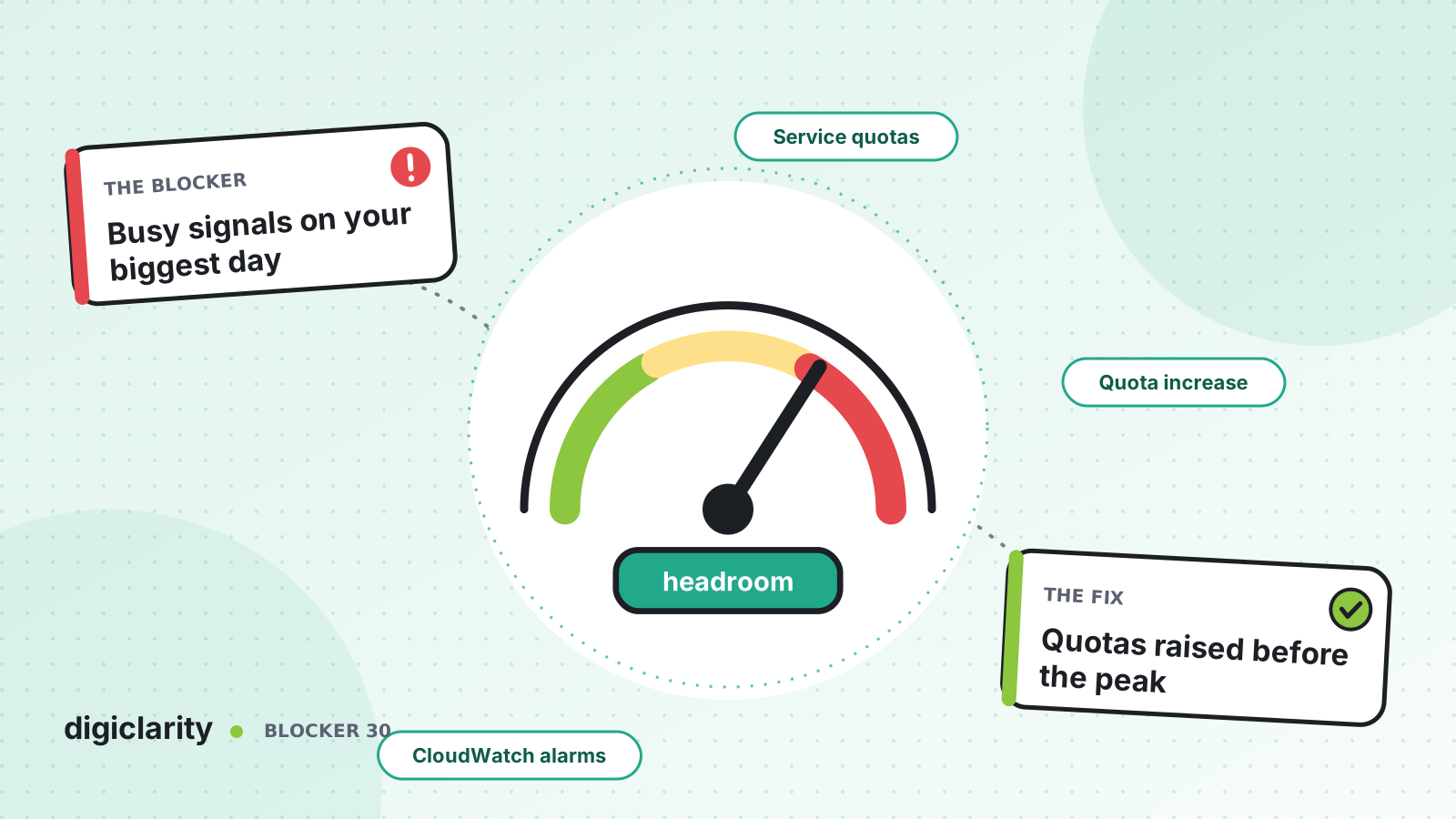
The blocker
It is the first day of open enrollment, or a product recall, or the morning after a storm. Call volume triples. Agents are ready and staffing is right, but some callers hear a fast busy tone and never reach a flow at all. Nothing is broken. The instance has reached its concurrent calls quota, and every call above it is turned away.
Raising the quota is possible. But larger increases take time to review, and the peak is happening now.
Why it happens
- Quotas are invisible until they bite. Nobody checked them after go-live, and volume has grown since.
- The request was sent too late. Teams treat a quota increase as a quick ticket, not a lead-time item.
- Usage is not monitored. There is no alarm that says “you are at 80% of your limit”.
- The peak was never tested. Nobody has run the expected volume through the instance before the day it arrives.
How Amazon Connect solves it
1. Know which quotas apply to you
The Amazon Connect service quotas page lists each quota, its default and whether it can be adjusted. Most can. A few points from that page matter for peaks:
- Defaults are for new accounts and change over time. AWS notes that your account’s applied values may be lower than the published defaults, so always check your own values in Service Quotas.
- Quotas have two levels. Account-level quotas apply to all instances in an account and Region, such as API request rates. Resource-level quotas apply to one instance, such as concurrent active calls per instance.
- What counts as a call. Calls in a flow, in queue, with an agent and outbound calls all count toward concurrent active calls. Callbacks waiting in a callback queue do not count until they are offered to an agent.
- What happens at the limit. Above the concurrent calls quota, callers get a reorder (fast busy) tone.
- API limits are shared. API throttling quotas are per account and per Region, so every user, integration and instance in that account draws from the same bucket.
2. Request increases well before the peak
You request increases through Service Quotas, and the instance must exist first. AWS reviews each request. Smaller ones can be approved in hours. Larger ones can take up to three weeks, and an extra-large worldwide increase can take months.
AWS’s quota planning guidance says to address quotas during design, submit requests well before launch, and be ready to share your number of agents, call volume and average call duration. The operational excellence guidance adds a useful detail: request the values you expect, without extra padding, because fluctuations are considered automatically.
3. Watch quota use in CloudWatch
Amazon Connect sends quota-related metrics to CloudWatch:
ConcurrentCallsandConcurrentCallsPercentageshow current use against the concurrent calls quota. AWS explains how to derive your quota from them: ifConcurrentCallsis 20 andConcurrentCallsPercentageis 0.5, the quota is 40.CallsBreachingConcurrencyQuotacounts calls that exceeded the quota.ThrottledCallscounts calls rejected because the calls-per-second rate exceeded the supported quota.
AWS recommends CloudWatch alarms at 80% of quota limits, and requesting an increase when usage stays above that. The AWS Contact Center blog notes that Amazon Connect does not natively alert you as you approach quotas, and offers a sample Service Quota Monitor that checks capacity quotas and API rate limits.
4. Load test, within AWS policy
The only way to know the instance and your integrations handle the peak is to test it. AWS’s load testing policy requires approval from AWS at least two weeks before the test, testing only between 6 p.m. and 6 a.m. in the Region’s local time, an emergency contact during the test, and a document describing the plan.
For tooling, AWS’s performance efficiency guidance suggests third-party or partner load testing solutions, or a custom approach that uses the StartOutboundVoiceContact API to generate calls together with browser automation to simulate agents. Remember your Lambda functions and other backends need to scale too.
5. Have a plan for the day itself
If you still hit a limit, the quota planning page recommends opening a high-severity AWS Support case and contacting your account team. To reduce load, tell callers about wait times with the Get metrics flow block and offer queued callbacks, which do not count toward concurrent calls while they wait.
What good looks like
Quotas are reviewed every quarter against the growth forecast. Increases for known peaks are requested a month or more ahead. CloudWatch alarms at 80% give the team time to act. The peak has been load tested with AWS approval, and the peak-day runbook covers callbacks, messaging and escalation.
Where to start
- Look up your applied Amazon Connect quotas in Service Quotas and compare them with last year’s peak.
- Create CloudWatch alarms on
ConcurrentCallsPercentage,CallsBreachingConcurrencyQuotaandThrottledCalls. - List your known peaks for the next 12 months and request increases at least three weeks before each.
- Request an approved load test for the biggest one, and write the peak-day runbook.









