

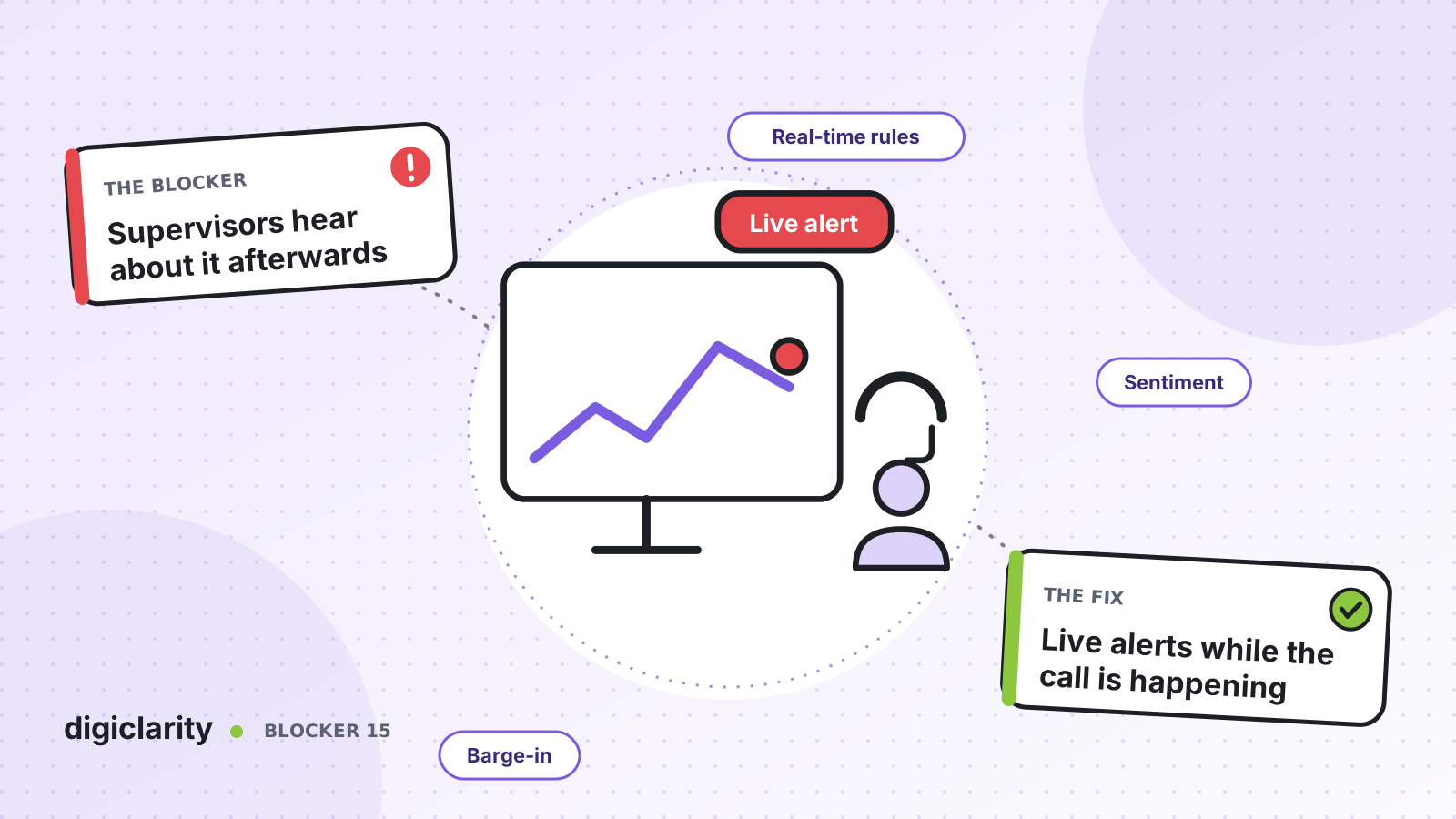
The blocker
A customer has been on the phone for twenty minutes. They have asked twice for a manager. The agent is new, unsure of the policy and getting flustered. The supervisor is three desks away, or in another city, and has no idea. The call ends badly.
The supervisor finds out the next day from a complaint, or two weeks later from a QA score. By then, coaching is about a call the agent barely remembers, and the customer may already have left.
Why it happens
- Supervisors watch numbers, not conversations. Wallboards show queue length and handle time. They do not show that a customer is angry.
- Long calls look the same. A long call can be a hard problem handled well or a simple one going wrong. Nothing tells them apart.
- Agents do not always ask for help. New agents in particular try to rescue the call alone.
- Listening in is manual. A supervisor can only monitor one call at a time, and has to guess which one.
How Amazon Connect solves it
Amazon Connect conversational analytics (Contact Lens) can analyze calls and chats as they happen. Rules turn that analysis into alerts, and enhanced monitoring lets supervisors act on them.
1. Turn on real-time analytics
Conversational analytics supports real-time call analytics and real-time chat analytics as well as post-contact analysis. AWS describes the purpose directly: detect and resolve customer issues while the call is in progress, for example alerting you when a customer is getting frustrated because the agent cannot resolve a complicated problem. You enable it in the flow with the Set recording and analytics behavior block.
2. Write rules that raise alerts
With a real-time alert rule for calls, you choose real-time analysis as the trigger and list the words or phrases to watch for, such as “talk to your manager” or “this is not helpful.” Match types are exact match and pattern match, which can find near matches and control the distance between words. You can narrow the rule to specific queues, contact attributes or sentiment scores.
AWS notes that semantic match is not available for real-time analysis, so real-time rules depend on the words people actually say. Build your phrase lists from real transcripts, not guesses.
The same approach works for chat. For calls, the supervisor sees the alert on the Current agent performance widget of the Queue and agent performance dashboard. Rules can also send in-app notifications in the admin and agent workspaces, for example to a compliance team when an agent shows non-compliant behavior.
3. See the conversation before you join
When a supervisor opens a live contact, conversational analytics shows a real-time transcript and the customer sentiment trend. The supervisor can catch up by reading, instead of listening from the start. AWS also notes that the transcript means customers do not have to repeat themselves if they are transferred.
Sentiment scores rate whether language is mostly positive, negative or neutral, for the whole conversation and as a trend. After the fact, they also help pick contacts for coaching, such as those that started positive and ended negative.
4. Listen in, guide, or barge in
Amazon Connect offers two monitoring options. Three-party monitoring is the default. Enhanced multi-party monitoring supports up to six participants and adds barge for voice and chat. Neither option has an additional charge, according to AWS.
Supervisors listen to live calls or read live chats from the real-time metrics page, with the Contact Control Panel open. If the call needs them, they can barge in and join the conversation. Barge requires enhanced monitoring and the right security profile permissions, so you control which supervisors can use it.
5. Catch operational problems too
Not every problem is in the words. Real-time metrics rules send emails or tasks to managers based on queue, routing profile, agent or flow metrics. AWS gives the example of alerting a manager when agents on their team have been on break for more than 30 minutes.
What good looks like
A customer asks for a manager. Within the same call, the supervisor gets an alert, reads the transcript, listens in, and joins if needed. The call ends well. The next morning, coaching is about a conversation both people remember, and the phrase list gets one more entry from what they learned.
Where to start
- Pull transcripts from a month of escalations and complaints, and list the phrases customers used before things went wrong.
- Turn on real-time analytics for one queue and create two or three alert rules from that list.
- Enable enhanced monitoring and give a small group of supervisors monitor and barge permissions.
- Review which alerts led to action after two weeks, remove the noisy ones and add what you missed.









