

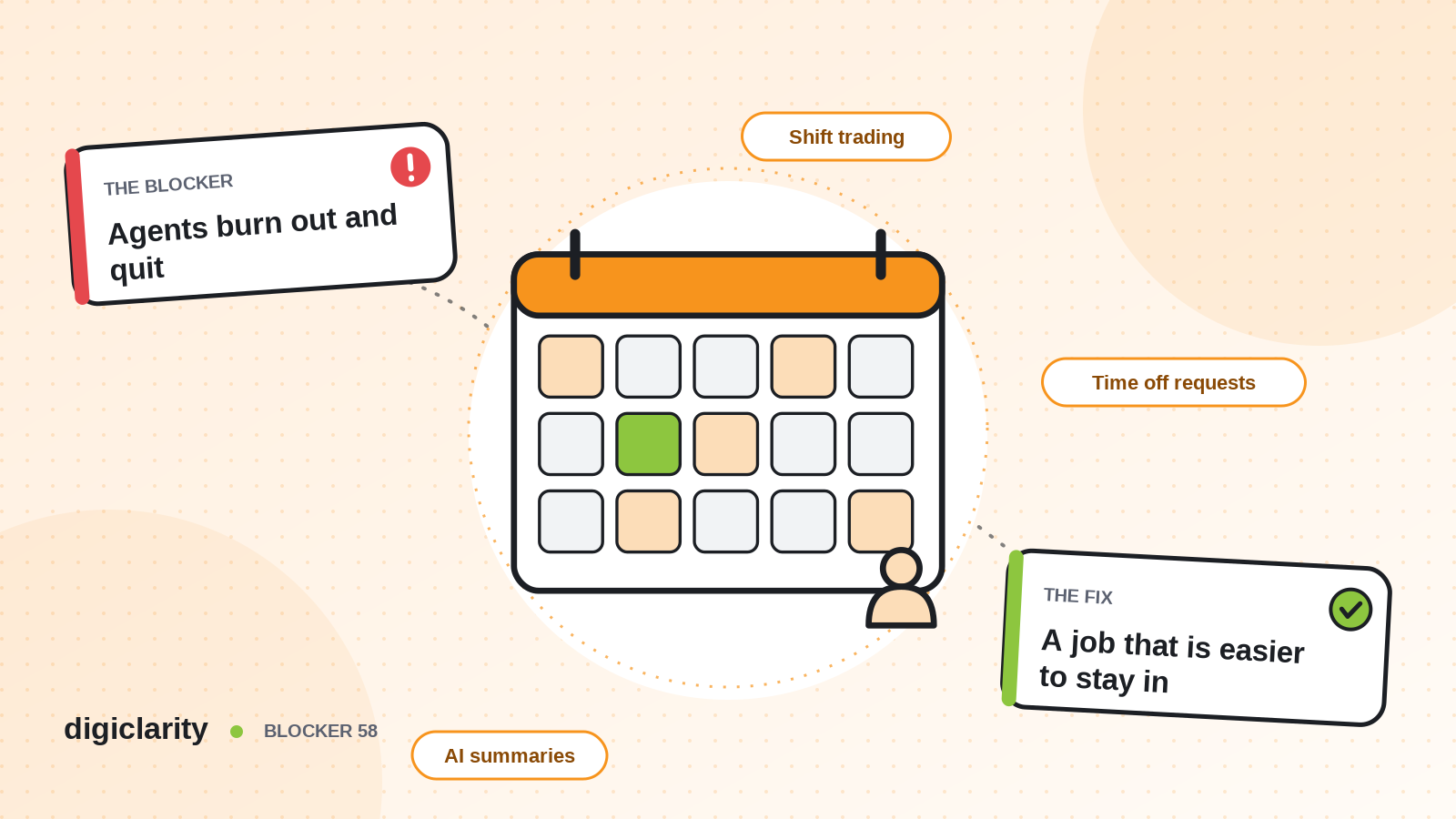
The blocker
A good agent hands in their notice. In the exit interview they mention the schedule that never fit around childcare, the wrap-up notes after every call, and the feeling that a supervisor only called them when something went wrong.
Then the cost starts. Recruiting, weeks of classroom training, and months before the replacement handles contacts as well as the person who left. Meanwhile the remaining agents cover the gap with overtime, get more tired, and some of them leave too.
Pay, management and the nature of the work all play a part, and no software fixes those. But a lot of daily friction in the agent job comes from the tools and processes around it. That part you can change.
Why it happens
- Schedules feel imposed. Shifts are assigned from a spreadsheet. Swapping a shift or asking for a day off means emails and waiting for a manager.
- The work after the work. Agents write notes and fill in forms after every contact, often under pressure to get back to the queue.
- Answers are hard to find. Agents put customers on hold to search for policies, and feel exposed when they get it wrong.
- Too many screens. Agents copy data between the phone, the CRM and other tools all day.
- Coaching is rare and negative. Only a few contacts are reviewed, so feedback is mostly about mistakes.
- Hard calls happen alone. An agent with an angry customer has no quick way to get help.
How Amazon Connect solves it
Amazon Connect will not fix a pay gap or a poor manager. What it gives you is a set of features that remove specific frustrations from the agent’s day. They are part of Amazon Connect itself, so agents use them in the same workspace they already work in. Check pricing for each one before you plan the rollout.
1. Give agents a say in their schedule
Amazon Connect forecasting and agent scheduling builds schedules from forecasted demand. AWS describes the goal as schedules that meet business and compliance requirements while offering agents flexible schedules and work-life balance.
Three features hand some control back to agents:
- Shift bidding. With shift bidding, agents rank the shifts they prefer instead of being assigned them. They rank shift patterns from their calendar in the agent workspace while the bid is open. After it closes, shifts are assigned based on each agent’s preferences and their assigned rank, while still meeting forecasted demand.
- Shift trading. With shift exchange, agents trade shifts with each other from their calendar, without emailing their manager. Managers approve trades manually, or approvals are automatic when a request meets criteria you set. Agents can offer a shift or search for one offered by others.
- Time off. Time off management approves or rejects requests automatically, based on your time off rules and the daily maximum allowed. Agents create requests from their schedule calendar, and supervisors can override the decision.
Agents see their schedule through the calendar icon in the agent workspace. For quiet periods, voluntary time off lets you offer time off to agents who want it. A fair, predictable schedule also needs a good forecast, covered in planning the workforce in spreadsheets.
AWS notes that its scheduling is not designed to ensure compliance with any particular laws. Your labor rules and agreements are still your responsibility.
2. Cut the work after the work
Generative AI post-contact summaries give agents a structured summary of voice, chat and email contacts on the Contact Control Panel. AWS says agents can use them to quickly complete their after contact work. Supervisors see the same summaries on the contact details page, so agents spend less time writing notes for others to read. Our post on long after-call work goes deeper.
3. Help during the contact, not just in training
Agent assist detects the customer’s intent during calls, chats, tasks and emails, and gives the agent a generated response with links to the relevant articles. Agents can also ask it questions in plain language. It can offer step-by-step guides for common tasks. For a new hire, that means fewer holds and less fear of getting it wrong.
4. One workspace instead of many screens
The agent workspace puts contact controls, agent assist, tasks, cases, step-by-step guides and customer information in one place. You can add third-party applications to reduce the number of windows an agent toggles between. Less copying between systems means fewer errors and less to remember.
5. Make remote work practical
The option to work from home matters to many agents. The softphone runs in a browser. AWS lists workstation and headset requirements, including about 54 Kbps up and down for a one-to-one call, and recommends a USB headset. See running remote agents for the network, sign-in and supervision side.
6. Back agents up on hard contacts
With real-time conversational analytics, you can alert supervisors when certain words or phrases come up in a call. The supervisor can listen in and guide the agent over chat. With enhanced monitoring turned on, supervisors can also barge into live voice and chat conversations. An agent with an abusive caller knows help is a click away.
7. Coaching that recognizes good work
Performance evaluations let you define your own criteria and review evaluations alongside the recording, transcript and summary. With generative AI, managers can automate evaluations of up to 100% of interactions, with references to points in the transcript to use in coaching. That means feedback based on many contacts, not the one that went wrong.
Coaching sessions let supervisors share feedback with examples and set performance goals with a follow-up date. Agents can view and acknowledge the feedback, and past coaching stays in one place to track progress. Use it to point out what agents do well, not only what to fix.
What good looks like
Agents rank their preferred shifts, trade shifts and request time off from their own calendar, and get an answer quickly. Wrap-up starts from a summary, not a blank page. A new agent gets suggested answers during their first live contacts. Supervisors hear about a difficult call while it is happening and step in. Coaching sessions cover strengths as well as gaps, with goals the agent can see. Leaders track attrition next to these changes and see where each one helps.
Where to start
- Read your last year of exit interviews and stay interviews. List the top reasons that relate to schedules, tools or support.
- If you use Amazon Connect scheduling, turn on shift exchange and time off rules for one team, with clear automatic approval criteria.
- Turn on post-contact summaries for one queue and measure after contact work before and after.
- Pilot agent assist with a new-hire group, and add supervisor alerts for calls that go badly.
- Set a coaching rhythm built on evaluations, with at least one strength recorded in every session.
- Review attrition and agent feedback each quarter, and expand what worked.