

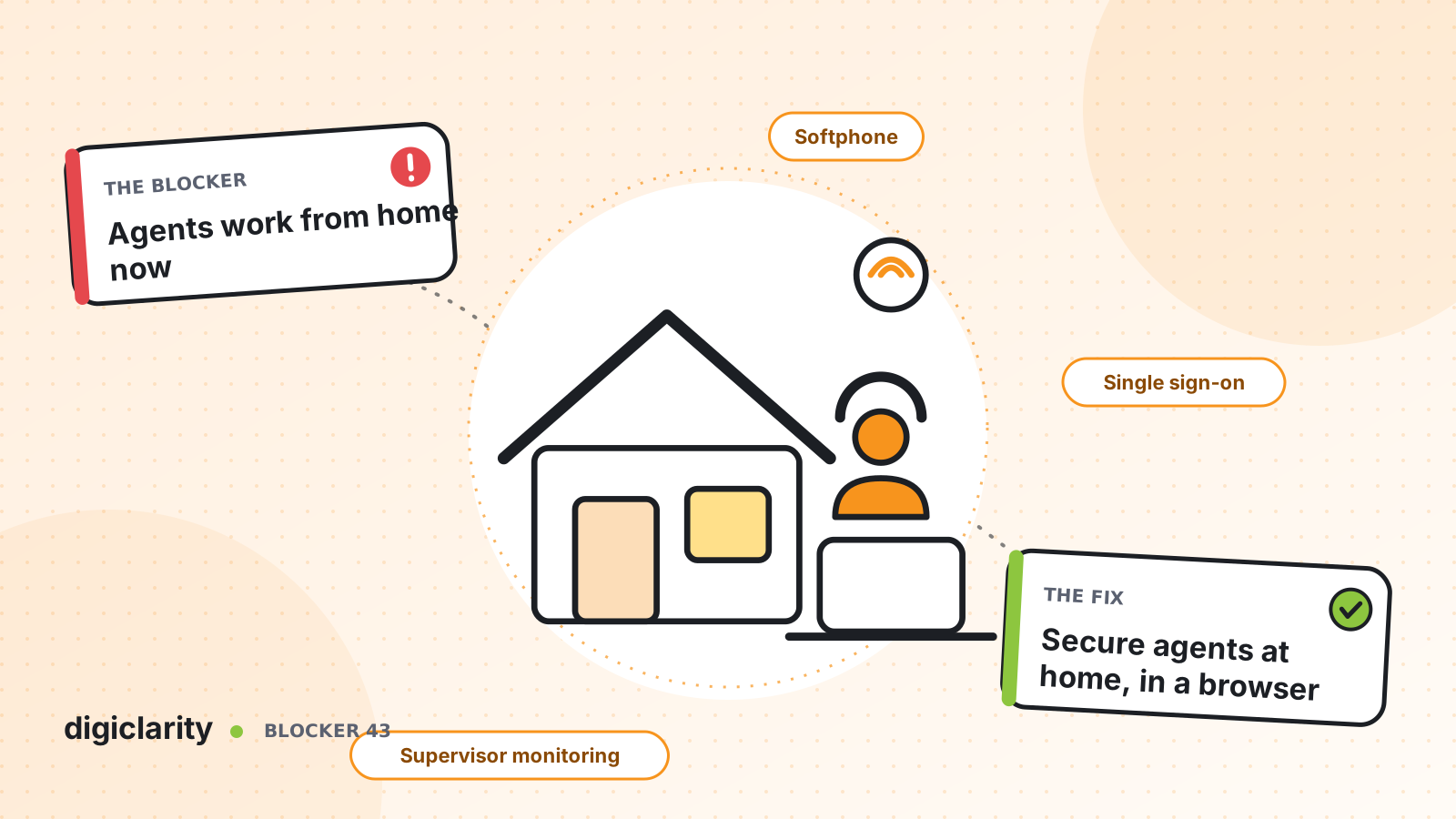
The blocker
Remote and hybrid work is now normal in many contact centers. It lets you hire beyond one city, keep experienced agents who move, and stay open when an office cannot be reached. But many leaders feel they lose control when agents go home.
Customers hear barking dogs and choppy audio. Agents drop calls and blame the platform, and IT cannot tell whether the problem is the home network, the laptop or the service. Security teams worry about who is signing in, and from where. Supervisors who used to walk the floor cannot see who is struggling. So some businesses hold back on remote work, or allow it and accept lower quality.
Why it happens
- Home networks are unknown. Shared broadband, weak wireless signals and VPNs add latency and packet loss that office networks did not have.
- Workstations vary. Personal or underpowered laptops run the softphone alongside many other applications.
- Sign-in is weak. Separate passwords for the contact center, with no link to the company’s identity system.
- Supervision depends on being in the room. Coaching and support happened at the desk, and nothing replaced it.
How Amazon Connect solves it
Amazon Connect was built to run in a browser, so the platform itself does not need an office. The work is in preparing each home setup, securing access and giving supervisors remote tools.
1. A softphone that needs little from the home network
The Contact Control Panel softphone uses persistent outbound connections from the browser. AWS explains in its network guidance that you do not need to open a client-side port to listen for inbound traffic. AWS lists about 54 Kbps up and down for a one-to-one audio call, a 2 GB RAM and 2 GHz minimum for the softphone, and recommends a USB headset. Agents need a supported browser, and mobile browsers are not supported.
AWS is direct about the risk: remote agents can have problems from unstable connections, packet loss or high latency, and a VPN makes this worse. Ideally agents are close to the AWS Region where your instance runs. Before an agent starts, have them run the Endpoint Test Utility. It checks browser support, microphone access, latency to Regions and your instance, and the ports media needs. The results download as a file for IT.
For background noise, Audio Enhancement offers noise suppression and voice isolation for softphone users. It is off by default, is enabled per agent, and needs at least a 4-core CPU. Our post on poor call quality goes deeper on audio troubleshooting.
2. Sign-in through your company identity
With SAML 2.0, agents sign in to Amazon Connect through your organization’s identity provider, with no separate password to manage for the contact center. AWS notes that remote agents using SAML need the AWS sign-in endpoints on any allowlist. Combine this with tight security profiles, as described in fixing access sprawl.
To control where agents sign in from, authentication profiles can restrict access to allowed IP ranges, for example your VPN, block specific ranges, and set session timeouts. This feature is in preview and is configured through the AWS SDK, so check availability with AWS before you plan around it.
3. Supervise without walking the floor
Real-time metrics show who is online, updated every 15 seconds, and each agent’s current activity. Supervisors can change an agent’s status from a real-time report, and custom statuses such as Lunch or Training show what non-routable time is used for.
From the same report, a supervisor can listen to a live call or read a live chat, and with enhanced monitoring, barge in to help. When an agent reports dropped calls, the agent activity audit report shows each status change for that login and day. Live coaching is covered in supervisors can’t coach live.
If you need to see what agents do on screen, screen recording is an option, but it is not browser-only: it needs the Amazon Connect Client Application installed on a supported operating system.
Security is shared. AWS secures the service. You remain responsible for your identity setup, user permissions, the devices agents use and any rules your industry sets for working from home.
What good looks like
Every remote agent passes the connectivity test and a workstation checklist before their first shift. They sign in with their company account, and only from approved networks where you have enabled that control. Customers hear the agent, not the household. Supervisors see every agent’s state in real time, join a difficult call in seconds, and can find out exactly what happened when an agent reports a problem.
Where to start
- Write a remote-agent checklist from the AWS workstation and network requirements, including a USB headset and a stable connection.
- Have every remote agent run the Endpoint Test Utility and send the results to IT.
- Move sign-in to SAML 2.0 with your identity provider.
- Turn on Audio Enhancement for agents in noisy homes and compare call quality.
- Give supervisors the real-time monitoring permission and a short routine for checking agent states each hour.









