

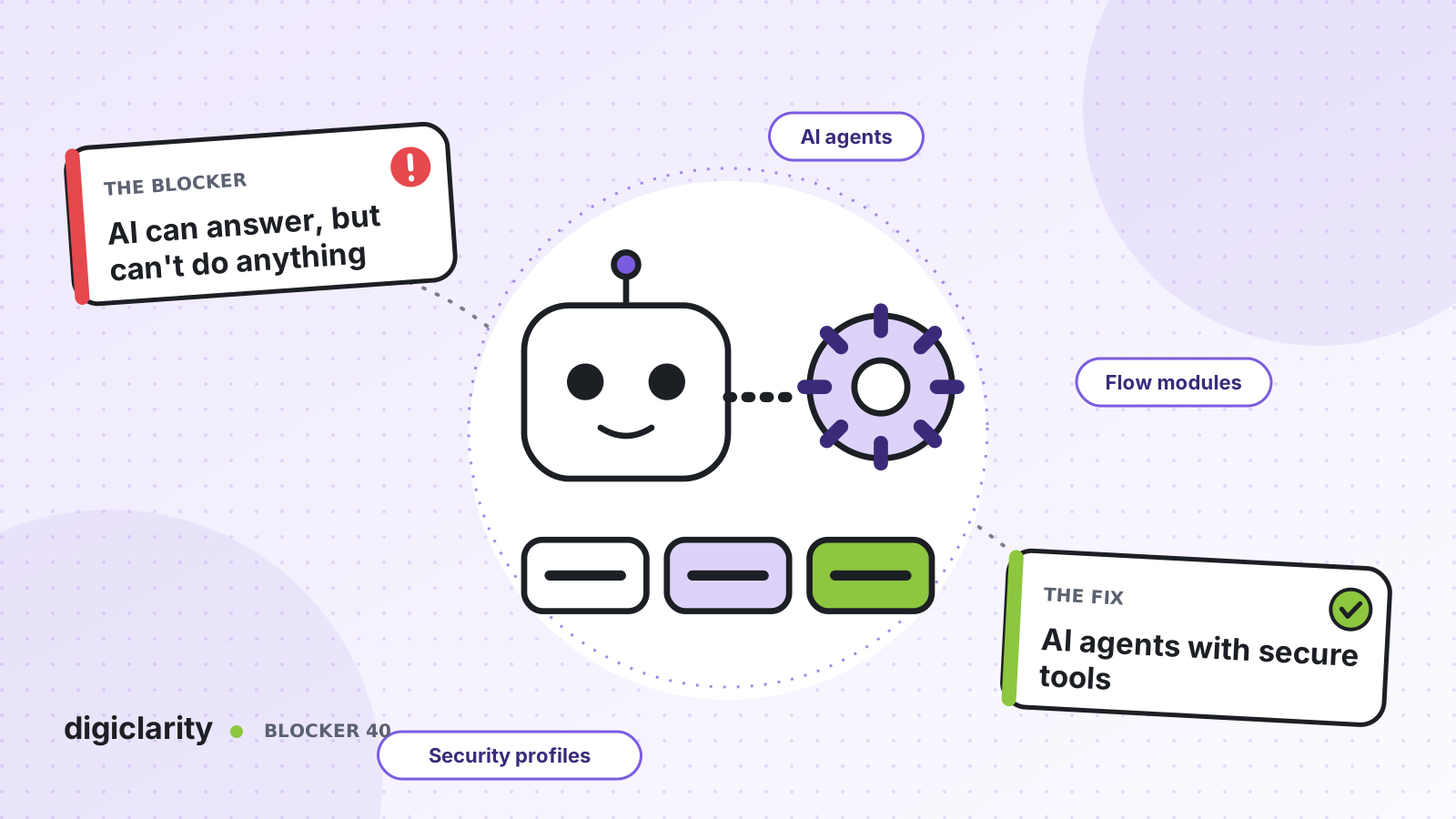
The blocker
The AI pilot answers policy questions well. Then a customer asks it to move a delivery date, and the reply is “I can’t do that, let me transfer you.” The same happens for a refund, an address change and a booking. The AI agent explains the process, then hands the customer to a person who does it.
Customers notice. They learn that the AI cannot help with anything real and ask for an agent straight away. Agents still handle the same volume, now with a frustrated customer who has already explained the issue once. The business case was built on resolving requests, not on answering FAQs, so the project looks like a failure.
Why it happens
- The AI agent has no access to your systems. It knows your content but cannot read or change an order, booking or account.
- Every integration is built from scratch. Logic that already exists in your IVR flows is rewritten for the AI.
- Security teams say no. Nobody can show what the AI agent is allowed to do, so it is not allowed to do anything.
- No clear end to the task. The flow does not know whether the AI agent finished, gave up or needs a person.
How Amazon Connect solves it
In agentic self-service, an orchestrator AI agent can chain several tool calls in one conversation. It acts through tools. Amazon Connect supports the Model Context Protocol (MCP) for this, and AWS lists three ways to add tools: out-of-the-box tools, flow module tools and third-party MCP tools.
1. Start with the tools that are already there
Amazon Connect includes out-of-the-box tools for common tasks, such as updating contact attributes and retrieving case information. AWS also lists tools for Cases, Customer Profiles, knowledge base retrieval and starting tasks. If an action can be done inside Amazon Connect, such as creating a follow-up task, start here.
2. Reuse your flow logic as a tool
Your IVR probably already authenticates callers and looks up orders. With flow modules, you can create a new module as a tool or convert an existing one, so the same logic serves both the IVR and the AI agent. A module has defined inputs and outputs, and can call AWS Lambda to reach your back-end systems. The Lambda functions and integrations behind it are what you build.
A module used as a tool can contain only supported blocks. When you convert one, Amazon Connect shows which of its blocks are not supported. Modules support immutable versions and aliases, so you can test a change before you point production at it.
AWS gives a clear warning: a module saved as a tool can take real actions, such as a payment or an authentication, and invocation is authorized at the instance level. Only save a module as a tool if you intend to share it.
3. Reach other systems through an AgentCore gateway
For APIs and services outside Amazon Connect, you integrate an MCP server through an Amazon Bedrock AgentCore gateway. The gateway turns your APIs, Lambda functions and services into MCP tools. AWS documents the settings Amazon Connect needs: a 2025 MCP protocol version, your instance’s discovery URL and an allowed audience that matches the integration identifier. Each gateway supports one MCP server and one instance.
4. Limit what each AI agent can do
AI agents use the same security profile framework as people. A profile controls which tools an AI agent can invoke, including gateway tools, flow modules and out-of-the-box tools. Inside the AI agent you also select which tools it can access and add instructions for each one. AWS lists further controls: override input values so a tool always runs with the right parameter, and filter output values so the AI agent sees only what it needs.
5. Design the end of every task
Return to Control tools, such as Complete and Escalate, hand control back to the flow, which reads the result and decides the next step. AWS’s prompt guidance adds rules worth copying: verify customer claims with tools before acting, use tools rather than the model for calculations and dates, and send a short message before a slow tool call.
Keep each tool fast. MCP tool invocations time out after 30 seconds. Then track AI tool metrics, such as tool invocation success rate and tool selection accuracy, and use AI agent traces to see each call. For how to judge results overall, see measuring AI agents, and for content and guardrails, see grounding and guardrails.
What good looks like
The AI agent checks who the customer is, looks up their order, confirms the change, makes it and tells them it is done. It uses the same module the IVR uses, so the business rule is written once. Security can see, in one place, the exact list of tools each AI agent may call. Anything outside that list goes to a person, with a summary. New actions are added one tool at a time, tested on a module version, and watched on the dashboard.
Where to start
- Pick three requests that agents handle today with a simple lookup or change, such as order status, address update and booking change.
- Check which flow modules or Lambda functions already do them, and convert one module into a tool.
- Create a security profile for the AI agent that allows only those tools, and add instructions for each.
- Test with real scenarios, including failures and timeouts, then launch one use case and review the tool metrics weekly.









