
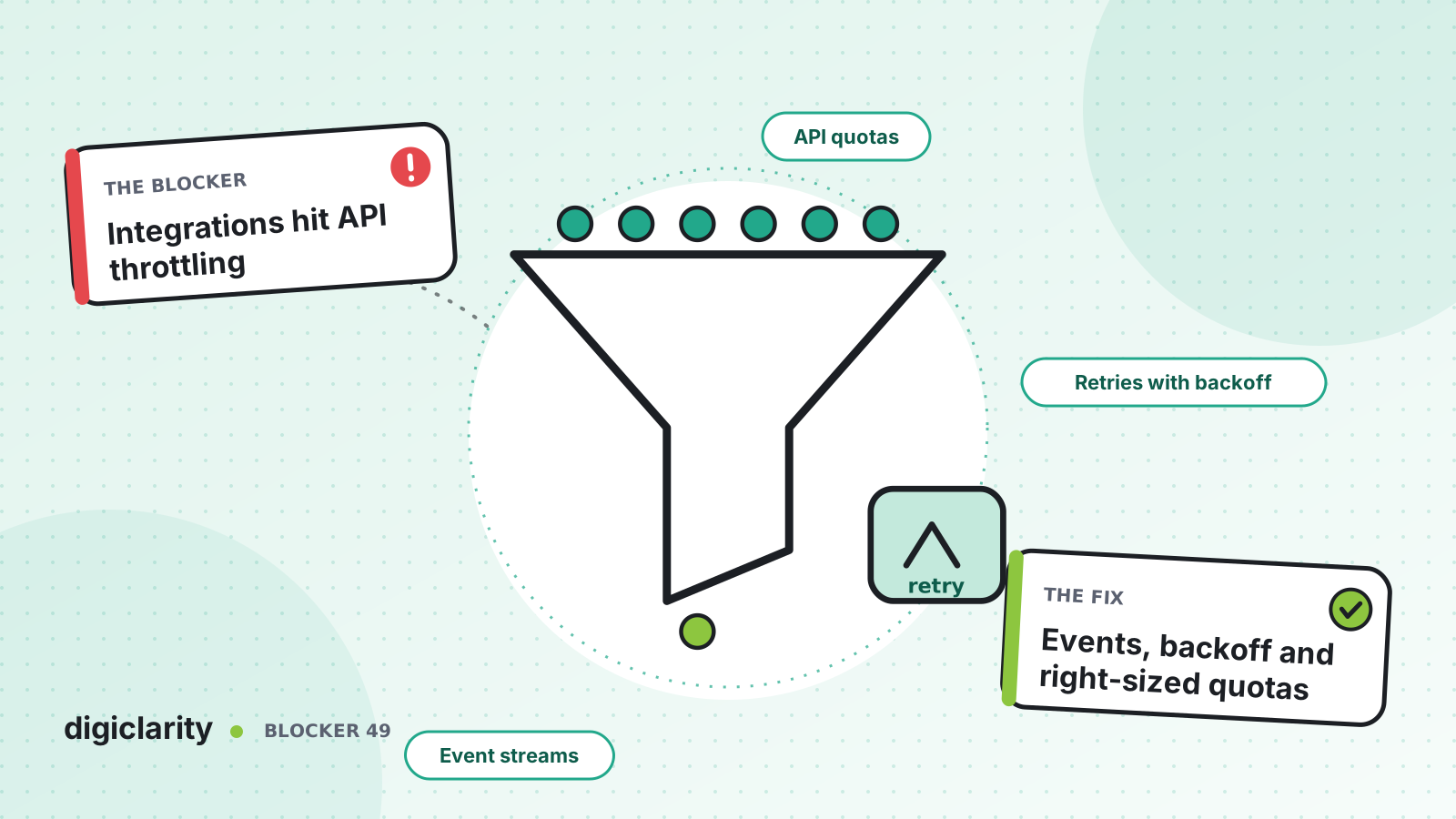
The blocker
The wallboard refreshes every few seconds. The CRM sync looks up each contact as it ends. A reporting script pulls metrics every minute, and someone runs a bulk user update in the middle of the day. Each one works on its own. Together they start getting ThrottlingException back. The wallboard freezes, the CRM misses contacts, and the bulk update fails halfway through.
Throttling is easy to mistake for an outage. But the API is doing what it is designed to do: protecting the service from more requests than your account is allowed.
Why it happens
- Everything shares one bucket. Teams assume each integration has its own quota. It does not.
- Polling for changes. Integrations ask “what changed?” on a timer, even when nothing has.
- Retries make it worse. Code retries immediately and in a tight loop, which adds load at the worst moment.
- No one knows who is calling. When throttling starts, there is no quick way to see which integration is the noisiest.
How Amazon Connect solves it
1. Know the quotas and how they are shared
AWS documents API throttling quotas for each operation. Most Amazon Connect API operations have a rate limit of 2 requests per second and a burst limit of 5. Some are higher: for example, GetMetricDataV2 is 10 per second, and DescribeContact is 10 with a burst of 15. Some are lower: SearchContacts beyond a two-week window is 1 per second.
The key detail is that quotas apply by account and per Region, not by user and not by instance. Two integrations using different IAM roles share the bucket. So do two instances in the same account and Region. Cases, Customer Profiles, outbound campaigns and other Amazon Connect APIs have their own published quotas.
AWS also notes that defaults have changed over time, so the applied quota for your account might be lower than the documented default. Check Service Quotas for your actual values. AWS notes that the console might show an incorrect value for GetCurrentMetricData, GetMetricDataV2 and GetCurrentUserData, so for those use the documented defaults or open a case.
2. Retry with backoff, not in a loop
A throttled request returns ThrottlingException. AWS’s guidance is to reduce the frequency of requests, and notes that the AWS SDKs retry it automatically.
Use the SDK’s built-in retry behavior rather than writing your own. Standard mode retries with exponential backoff and jitter, with longer delays for throttling errors, and has a retry quota so that the client stops retrying when retries are unlikely to succeed. Adaptive mode adds a client-side rate limiter that slows down in response to throttling. AWS recommends standard mode for most workloads. AWS notes that the behavior on that page currently needs an opt-in setting until it becomes the default, so check how the SDK version you use behaves.
Retries handle short bursts. They do not fix an integration that asks for more than the quota allows all day.
3. Replace polling with events
Most polling asks Amazon Connect for something it can send you instead:
- Contact events are a near real-time stream of what happens to each contact, such as queued, connected or disconnected. They arrive on the default EventBridge event bus, and you subscribe with a rule.
- Agent event streams send logins, logouts, status changes and contact connections to a Kinesis data stream.
- Data streaming sends each contact record to Kinesis or Firehose.
A CRM sync that calls DescribeContact for every finished contact can read the contact record from the stream instead. A wallboard that polls agent status can read agent events. Events are best effort and not ordered, so design consumers to use timestamps and ignore fields they do not know.
For the calls you still need, such as real-time queue metrics, put one shared service in front of the API. It polls at a known rate, caches the result and serves every dashboard. This is a design you build, not a native feature, but it turns ten callers into one.
4. Find the noisy caller
AWS CloudTrail records Amazon Connect API calls with the identity that made them, the time and the source IP. Give each integration its own IAM role, and CloudTrail shows which one makes the most calls to each API. That turns “the API is throttling us” into a specific fix.
5. Request an increase when demand is real
The rate of API requests is an adjustable, account-level quota. You request an increase through Service Quotas, per operation. AWS says small increases can be approved in hours, and larger ones can take up to 3 weeks. Plan for that, as described in planning ahead with quotas. Our peak-day quotas post covers the same process for call and chat quotas.
What good looks like
Each integration has its own IAM role and a documented API budget. CRM updates and wallboards run on events, not polling. The few API calls left go through one shared service with SDK retries. When throttling does happen, CloudTrail shows the cause in minutes, and the fix is a code change or a planned quota request, not a guess.
Where to start
- List every integration that calls the Amazon Connect API, with the operations it uses and how often.
- Use CloudTrail to check the list against real traffic, by IAM role.
- Move the busiest polling callers to contact events, agent event streams or contact record streams.
- Make sure every remaining caller uses SDK retries in standard mode.
- Compare peak call rates with your applied quotas, and request increases before you need them.









