
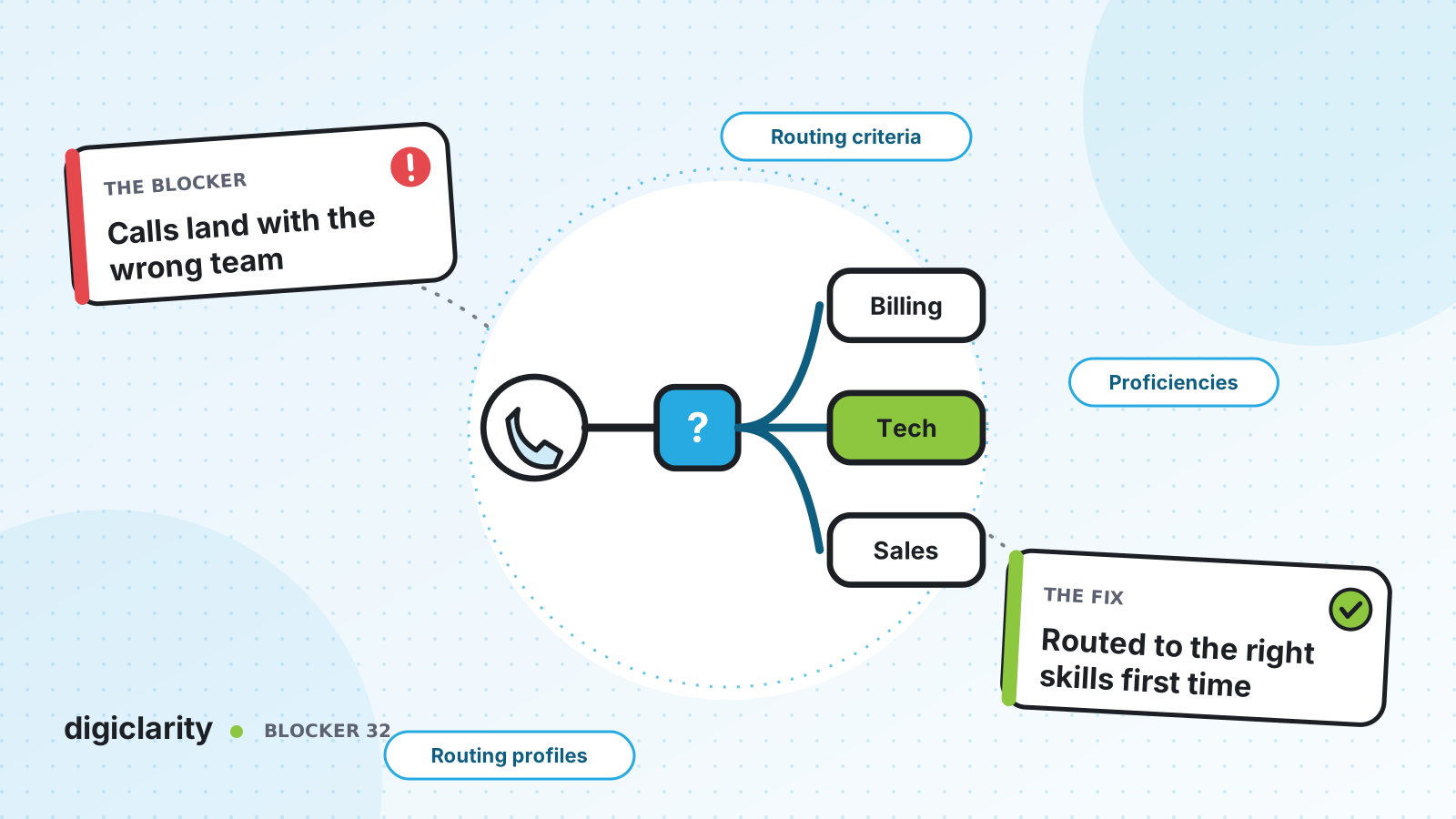
The blocker
A customer calls about a disputed charge on a business account. The menu sends them to general support, because “billing” was option 3 and they pressed 2. The agent who answers can’t see business accounts, so they transfer the call. The billing queue is busy, the customer waits again, and the second agent asks the same questions.
Multiply that by a few hundred calls a day and you get long handle times, low first contact resolution and agents who spend their shift passing calls along. The usual response is to add more menu options or more queues. That tends to make it worse.
Why it happens
- Queues mirror the org chart. Contacts are sorted by department, but the skill a call needs often cuts across departments: a language, a product, an account type.
- The menu guesses. “Press 1, press 2” relies on customers choosing the right option, and many don’t.
- Every agent in a queue is treated as equal. A new hire and a ten-year expert get the same calls.
- Skills change, routing doesn’t. Agents learn new products, but the queues and profiles are rarely updated.
How Amazon Connect solves it
In Amazon Connect, routing has three parts: queues, routing profiles and flows. Agent proficiencies add a fourth layer inside the queue.
1. Design queues around the work, not the org chart
A queue holds contacts waiting for agents. A routing profile links queues to agents and sets which channels they handle, how many contacts at once, and which queue takes priority. Each agent has one routing profile, a profile can hold many queues, and a queue can sit in many profiles. AWS calls this queue-based routing, also known as skills-based routing.
Keep queues few and broad: the reasons customers contact you, not every team. Use priority and delay in the routing profile to let a second team help when a queue gets busy, as we described in Customers hang up before an agent answers. By default, Amazon Connect routes a contact to the agent who has been available the longest.
2. Find out why the customer is contacting you
Routing is only as good as what the flow knows. The Get customer input block works with keypad input or an Amazon Lex V2 bot, so callers can say what they need in their own words. A Lambda function you build can add what your systems know, such as account type or open orders. The flow then uses Set working queue to choose the queue, either from a list or dynamically by queue ID.
3. Describe what each agent can do
Predefined attributes are name-value pairs such as Product: Billing or Language: Spanish. Amazon Connect provides system attributes such as connect:Language, and you can create your own, with up to 500 values per attribute.
You then assign proficiencies to agents in their user profile: an attribute, a value and a level from 1 (lowest) to 5 (highest). Each agent can have up to 10 proficiencies, and there are APIs to manage them, so updates can come from your training records.
4. Set routing criteria that relax over time
The Set routing criteria block works for voice, chat, task and email. Routing criteria are a sequence of steps. Each step lists requirements, such as Language English at level 4 or higher AND Product Billing at level 3 or higher, and an optional expiry. When the contact is transferred to a standard queue, Amazon Connect activates the first step and only offers the contact to agents who meet it. When a step expires, the next one applies. When all steps have expired, the contact goes to the longest available agent with the queue in their routing profile.
AWS’s proficiency routing example starts with an expert, then lowers the language and then the product level until someone is found. You can set criteria manually or dynamically with JSON from a Lambda function. AWS notes that the durations in its example are illustrative, so choose timers that fit your service level goals.
Routing criteria can hold a contact for a specific agent, but that affects queue metrics and service level. If a contact must go to one person and nobody else, AWS suggests the agent’s own queue instead. Agent queues have the highest priority and zero delay.
5. Watch the routing in real time
Real-time metrics show contacts waiting by queue and routing profile. AWS also documents a drill-down in the queues table that lists the routing steps in use for active contacts, so you can see when contacts are stuck waiting for a step nobody can meet.
What good looks like
Customers say why they are calling, and the flow sends them to one of a small number of queues. Inside each queue, the contact goes first to an agent with the right language and product skills, and widens to more of the team if nobody is free. Transfers drop because the first agent can usually help. When an agent learns a new product, you update one proficiency, not three queues and a menu. For the transfers that remain, see Customers repeat everything after a transfer.
Where to start
- List your top contact reasons and the skills each one actually needs.
- Create predefined attributes for those skills and assign proficiencies to a pilot team.
- Add Set routing criteria to one inbound flow, with two or three steps that relax over time.
- Watch the routing steps in real-time metrics for two weeks, then adjust levels and timers.









