
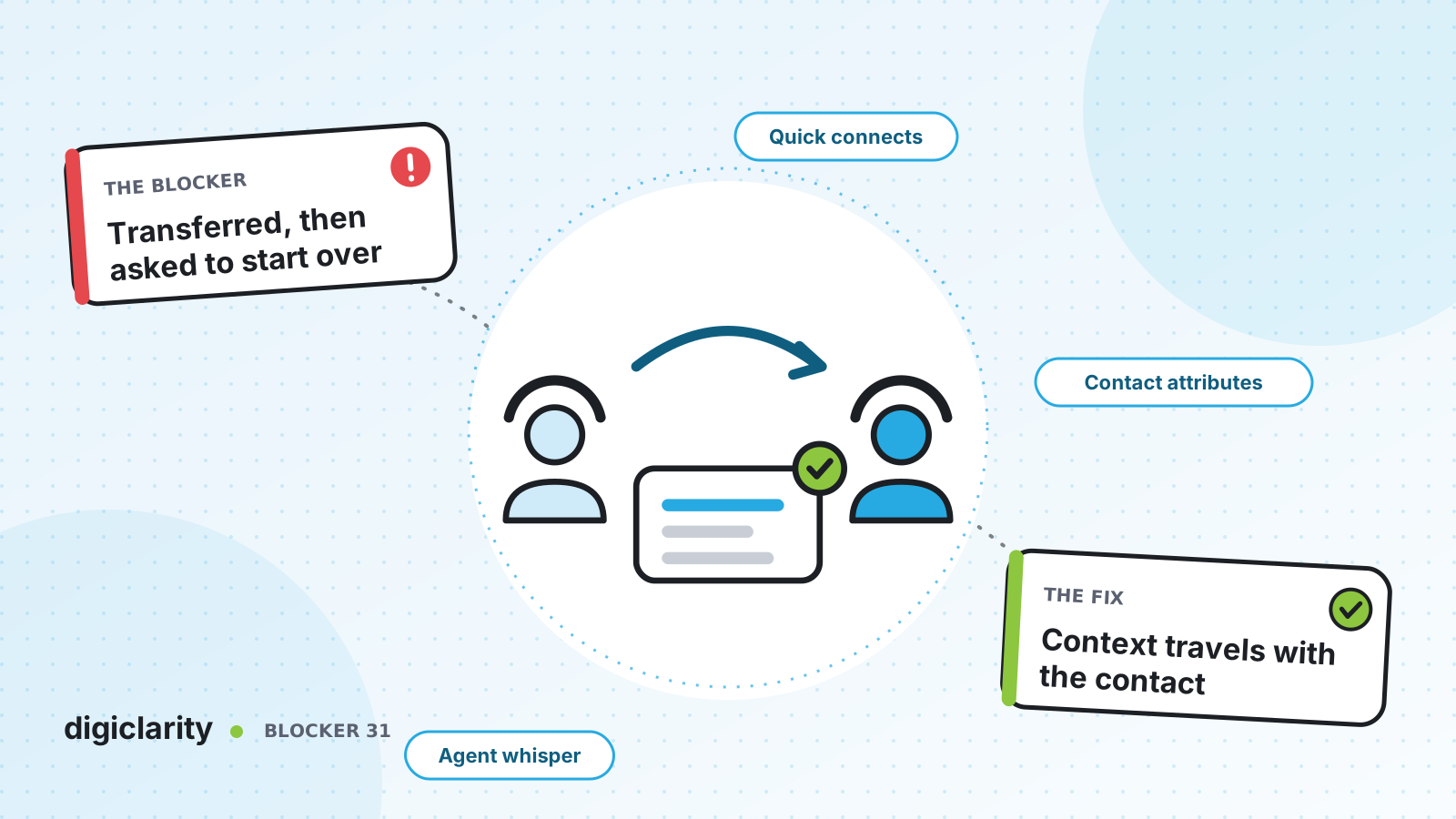
The blocker
A customer explains their problem to the first agent. It turns out to be a billing issue, so the agent transfers them. The billing agent answers with “How can I help you today?” The customer sighs and starts again: name, account number, the whole story.
Every transfer like this costs time twice, once for the customer and once for the agent who has to rebuild the context. It also makes the customer feel that nobody is listening. In many contact centers the problem is not the number of transfers. It is that the transfer moves the call but not the information.
Why it happens
- Transfers go to a phone number or a generic queue. The receiving agent gets a ringing call and nothing else.
- Context lives in the first agent’s head or notes. What the customer said, and what the IVR already collected, never reaches the next screen.
- Blind transfers by default. The first agent hangs up before anyone has explained the case to the second agent.
- Nobody measures it. Without linked records, you cannot tell which transfers happen most or why.
How Amazon Connect solves it
Amazon Connect treats a transfer as a new segment of the same contact. With a little setup, the context goes with it.
1. Give agents the right destinations with quick connects
Quick connects are a list of destinations for common transfers. There are types for a queue, a user (a specific agent), a phone number and, for chat only, a flow. AWS describes the setup in Set up contact transfers: create a transfer to queue or transfer to agent flow, create the quick connect, then add it to the queues in the agents’ routing profiles. Queue transfers work with voice, chat and task contacts.
Agents see the quick connects for the queues in their routing profile, so you can keep the list short and relevant for each team. For agent-to-agent transfers across voice, chat and tasks, AWS recommends a Set working queue block in a transfer to agent flow.
2. Store the context on the contact
Contact attributes are key-value pairs attached to a contact: the customer’s name, the reason for calling, an order status returned by a Lambda function you build. Your flows set them as the contact moves through self-service.
The important behavior for transfers is documented in Contacts, contact chains, and contact attributes. A transfer creates a new contact segment in the same chain, and for transfers and conferences, contact attributes are immediately propagated to all segments in the chain. If the second agent’s flow updates an attribute, the change shows on the earlier segments too. If you need a value that differs per segment, such as the department handling it, use contact segment attributes instead.
3. Tell the next agent before they say hello
A whisper is a one-sided message played or shown when an agent and customer are joined. The Set whisper flow block lets you replace the default agent whisper, which only says the queue name, with your own. An agent whisper can tell the agent the customer’s name, the queue they came from or that they are a member. Chat has no default whisper, so add a Set whisper flow block for chat transfers.
For more than a sentence, show the attributes on screen. Contact attributes can be displayed in the Contact Control Panel through the Amazon Connect Streams API, or as a screen pop in the agent workspace using a step-by-step guide. We covered the workspace itself in Agents juggle too many screens.
4. Use warm transfers for the hard cases
AWS walks through what each quick connect does in Quick connect scenarios. With a user or queue quick connect, the customer hears the customer hold flow while the first agent is connected to the second. The two agents can talk first. The first agent then chooses to join all three parties into a conference, hold all, or end call, which leaves the customer and the second agent talking. That gives you a warm transfer without any custom code.
For transfers outside Amazon Connect, the Transfer to phone number block has a resume flow after disconnect option that returns the caller to your flow if the transfer is unsuccessful. Supervisors can also transfer in-progress chat, task and email contacts to a quick connect agent or queue from the contact details page.
5. Keep the customer’s place, and measure the transfers
How routing works explains a detail that matters for fairness: when an agent transfers a contact back to a queue with a quick connect, Amazon Connect ranks it by the original enqueue time. A queue-to-queue transfer in a flow uses the new enqueue time instead.
Every transfer and consult creates its own contact record, linked by initial, previous and next contact IDs. AWS shows how to use those fields to tell consults, conferences and transfers apart. That is how you find the transfers that should not have happened. Often, the fix is routing, which we cover in Calls land with the wrong team.
What good looks like
The customer explains their problem once. The second agent hears a whisper with the reason for the transfer and sees the account and what was already tried. Complex cases get a warm handoff, and simple ones go straight to the right queue without losing their place in line. Each month you can see which transfer paths are most common and fix the routing behind them.
Where to start
- Pull a month of contact records and list the most common transfer paths.
- Create quick connects for those destinations and add them to the right queues.
- Set contact attributes in your inbound flows for the reason for the call and what self-service did.
- Add an agent whisper and a screen pop to the transfer flows, then train agents on when to use a warm transfer.









