
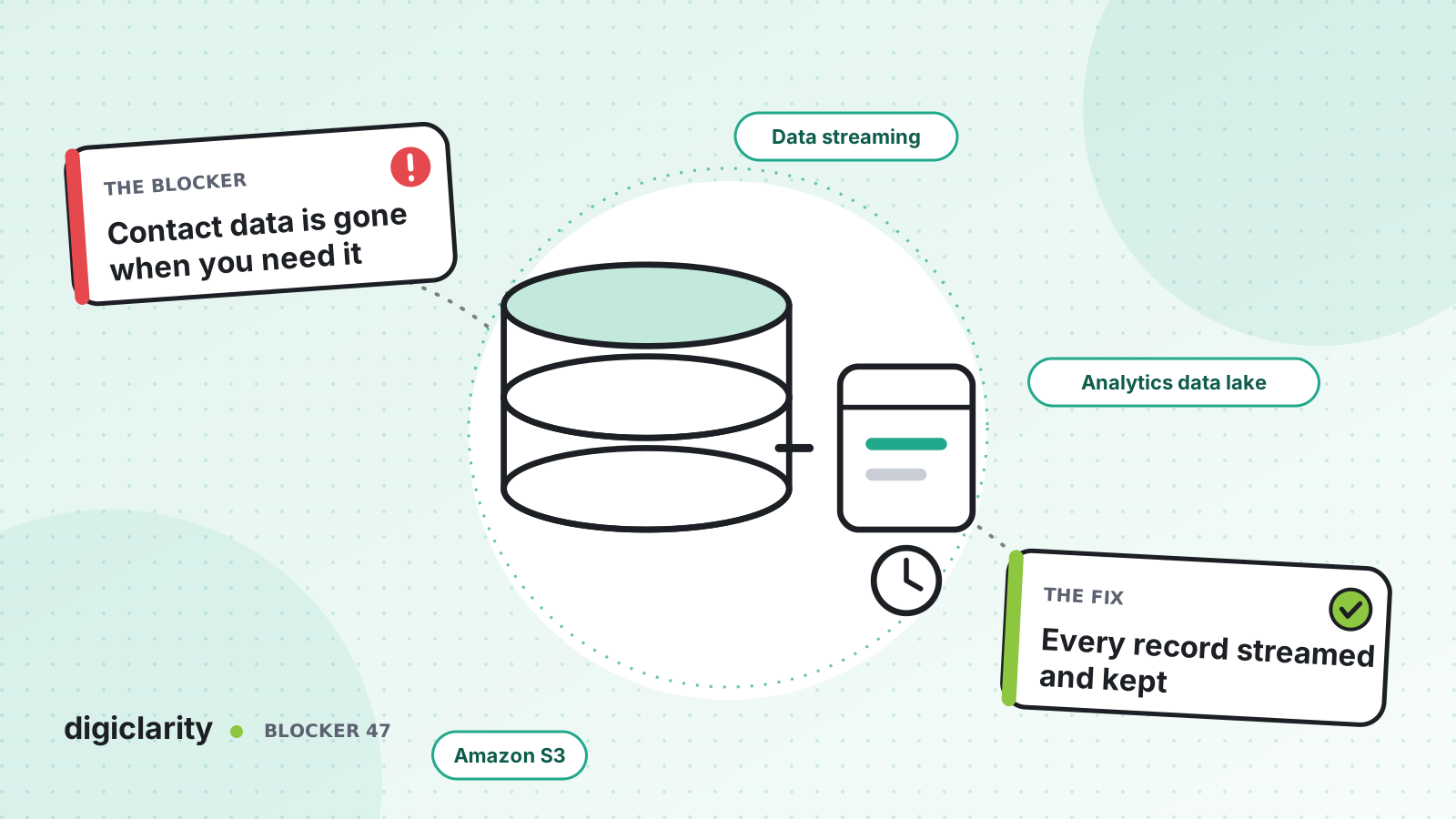
The blocker
An auditor asks for every contact with a customer over the past three years. A product team wants to compare this winter’s call reasons with the winter before last. Someone opens contact search, and the older contacts are not there. The recordings exist somewhere, but nobody can match them to a queue, an agent or an outcome.
Contact data is one of the most useful things a contact center produces. But Amazon Connect keeps each kind of data for a set period. If nobody decided where the data goes after that, it is not available when the question is asked.
Why it happens
- Retention is assumed, not checked. Teams expect the platform to keep everything forever.
- Streaming was never turned on. Contact records and agent events are not exported by default.
- Recordings and records live apart. Audio sits in one bucket and the metadata that explains it sits somewhere else, or nowhere.
- No lifecycle rules. Buckets either grow forever or get cleaned up by hand, with no agreed retention period.
How Amazon Connect solves it
1. Know the retention windows
The feature specifications list them. Contact records for all channels are kept for 24 months from when the contact was initiated, and agent activity for 24 months from when the event occurred. AWS states directly that you can stream contact records to Kinesis to manage retention yourself. The analytics data lake keeps a rolling 25-month window, which you cannot change.
Email messages and attachments are different: their retention follows the S3 Lifecycle configuration of the bucket that stores them.
2. Stream contact records and agent events
Data streaming is a setting on the instance. For contact records you choose an Amazon Data Firehose stream or a Kinesis data stream. For agent events you choose a Kinesis data stream. Agent event streams carry logins, logouts, status changes and contact connections in near real time. AWS recommends separate streams for the two, because they are easier to manage that way.
For long-term storage, Firehose is the simplest route, because it delivers streaming data to Amazon S3 without code. A Kinesis data stream is not storage on its own: it keeps records for 24 hours by default, up to 365 days. If you use one, put a consumer behind it that writes to S3.
Two details from the contact record data model matter for whoever builds the consumer. Records are delivered at least once and can be delivered again when new information arrives, so deduplicate on ContactId and keep the copy with the latest LastUpdateTimestamp. And new fields are added over time, so the consumer should ignore fields it does not recognize.
3. Keep recordings and transcripts in buckets you control
Under Data storage in the instance settings, you choose the S3 bucket and KMS key for call recordings, chat transcripts, exported reports and evaluations. Recording itself is turned on in the flow with the Set recording and analytics behavior block.
Because these buckets are in your account, their retention is your decision. The two kinds of data link up through the contact record: when recording was enabled, its recording fields give the Amazon S3 location of the recording or transcript. Export the records and you can always find the audio for a given queue, agent or outcome.
4. Copy the data lake before it ages out
The analytics data lake holds contact records, conversational analytics, evaluations, forecasts and more, queryable with SQL. To keep data past the 25-month window, AWS’s retention guidance is to run a scheduled query, such as CREATE TABLE AS SELECT or UNLOAD, that writes each table to your own S3 bucket. Each table has a named timestamp column that sets its age, so build the export on that column.
If you only need dashboards, see our post on leadership visibility. This post is about keeping the raw data.
5. Apply S3 Lifecycle rules
S3 Lifecycle rules move objects to lower-cost storage classes after a set time and expire them at the end of a period you set. Use one rule set per kind of data: recordings, transcripts, contact records and data lake exports often have different retention periods. Note that transitions have request costs, and some storage classes have a minimum storage duration charge.
Retention periods are a legal and policy decision, not a technical one. Your legal and compliance teams set them. AWS secures the service; you are responsible for how long you keep data, who can access it and how it is encrypted, under the AWS shared responsibility model.
What good looks like
Every contact record lands in S3 soon after the contact, deduplicated and organized by date. Each record points to its recording or transcript, and both follow the same retention policy. A monthly job copies data lake tables before they age out. Lifecycle rules move old data to cheaper storage and delete it on schedule. When the auditor asks for three years of contacts, the answer is a query, not a project.
Where to start
- Write down each kind of contact data you hold, where it lives today and its retention window.
- Agree retention periods for each with legal and compliance.
- Turn on data streaming for contact records (to Firehose and S3) and agent events.
- Schedule an export of the data lake tables you need beyond 25 months.
- Add S3 Lifecycle rules to every bucket, and review them yearly.









