
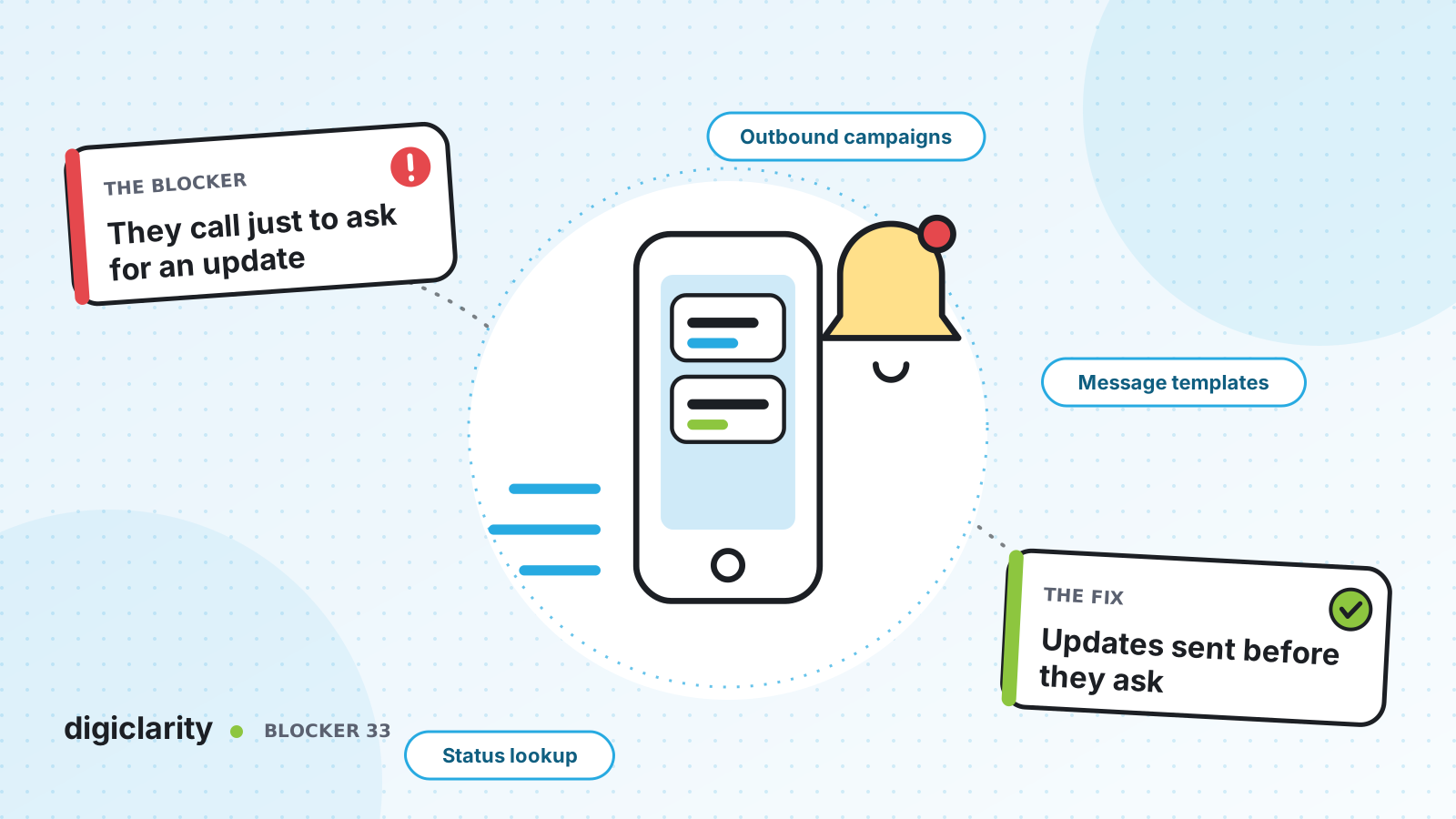
The blocker
A customer places an order, files an insurance claim or books a repair. Then they hear nothing. After a few days they call to ask where things stand. The agent looks up the record, reads out the status and ends the call. Nothing was wrong. The customer just didn’t know.
These calls are easy, but there are a lot of them. They fill queues that customers with real problems are waiting in, and each one is a small sign that the customer did not trust the process. The answer almost always already exists in your order or claims system. It just never reached the customer.
Why it happens
- Updates are not sent at the moments customers care about. A confirmation email goes out at the start, then silence until delivery or payout.
- Notifications are disconnected from the contact center. When a customer replies to an update, nobody can see the reply, so they call instead.
- Self-service cannot reach the data. The IVR or chat bot has no connection to the order or claim system, so every status question needs an agent.
- Nobody tracks the reason. Without contact reasons in reporting, status calls look like general demand.
How Amazon Connect solves it
The fix has two halves: tell customers before they ask, and answer instantly when they ask anyway. Amazon Connect provides the channels and orchestration for both. The lookup into your system is a small integration you build.
1. Send the update when the status changes
Amazon Connect outbound campaigns reach customers across voice, SMS, email and other messaging channels, with delivery status tracking, retries and fallback to another channel, for example sending an email if an SMS bounces.
For status updates, the useful mode is an event-triggered campaign. Instead of a list, the recipients are customer events. You choose an event source from your Customer Profiles integrations, or bring events in through Kinesis or Amazon S3, and set the attribute conditions that trigger the campaign. So a status change such as “claim approved” or “order delayed” starts the right message for that one customer.
We covered dialing modes and calling rules in Outbound calling that wastes agent time. This post is about notifications, where most messages never need an agent.
2. Build journeys, not one-off blasts
The Visual Journey Builder creates multi-step journeys that branch on how a customer responds, for example an SMS first and an email to those who don’t respond. The Send communication block sends on voice, SMS, email and other messaging channels, and can store the outbound message ID for delivery tracking.
Delivery guardrails let you cap how many messages each recipient gets per day, week or month, per journey or across all journeys in the instance. That keeps a busy week of status changes from turning into spam.
3. Personalize every message from one template
Message templates hold reusable SMS and email content. With message variables, Amazon Connect fills in each recipient’s current attribute values at send time, so one template can say “Hi Maria, your order shipped today” to everyone. Before you start, complete the channel setup: an SMS-enabled number from AWS End User Messaging SMS, and email enabled for campaigns with Amazon SES in production mode.
4. Answer status questions in self-service
Some customers will still call or chat. Make that a ten-second answer. A Get customer input block with an Amazon Lex V2 bot captures what they need. An AWS Lambda function block calls a function we build that looks up the order or claim and returns the status as contact attributes. The flow reads it back, and a Send message block can text or email the tracking details while the customer is still on the line. Send message works on voice, chat, task and email contacts.
When a customer does need a person, the status is already on the contact, so the agent starts from the answer, not the question. For AI-led self-service, see Customers hate your phone menu.
5. Trigger from your own systems when you need to
If you need full control, your applications can start contacts through the API. StartOutboundVoiceContact places a call and runs a flow, and StartOutboundChatContact starts an outbound SMS contact. Replies come back into Amazon Connect, where a flow or an agent can answer them.
Sending notifications by SMS, email or voice brings consent, opt-out and contact-time rules where you operate. AWS provides the controls; deciding how they apply to your customers is your responsibility under the shared responsibility model. Event-driven mass notifications that affect several thousand customers, such as outage alerts, also need AWS pre-authorization through a Support ticket.
What good looks like
Customers hear about a delay before they notice it. Updates arrive on the channel they prefer, from a number they can reply to. When someone does call to ask, the flow recognizes them and answers in seconds, and agents spend their time on the cases that need judgment. Status calls show up as a contact reason in reporting, so you can watch them fall.
Where to start
- Tag a month of contacts by reason and measure how many are status questions.
- Pick the two status changes that drive the most calls, such as “shipped” and “delayed”.
- Send those events into Customer Profiles and build one event-triggered journey with SMS and email.
- Add a status lookup to the inbound flow for the same events, then compare status call volume after a month.









