
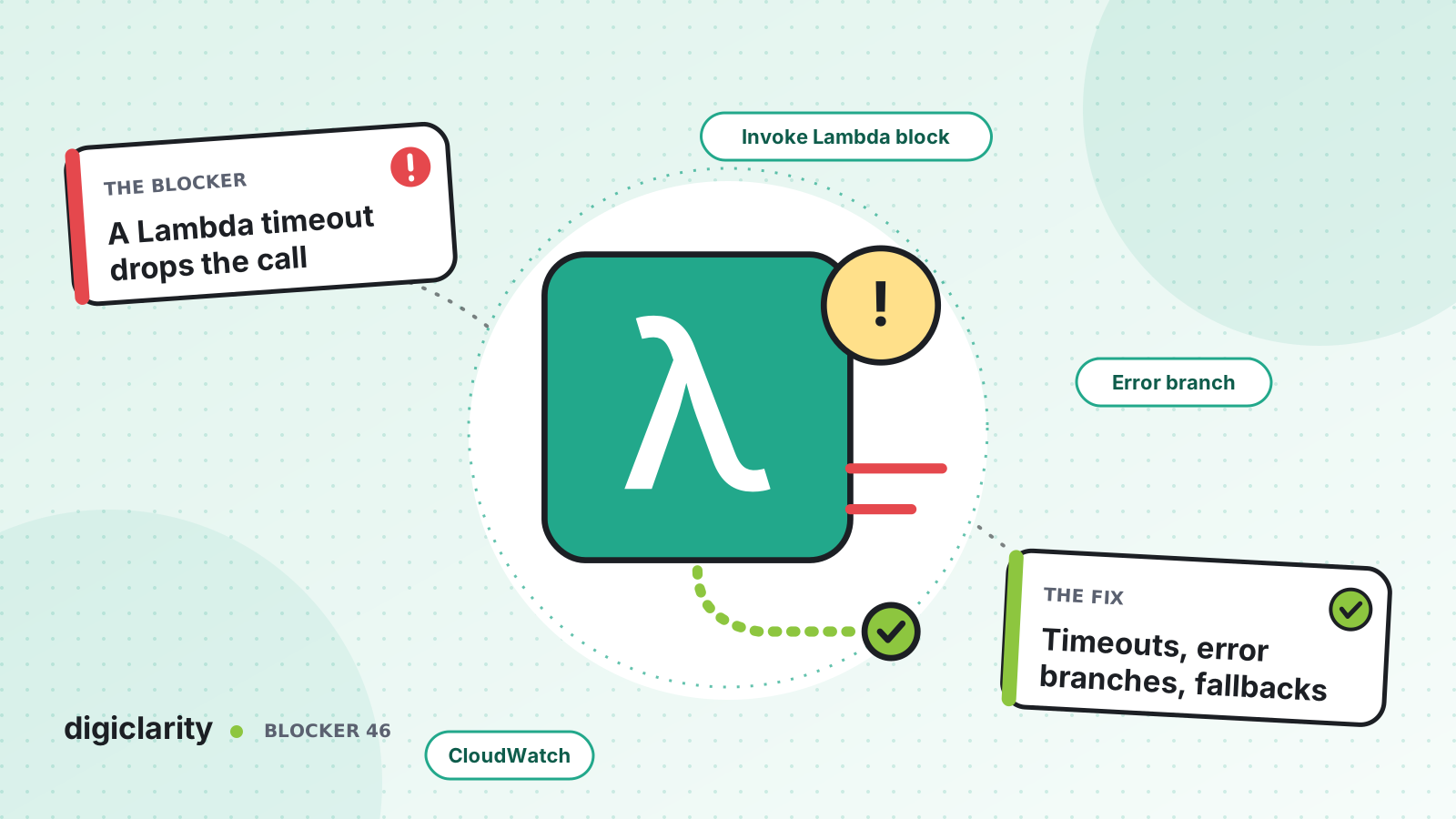
The blocker
The flow works in testing. Then the CRM has a slow afternoon. The Lambda function that looks up the caller waits on it, the flow waits on the function, and the caller hears silence. Some hang up. Others reach an error branch that nobody wired, and the call ends. The contact center sees a spike in short calls. The integration team sees nothing, because the function itself never logged a failure it did not catch.
Most Amazon Connect flows depend on Lambda for something: identifying the caller, checking an order, choosing a queue. Each of those calls is a place where a problem in another system becomes a dropped call.
Why it happens
- Timeouts are copied, not designed. Every Lambda block gets the same timeout, whether the lookup takes 100 ms or three seconds.
- The error branch goes nowhere useful. It ends in a disconnect, or in a generic “technical difficulties” message.
- Slow work runs synchronously. Long calls hold the caller in silence while the flow waits.
- Functions are chained. Several Lambda calls in a row add up, and nobody checks the total.
- Nobody watches the function. Alarms cover the contact center, but not the Lambda functions and APIs behind it.
How Amazon Connect solves it
1. Know what the block does when Lambda fails
The AWS Lambda function block has two execution modes. In synchronous mode the contact moves on only after the invocation completes, with a timeout of up to 8 seconds. In asynchronous mode the contact moves on straight away, with a timeout of up to 60 seconds.
AWS documents the retry policy: a throttled invocation is retried, and so is a general service failure (500 error). When a synchronous invocation returns an error, Amazon Connect retries up to three times, for a maximum of 8 seconds, and then routes the contact down the Error branch. The flow also takes the Error branch if Lambda cannot be reached, the response is not understood, or the function runs past the limit. The response must be under 64 KB (feature specifications).
Two consequences follow. Your function can be called more than once for the same contact, so make anything that writes data safe to repeat. And a short timeout fails faster, which is often better for the caller than a long wait.
2. Set timeouts on both sides
Set the block’s timeout to what the lookup really needs. Then set the Lambda function’s own timeout to match. Lambda’s default is 3 seconds. AWS notes that when another service invokes a function synchronously, that caller may stop waiting before the function times out. A function that keeps running after Amazon Connect has given up wastes concurrency and can confuse your logs.
Inside the function, put a timeout on the call to your downstream API that is shorter than both. That way the function can return a clean “not found” or “unavailable” result instead of being cut off.
3. Move slow work off the caller’s critical path
For work that can take longer, use asynchronous mode. The Wait block can wait for the event Lambda returned, using the invocation’s request ID. With Keep running while waiting, the contact goes down a Continue branch, where a Play prompt can keep the caller informed. You then read the result with Load Lambda result.
Watch the chain as well. Amazon Connect limits a sequence of Lambda functions to 20 seconds. AWS recommends a Play prompt block between functions, both to keep callers engaged and because breaking up the chain lets you run functions that last longer than that limit in total.
4. Design a fallback for every error branch
Every Lambda block has an Error branch, and a synchronous one also has a Timeout branch. Treat both as normal paths. AWS’s sample Lambda integration flow shows the pattern: the function times out in 4 seconds, and if it does, the caller hears a prompt and the flow carries on.
A good fallback is specific to the lookup. If caller identification fails, route to a general queue and let the agent search. If an order check fails, skip the self-service option and offer an agent. Save a contact attribute such as lookupFailed so the agent knows, and so you can count it later. We covered the CRM lookup itself in connecting your CRM to Amazon Connect.
5. Give critical functions capacity and alarms
Lambda reserved concurrency sets aside capacity for a critical function, so other functions in the account cannot use it up. It also caps the function, which protects a fragile downstream API. Provisioned concurrency keeps execution environments initialized, which AWS describes as useful for reducing cold start latency in interactive workloads.
Lambda sends metrics to CloudWatch automatically. Alarm on Errors, Throttles and Duration for each function your flows call. On the Amazon Connect side, ContactFlowErrors in CloudWatch counts how often error branches run. Our monitoring and alerts post covers turning these into alarms.
What good looks like
The CRM slows down on a busy afternoon. The lookup function returns “unavailable” within two seconds. Callers go to the general queue with a normal greeting, and agents see a note that the lookup failed. A Duration alarm pages the integration team, who can see which API is slow. No calls are dropped, and the dashboard shows how many contacts took the fallback path.
Where to start
- List every AWS Lambda function block in your production flows, with its timeout, mode and where its Error branch goes.
- Fix any Error or Timeout branch that ends in a disconnect.
- Match block timeouts, function timeouts and downstream API timeouts, shortest on the inside.
- Move slow calls to asynchronous mode with a Wait block and a prompt.
- Add CloudWatch alarms on Errors, Throttles and Duration for each function, and test the failure path before every release.









