

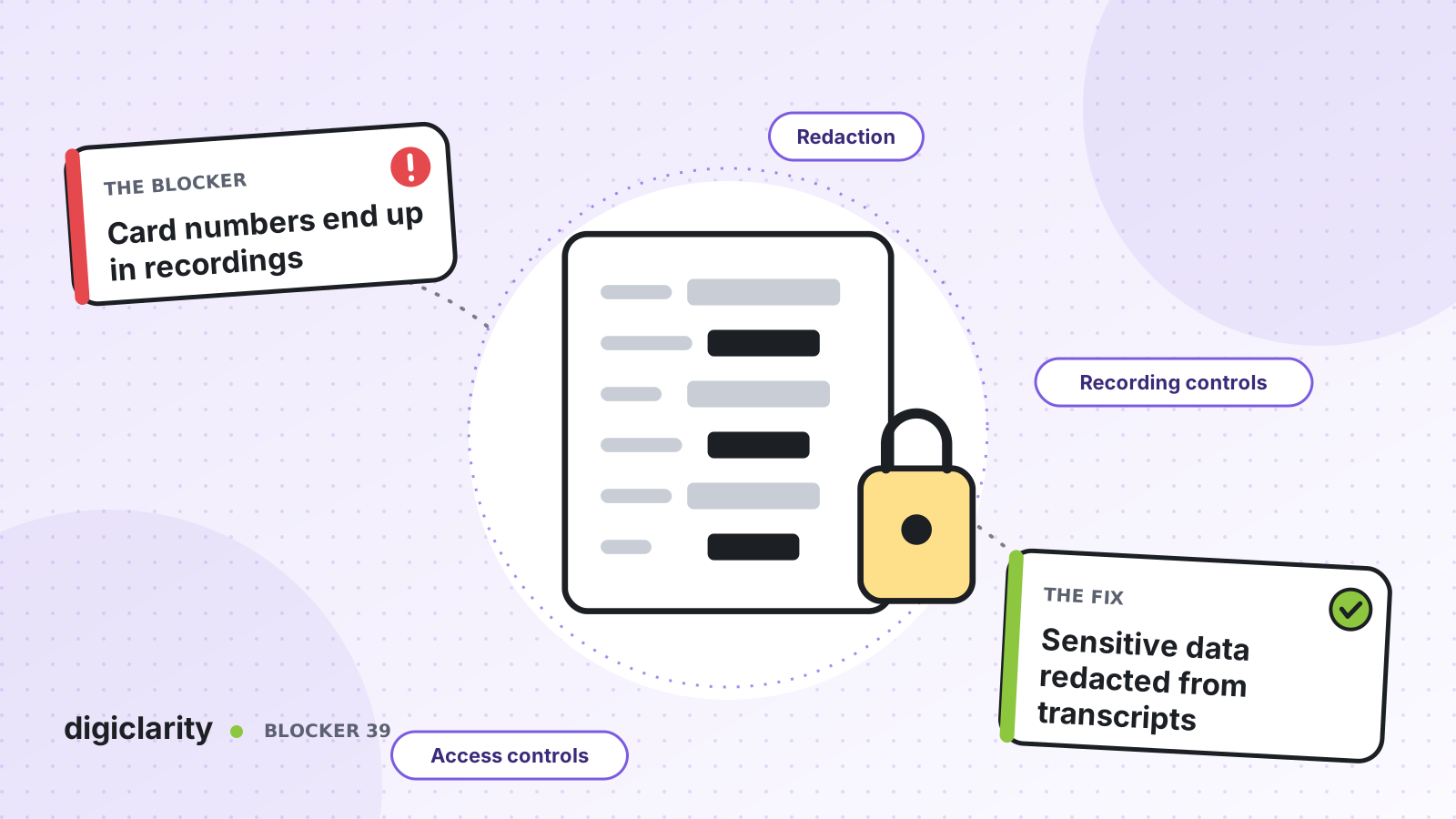
The blocker
A customer calls to update a payment method and reads out the full card number. Another types their date of birth and home address into chat. A third emails a photo of a statement. Each contact is recorded, transcribed, analyzed and kept for months. Supervisors replay calls for coaching, analysts search transcripts, and an agent’s screen recording shows the customer record in full.
The contact center now stores sensitive data in more places than anyone can list. Security reviews flag it, audits drag on, and sometimes the answer is to switch off recording or analytics altogether, which removes the data quality teams and AI need.
Why it happens
- Customers say what they say. You cannot stop people reading out numbers, even when the flow asks them not to.
- Data is copied everywhere. One call creates audio, a transcript, an analytics file and sometimes a screen recording.
- Access is all or nothing. Anyone who can play a recording hears everything in it.
- Originals are kept by default. Nobody decided how long the unredacted files should live.
If card payments are the main concern, start with taking card payments without pulling the contact center into PCI scope. This post covers the wider problem: any sensitive data, on any channel.
How Amazon Connect solves it
No single control removes every risk. Amazon Connect gives you layers that reduce what is stored and limit who can see it.
1. Redact transcripts and audio after the contact
Conversational analytics can redact sensitive data, such as names, addresses and card numbers, from transcripts, audio files and email transcripts. You turn it on in the Set recording, analytics and processing behavior block. You can redact all PII or choose specific entities, and replace them with a generic [PII] placeholder. You can also enable redaction based on the customer’s language.
For voice, redaction runs after the call disconnects. The redacted audio replaces sensitive data with silence. The original analyzed file is kept only if you choose the option for redacted and original transcripts. AWS warns that this original is the only place the full conversation is stored.
2. Redact chat messages before anyone sees them
For chat, in-flight redaction removes sensitive data from messages before they reach any participant, including the agent. You choose which entities to redact and whether to use a generic placeholder or entity-specific ones, such as [CREDIT_CARD]. You enable it in the same flow block. If you need more, a custom message processor in AWS Lambda, which you build, can transform each message, and its input is the output of built-in redaction.
3. Stop recording while sensitive data is shared
The SuspendContactRecording API pauses call or screen recording, for example while a customer gives a card number. The suspended period becomes silence, and ResumeContactRecording restarts it. Calling these from the agent desktop or a back-end system at the right moment is an integration you build.
For screen recordings, rule-based redaction masks browser pages and application windows that match your URL or window title rules. It needs the Amazon Connect browser extension on every browser agents use. The redacted version is stored alongside the original under a separate prefix.
4. Give most people the redacted version only
Security profiles separate access. AWS describes permissions to review recordings such as Call recordings (redacted) - Access and Contact transcripts (redacted) - Access, separate from their unredacted versions. Give QA and supervisors the redacted permissions, and limit unredacted access to a small group. AWS notes that the unredacted Enable download button permission only controls whether the button appears, not access itself, and that delete is a separate permission.
5. Decide where files live and for how long
Redacted, original and raw files are stored in your Amazon S3 buckets, under the Analysis prefix for each channel. AWS notes that all of them, redacted or not, can be opened through the Amazon S3 console, so restrict bucket access with the same care as the admin website. Apply your retention policy to each file type, and read AWS’s guidance on data protection, including encryption at rest and in transit.
AWS is clear that redaction uses machine learning and may not catch every instance of sensitive data. It also states that redaction does not meet HIPAA de-identification requirements. Review redacted output before you rely on it.
What good looks like
Agents never see card numbers typed into chat. Recordings have silence where a customer read out sensitive data. Supervisors coach from redacted audio and transcripts, while a handful of named people can open originals, and every bucket has a retention rule. Analytics and AI still run on every contact, because the data they need is there and the data they do not need is not.
Compliance remains shared. Under the AWS Shared Responsibility Model, AWS secures the cloud, and you are responsible for how you configure Amazon Connect, who you give access to and how long you keep data. This post is not legal advice; confirm your requirements with your compliance team.
Where to start
- List every place a contact’s data is stored: audio, transcripts, analytics files, screen recordings and exports.
- Turn on redaction for voice and email, and in-flight redaction for chat, then review a sample of redacted output.
- Move QA and supervisors to redacted-only permissions, and name the few people who need originals.
- Set S3 access and retention rules for original files, and plan recording suspension for the moments customers share card data.









