

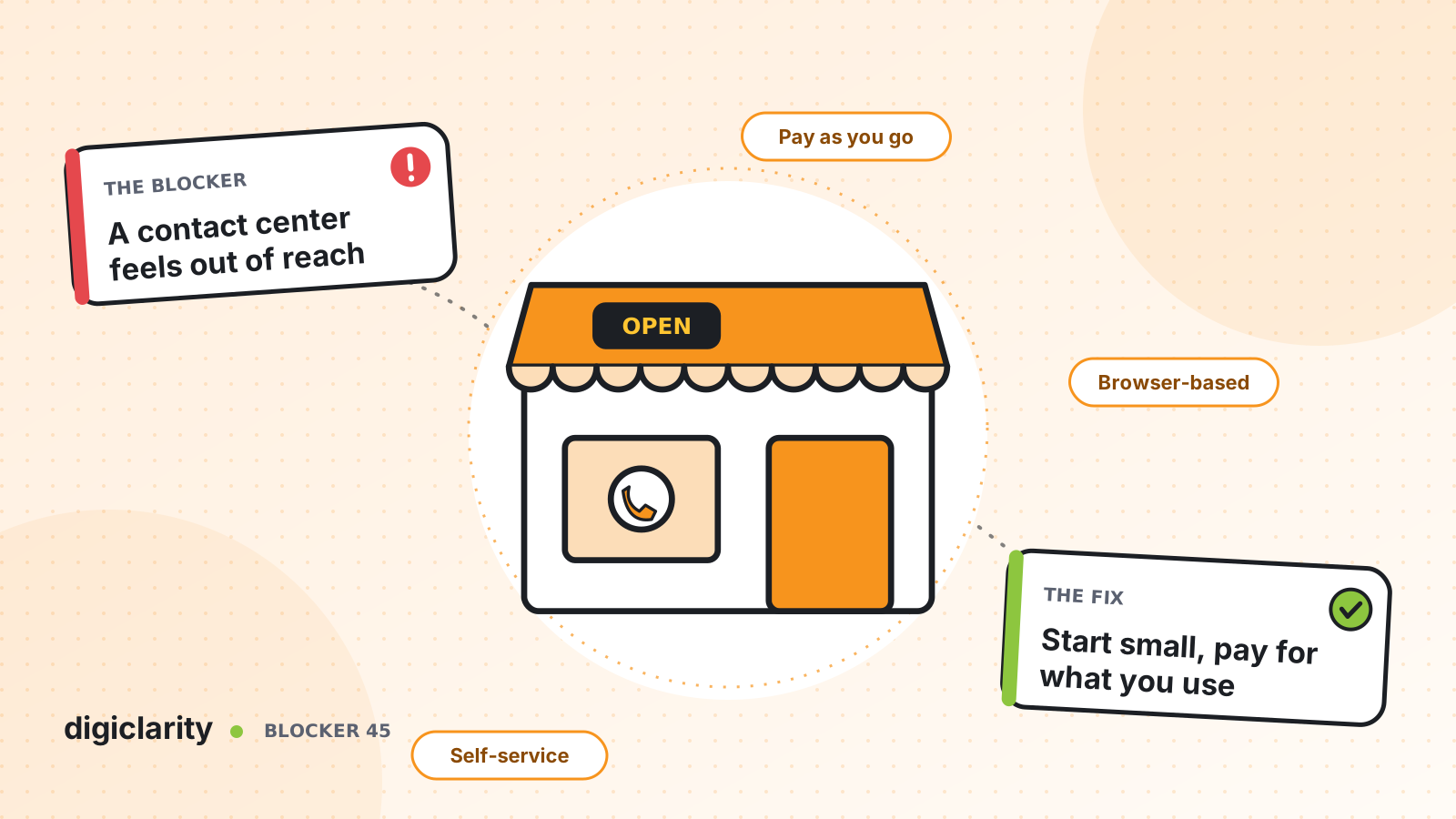
The blocker
Picture a business with five people who talk to customers. Calls ring on personal cell phones. Missed calls go to a voicemail nobody checks until evening. Website messages land in a shared inbox. When someone is on vacation, their customers wait. Nobody knows how many calls were missed last week.
The owner knows this costs jobs and repeat business. But “contact center” sounds like something for companies with hundreds of agents: phone hardware, long contracts, per-seat licenses and an IT department to run it all. So the business keeps juggling phones.
Why it happens
- Old cost models. Traditional systems were sold in seats and multi-year contracts, which a small team cannot justify.
- Hardware and setup. Desk phones, servers and installers made the starting cost high.
- Complexity. Feature lists written for large operations make it hard to see the few things a small team needs.
- No time to build. The people who would set it up are the same people answering customers.
How Amazon Connect solves it
A small team needs a handful of things done well: one number, opening hours, a way to answer simple questions, a fair queue and a phone that works anywhere. Amazon Connect provides each of these, and charges for usage.
1. Pay for the minutes and messages you use
The Amazon Connect pricing page lists no minimums, no long-term contracts and no seat-based licensing. At the time of writing, it shows voice at $0.038 per minute plus standard telephony rates, and chat at $0.010 per message sent or received, and notes that pricing may vary by Region. A quiet week costs less than a busy one. Our post on paying for seats nobody uses explains how the usage model works in more detail.
2. Follow the documented setup path
AWS lays out the setup steps in order: create an instance, set up phone numbers, set up routing with queues, routing profiles and hours of operation, build a flow, and add users. A single flow works for voice, chat and tasks.
You can claim a toll-free or local number from the admin website. If customers already know your number, AWS suggests claiming one to build and test with while your existing number is ported. Amazon Connect also includes sample flows: attach one to your number, call it, and follow along in the flow designer to see how it works.
3. Answer from a browser
Your team works in the agent workspace, which opens in a web browser and handles calls, chats, emails and tasks in one place. AWS lists modest workstation requirements and recommends a USB headset. Mobile browsers are not supported, so each person needs a laptop or desktop. When adding users, you can choose a softphone or a desk phone for each person.
4. Keep the routing simple
Start with one queue and one routing profile. Set your hours of operation with holiday overrides, and use the Check hours of operation block to play a closed message, or a special holiday greeting, outside them. When everyone is busy, a queued callback lets customers hang up and be called back instead of holding. See long hold times and abandoned calls for how that works.
5. Let self-service take the simple questions
An Amazon Lex bot in your flow can understand what callers say and answer the questions you hear all day, such as opening times or how to book. For your website, Amazon Connect hosts a communications widget that you customize in the admin website and add with a short code snippet. Chats can go to the same team and the same queue as calls.
6. Or start from a packaged product
If you run a service business and would rather not build any of this, our product CorsaCX Suite is built on Amazon Connect for small and medium service businesses. It brings a business number, booking, quotes and invoices, calls, chat and customer records into one app. It is modular, so you turn on only the modules you need.
What good looks like
Customers call one business number and always get an answer: a person, a callback, or a clear message about when you are open. Simple questions are handled without anyone picking up. Your team answers calls and chats from the same screen, wherever they work. You can see how many customers contacted you and how many waited. The bill rises in busy months and falls in quiet ones.
Where to start
- Count last month’s calls and messages, and estimate usage cost from the pricing page.
- Create an instance, claim a number and try a sample flow.
- Set your hours of operation, one queue and one routing profile, and add your team as users.
- Add a callback option and a short Lex bot for the top two questions.
- Run it alongside your current phones for two weeks, then move your main number.









