

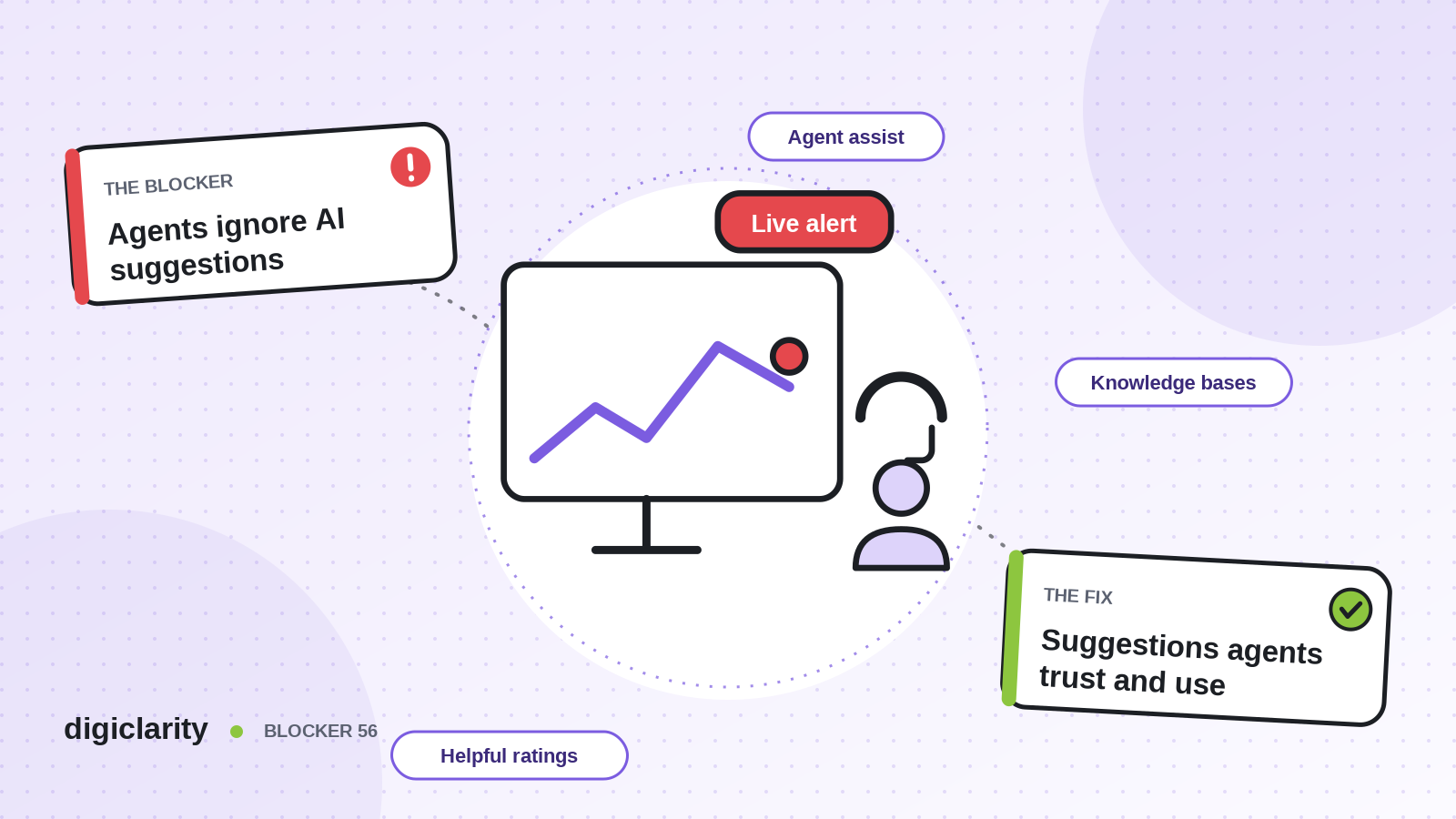
The blocker
The business case said agent assist would cut handle time. The feature went live on a Monday. By Friday, most agents had collapsed the panel.
Ask them why and the answers are similar. “It told me the wrong refund rule.” “It suggests things I already know.” “By the time I read it, the customer has moved on.” One wrong answer on a live call is enough for an agent to stop trusting the tool. After that, even good suggestions go unread.
Leaders see the extra cost and no change in the numbers. Some decide the AI does not work. Usually the AI is doing what it was set up to do. The setup is the problem.
Why it happens
- The knowledge behind it is messy. Old policies, duplicate articles and drafts were all loaded. The AI agent finds them and cites them.
- It was turned on for everyone at once. Nobody tested it on real contacts for one team first, so the first wrong answers happened in front of customers.
- The defaults were never tuned. The system prompts are written for any contact center, not for your products, your terms or your tone.
- Agents were told it exists, not how to use it. Nobody showed them how to pick an intent, ask a question or check the cited source.
- Nobody measures use. Without data on which suggestions agents open and which they reject, there is no way to improve.
- Agent feedback goes nowhere. Agents complain to their team lead. The complaint never reaches whoever owns the knowledge base.
How Amazon Connect solves it
A naming note first. AWS now documents the product as Amazon Connect Customer, and its document history records that Amazon Q in Connect is now called agent assist. The capability itself is the same.
AI agents support human agents during calls, chats, tasks and emails. They detect what the customer needs and give the agent a generated answer with links to the source articles. Agents can also ask questions in plain language. You can customize the prompts, guardrails and knowledge behind them. Each of those is a lever for trust.
1. Fix the content before you blame the AI
The AI agent answers from the knowledge base you give it. Prebuilt connectors bring in content from Amazon S3, Microsoft SharePoint Online, Salesforce, ServiceNow and Zendesk. Supported files are HTML, Word, PDF and text, up to 1 MB each.
If two articles disagree, agents will see the conflict. So curate before you connect. Remove drafts and retired policies. Merge duplicates. Give each article a clear title and one owner. For some integrations you set a sync frequency, so a fix in the source reaches the AI agent without a manual upload.
If you have several knowledge bases, an orchestration AI agent can use one Retrieve tool per knowledge base and choose the right one for each question. Content segmentation limits a search to specific content within one knowledge base. A billing team then does not get answers from the shipping manual.
2. Put suggestions where agents already look
Agents will not open another window during a call. With the Connect assistant - View permission in their security profile, agent assist appears on the right side of the agent workspace. If your agents work in a CRM, AWS says agentic assistance can be embedded into your own employee workspace or CRM.
During a contact, the AI agent suggests the customer’s intent as a clickable item. When the agent picks it, the answer comes with citations, and the agent can open the source. Teach agents to check the source on anything unusual. Being able to see where an answer came from does more for trust than any training slide.
For calls, AWS requires conversational analytics in real-time mode in the flow. Without it, suggestions appear for chats and emails only.
3. Tune the AI agent and its prompts
Out of the box, each use case runs on a system AI agent. You can create your own AI agent for a use case, such as answer recommendation or manual search. It then becomes the default for that use case. You choose its AI prompts, one guardrail and the locale for responses. You can override only the parts you need. Anything you leave alone keeps using the system default.
AI prompts start from templates written in YAML, so a non-developer can replace the placeholder instructions with your own. This is where you tell the AI agent to use your product names, keep answers short enough to read during a call, and say so when the knowledge base has no answer. You publish each AI prompt and AI agent as a version, and the dashboard reports metrics per AI agent version, so you can see whether a change helped.
4. Turn answers into actions
An answer the agent still has to act on in five other screens saves little. Agent assist can send interactive responses: a view with details from the conversation and buttons that open step-by-step guides, cases and customer profiles. AWS checks each one before it appears and rejects unsafe links, and components or actions the AI agent is not allowed to use.
You can also link guides to agent assist. Tag a published guide’s flow with the key Guide and the value true, or associate a guide with a knowledge article through the API. When the AI agent recommends that content, the agent gets the steps too. Suggestions that save clicks are the ones agents keep using.
5. Measure use and listen to agents
Adoption is measurable. The AI agent metrics include Proactive Intent Engagement Rate, the share of detected intents that agents clicked or engaged with. They also count suggestions that agents rated helpful with a thumbs-up, or unhelpful with a thumbs-down.
The AI Agent performance dashboard brings this together. Its agent assistance summary shows the engagement rate and a faithfulness score. A knowledge base usage table shows which articles the AI agents referenced. You can look at anything from the last 15 minutes to 3 months, and compare to an earlier period.
Use it as a weekly loop. Sort by unhelpful ratings, read those contacts, and decide whether the fix is the article, the prompt or the training. If you also run AI agents in self-service, our post on guardrails covers keeping answers grounded.
6. Pilot with a small group, then coach
None of this works if the first wrong answers happen across the whole floor. Start with one queue and a small group of agents, ideally a mix of new hires and respected experienced agents. Tell them the tool is in pilot and that their ratings will change it. Then show them that it did.
Coach it like any other skill. In team huddles, replay a contact where a suggestion helped, and one where it was wrong and why. New hires usually adopt it fastest. For them, agent assist is the main help on the floor, as covered in slow agent ramp-up.
What good looks like
Agents keep the agent assist panel open because it is right most of the time and shows its sources when it is not sure. When a suggestion is wrong, they rate it and see the fix within a week or two. Engagement and helpful ratings go up month by month. The knowledge base has fewer, better articles, each with an owner. Leaders can see which queues use the tool and which do not, and act on facts instead of opinions.
Where to start
- Pull the 30 most common contact reasons for one queue, and make sure each has one current, clearly titled article. Remove the rest from the knowledge base.
- Turn on agent assist for that queue only, with real-time conversational analytics in the flow and the Connect assistant permission for a pilot group of 10 to 15 agents.
- Show the pilot group how to pick an intent, check a citation and rate a suggestion.
- Review the AI Agent performance dashboard and unhelpful ratings every week. Fix the articles first, then tune a custom AI agent and its prompts.
- Expand to the next queue once engagement and helpful ratings are steady, and bring pilot agents into the training for the next group.