
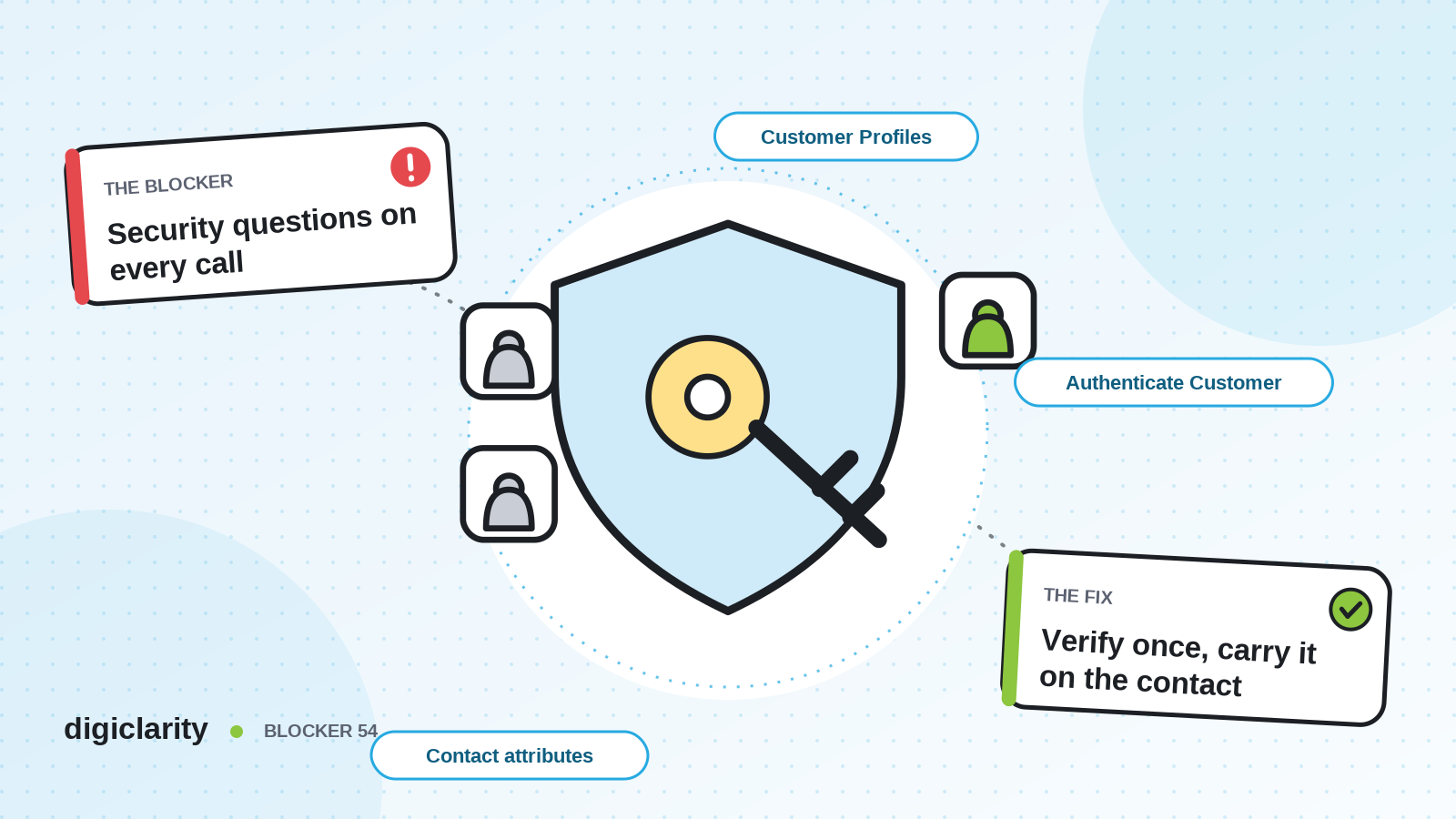
The blocker
A customer calls about a missed payment. The agent asks for their full name, date of birth, ZIP code and the last four digits of their account. Two minutes pass before anyone talks about the payment. Then the call goes to the collections team, and the collections agent asks the same questions again.
Customers find it slow and a little insulting. Agents find it repetitive. And it is not even very secure. Answers to knowledge-based questions can often be found or guessed, and a determined fraudster will practice them. The contact center pays for the time on every call and still carries the fraud risk.
Why it happens
- Identification and verification are mixed up. Knowing the phone number tells you who the caller claims to be. It does not prove it.
- Verification happens only with an agent. The IVR collects nothing, so every check uses paid agent time.
- The result is not recorded. The first agent knows the customer passed, but nothing on the contact says so.
- Transfers start from zero. The next agent cannot see what was checked, so policy tells them to check again.
- Chat has its own rules. Customers who are already signed in to your website are asked the same questions in chat.
How Amazon Connect solves it
AWS now calls the contact center product Amazon Connect Customer, and the documentation linked here uses that name. The pattern below works across voice and chat: identify, verify once, record the result, and pass it on.
1. Identify the caller before anyone speaks
Customer Profiles combines data from your CRM and other applications with contact history in Amazon Connect. The Customer profiles flow block can look up a profile using up to five search identifiers, such as the caller’s phone number or an account number. It routes the contact down a Success, Multiple Found, None Found or Error branch, and stores the response fields you choose as contact attributes for later blocks.
That lets the flow greet the customer by name and ask only for the check that is missing. Treat a phone number match as identification only. It tells you which customer to verify, not that the person calling is that customer. We covered building the profile itself in a single view of the customer.
2. Verify in self-service, before the queue
Move the checks out of the agent conversation and into the flow. Amazon Connect can use an Amazon Lex bot in the Get customer input block, and AWS notes that Lex bots support both spoken utterances and keypad input in a flow, so customers can choose how they enter an account number. A Lambda function behind the bot checks the answer against your system and returns the result.
For a PIN, the Store customer input block collects digits on a voice contact, stores them in a system attribute and can encrypt them. If you use Lex, turn on slot obfuscation for sensitive slots. AWS is clear about its limits: slot values are masked in conversation logs, but not in request or session attributes you store yourself, and not in the audio. Limit failed attempts in your function, and send customers who fail to an agent with a clear flag, not back to the start.
3. Add one-time passcodes where the risk is higher
Amazon Connect has no built-in one-time passcode feature. You build it. AWS describes this approach on its Voice ID end of support page: one-time-pin authentication with AWS End User Messaging SMS, which AWS lists for use cases including OTP login and authentication.
A typical design: a Lambda function generates a short-lived code, stores a hash of it, and sends it by SMS to the number on the customer’s profile, not the number they are calling from. The caller keys the code in, and a second function checks it. Keep the code itself out of contact attributes, which are visible in contact records.
A note on voice biometrics. Amazon Connect Voice ID stopped accepting new customers on May 20, 2025, and AWS ended support on May 20, 2026. It can no longer be used. AWS points existing users to partner solutions on AWS Marketplace, such as Pindrop, or to the do-it-yourself OTP approach above.
4. Let chat customers sign in instead of answering questions
For chat, Amazon Connect has built-in customer authentication that uses Customer Profiles and Amazon Cognito. The Authenticate Customer block prompts the customer to sign in during the chat, for example before a bot hands over to an agent or before a payment. After sign-in, Amazon Connect updates or creates the customer’s profile.
The block supports chat only, in inbound flows. Its timeout runs from 3 minutes (the default) to 15 minutes, and it has Success, Timeout, Opted out and Error branches. Plan a path for each, including customers who choose not to sign in. If customers already sign in to your website or app before starting a chat, use pre-chat authentication: your backend sets an AUTHENTICATED status in the StartChatContact API call, with an optional customer ID.
5. Record the result once, and let it travel
Whatever method you use, write the outcome to the contact with a Set contact attributes block or from your Lambda function. Record what was checked and how, for example authMethod = otp and authLevel = high, not the answers. Set these attributes only from your flow or your own functions, never from values a customer’s browser can send.
This is what stops the repeat questions. AWS documents in Contacts, contact chains, and contact attributes that for transfers and conferences, contact attributes are immediately propagated to all segments in the contact chain. The collections agent sees the same result the first agent saw.
Show it on screen as the contact arrives. A step-by-step guide can display contact attributes in the agent workspace when a contact begins. Then update your policy so agents re-verify only when the attribute is missing or the request needs a higher level. Our post on keeping context across transfers covers whispers and screen pops in more detail.
What good looks like
A customer calls. The flow recognizes their number, greets them by name and asks for a PIN, which they key in. Their request is a change of address, so the flow sends a one-time passcode to the phone on file. The agent answers with “Thanks, you’re verified. How can I help with your address?” When the call moves to another team, the second agent sees the same status and does not ask again. On chat, customers already signed in to the app go straight to their question.
Where to start
- List the security questions agents ask today, and agree which requests need which level of verification.
- Turn on Customer Profiles and add a phone number lookup to your main inbound flow.
- Build one self-service check, such as a PIN with Store customer input or a Lex bot, and record the result as contact attributes.
- Show the result to agents in a step-by-step guide, and change the policy so transfers do not re-verify.
- Add one-time passcodes for high-risk requests, and the Authenticate Customer block or pre-chat authentication for chat.