

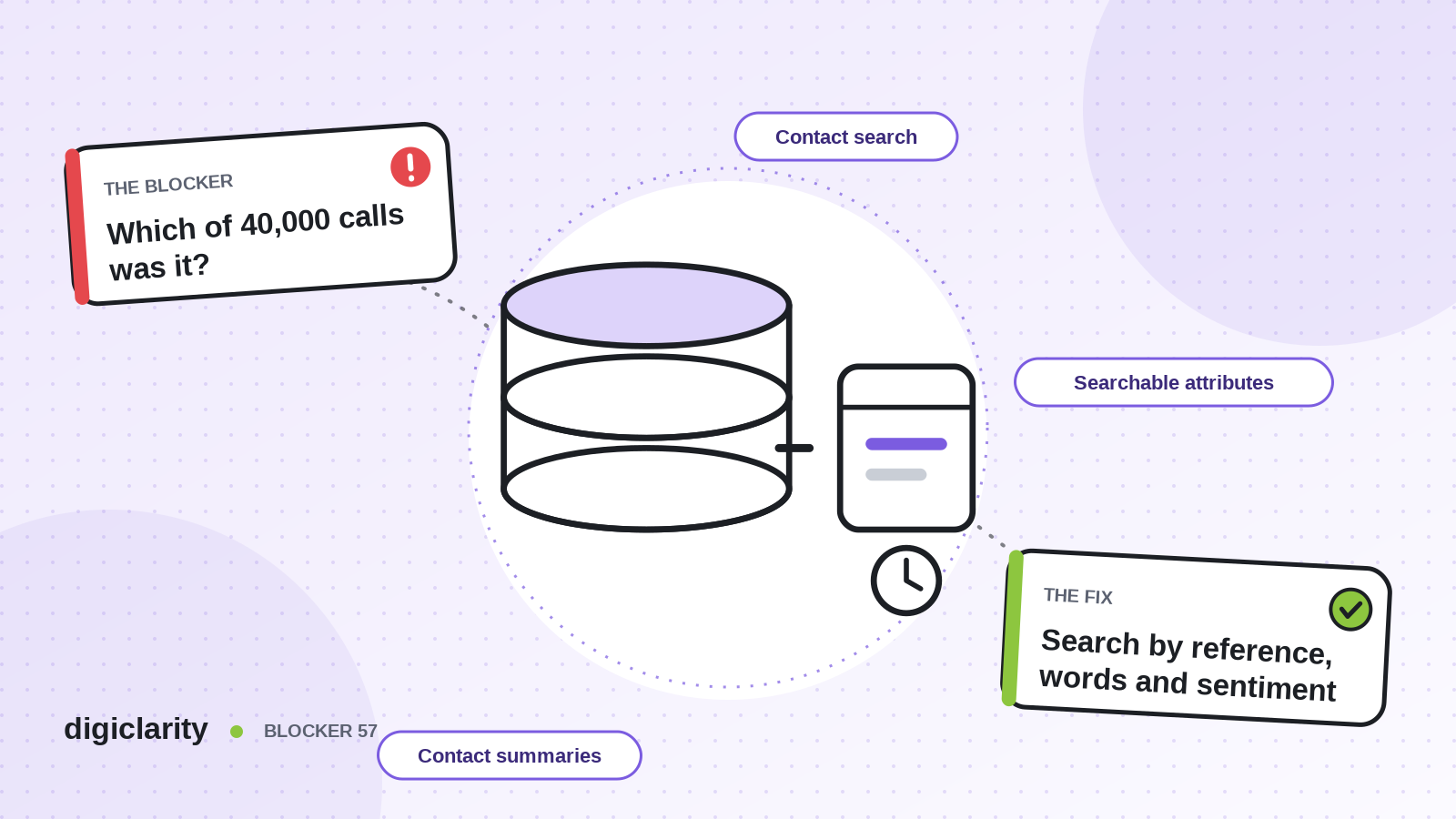
The blocker
A customer writes in to complain about a call last month. They are sure the agent promised a refund. A lawyer asks for every conversation with a client about a specific account. An executive forwards an angry email and wants to know what happened by the end of the day.
Each time, someone has to find one conversation among tens of thousands. They know a name, an account number and a rough date. The contact center knows contact IDs, phone numbers and queues. Someone searches by phone number, finds twelve calls, and listens to each one from the start. A simple question takes a day. Sometimes the call is never found, and the business answers the complaint without the facts.
Why it happens
- Your reference numbers are not on the contact. The order number, case number or customer ID lives in the CRM, not on the contact record, so you can’t search for it.
- You can only search by metadata. Date, queue and phone number narrow it down, but not to the one call where a refund was mentioned.
- Nothing was transcribed. Without transcripts, the only way to check what was said is to listen.
- Every review starts from zero. There is no summary, so reviewers play the whole recording to find two minutes that matter.
- Access is all or nothing. Either a few admins can search everything and become a bottleneck, or too many people can hear every recording.
How Amazon Connect solves it
1. Start with contact search
Contact search is in the Amazon Connect admin website under Analytics and optimization. AWS documents that you can search for contacts as far back as two years ago, up to 8 weeks at a time. It finds completed and in-progress contacts across voice, chat, tasks and email.
Filters cover most of what reviewers know: agent, queue, agent hierarchy, channel, initial flow, task template, and the email address or subject for email contacts. You can filter on up to 10 tags at once. Know the limits too. A query returns the first 10K results, you can download up to 3,000 at a time, and you can’t search for several contact IDs at once. For recordings, AWS recommends the Contact ID filter as the surest way to get the right recording.
2. Make your own reference numbers searchable
The biggest gain is making contacts searchable by the identifiers your business uses. In the flow, a Set contact attributes block, or a Lambda lookup, stores values such as customerId, orderNumber or caseNumber on the contact.
Then an admin configures those keys as searchable. AWS notes that a custom attribute isn’t indexed until someone with the right permission marks it searchable, that the key name is case sensitive, and that users can search on it for future contacts. So set this up now, not on the day a complaint arrives. The feature specifications allow 50 searchable custom contact attributes, so choose the keys that people actually ask about.
Your CRM can search too. The SearchContacts API accepts the same searchable attributes in its search criteria, along with channels, queues, agents, tags and analysis results. A “show calls” button on a CRM record can list every contact for that customer.
3. Search what was said and how it felt
With conversational analytics turned on, you can search the conversations themselves. Search for words or phrases, up to 128 characters, and choose whether the agent, the customer or the system said them. “Match all” finds contacts where every term appears, so refund, "next week" finds the call where a refund was promised.
You can also search by sentiment score, on a scale of -5 to +5, or by a sentiment shift, for example a customer who started positive and ended negative. Non-talk time finds calls with long silences, and response time does the same for chat. Contact categories, created by rules, can be searched with “Match any”, “Match all” or “Match none”. A category such as “complaint” or “cancellation request” turns a recurring search into one filter. We covered building categories in finding out why customers call.
Two things to know. Analysis happens after the contact ends and the agent completes after contact work. And chat transcripts are only indexed for search when conversational analytics is enabled.
4. Read the summary before you listen
Generative AI post-contact summaries give the issue and outcome of a contact in a short, structured form. Managers see them on both the Contact search and Contact details pages, so a reviewer can scan a list of results and open only the likely ones. AWS notes that each contact has no more than one summary, that not every contact will have one, and that summaries are written in the language of the conversation. You turn them on in the Set recording and analytics behavior block.
The Contact details page brings the rest together, with the transcript and recording for users who have permission. With automated interaction logs turned on, it also shows the flows, prompts, keypad selections and full bot transcript from before the caller reached an agent. That often answers “did the customer choose this option?” without a recording at all. The same summaries help agents too, as we described in cutting after contact work.
5. Decide who can search and who can listen
Search is powerful, so control it through security profile permissions. The contact search documentation describes three levels for viewing contacts:
- Contact search - View lets a user see all contacts.
- View my contacts - View lets agents see only contacts they handled.
- Restrict contact access limits results to contacts handled by the user’s agent hierarchy group and the groups below it.
Separate permissions control the rest. Search contacts by keywords and Search contacts by conversation characteristics control the transcript and sentiment filters. Contact attributes controls attribute filters, and only users with Configure searchable contact attributes can choose which keys are indexed. Recordings and transcripts each have redacted and unredacted access permissions. For post-contact summaries, AWS recommends the redacted ones as least privilege. Give the complaints team the access it needs, and keep unredacted access for the few people who must have it.
6. Keep the evidence long enough
Contact search goes back two years, and Amazon Connect keeps contact records for 24 months. Call recordings are placed in your S3 bucket shortly after the contact ends. For legal holds, you can use S3 Object Lock so call recordings can’t be deleted or overwritten for a set time. AWS notes that once Object Lock is enabled it can’t be removed, and recommends a dedicated recording bucket. It also notes that automated interaction logs don’t support S3 buckets with Object Lock enabled, so plan the buckets together. If you need data beyond these windows, see keeping and exporting contact data.
What good looks like
A complaint arrives with an order number. A reviewer on the complaints team pastes it into the searchable attribute filter and finds three contacts. The summaries show which one was about the refund. The transcript confirms what the agent said, and the reviewer plays the 40 seconds that matter. The answer goes back the same morning. The reviewer only sees redacted transcripts, and only for the teams they are allowed to review.
Where to start
- List the five questions your complaints, legal and leadership teams ask most often, and the identifiers they come with.
- Store those identifiers as contact attributes in your flows, and mark them as searchable.
- Turn on recording, conversational analytics and post-contact summaries for the queues that get complaints.
- Create rules for categories such as complaints and cancellation requests, so they become one filter.
- Review security profiles so the right people can search and listen, with redacted access by default, and check that retention meets your legal hold needs.