
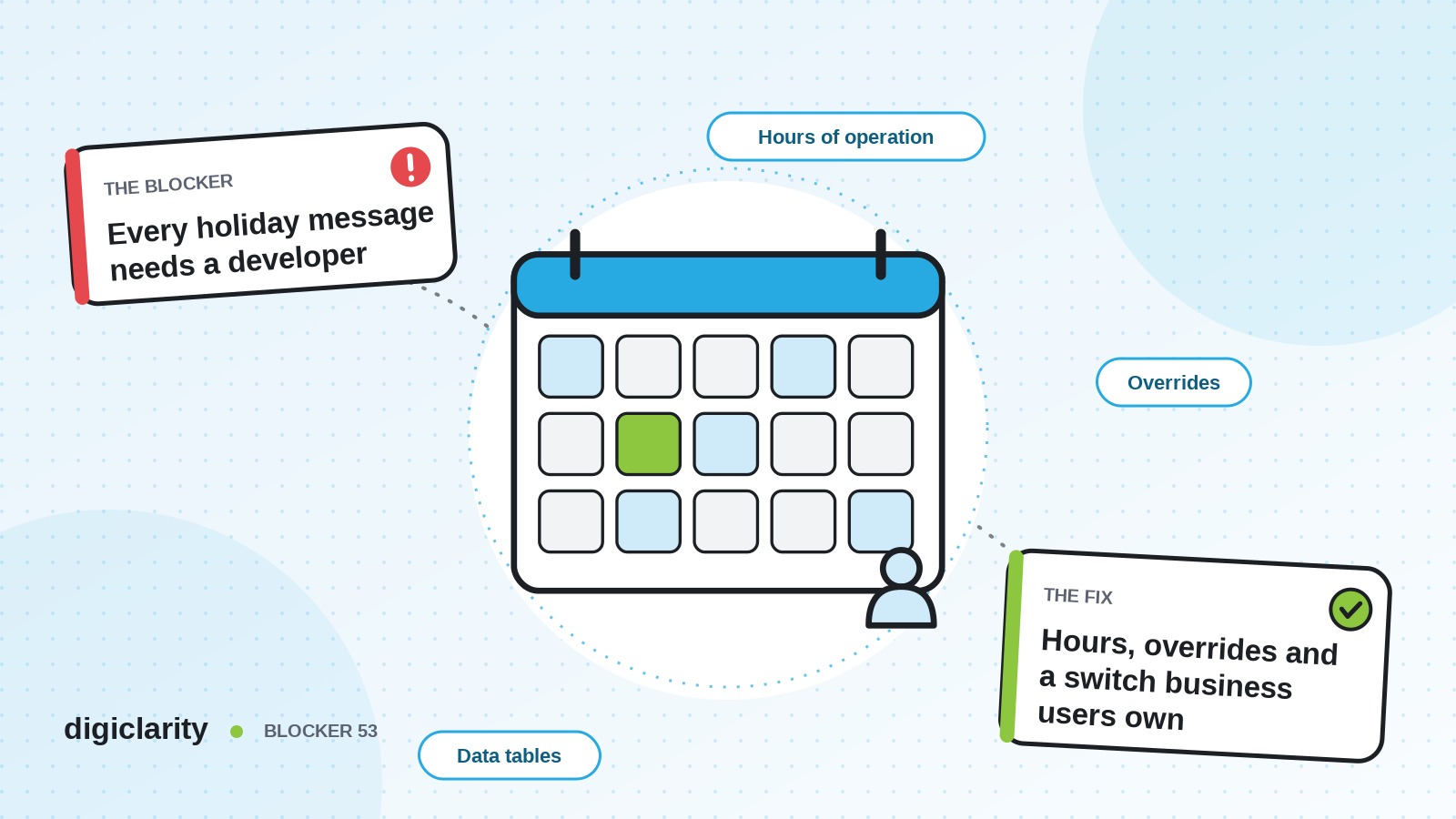
The blocker
A storm closes the office at 2 p.m. The operations manager needs callers to hear that the contact center closed early and will reopen tomorrow at 8 a.m. That message lives as text inside a Play prompt block in the main flow. Only two developers can edit and publish flows. One is on leave. The other changes the production flow in a hurry, and for twenty minutes the sales line plays the support closure message.
Holidays are slower but no better. Each November someone notices that Thanksgiving is next week, raises a ticket, and a developer adds a date check to three flows. Next year, the same ticket.
Why it happens
- Messages are written into flows. Changing a sentence means editing and publishing a flow.
- Dates are written into flows or Lambda functions. The holiday calendar is code, so only developers can change it.
- Flow access is all or nothing in practice. Nobody wants to give the operations team permission to publish flows, so they wait.
- Every queue keeps its own copy. The same holiday is entered on several schedules, and one gets missed.
- The closed path is rarely tested. It runs a few days a year, so problems show up on the day.
How Amazon Connect solves it
The idea is to take three things out of the flow: the schedule, the message and the switch for unplanned closures. The flow reads them at run time. The people who own them change them in the admin website, with permissions that stop at exactly that.
1. Put the regular schedule in hours of operation
You set hours of operation with a time zone, and assign them to queues. Amazon Connect adjusts for daylight saving time automatically. To close for lunch, add more time ranges to the day. For staggered breaks, AWS suggests custom agent statuses instead.
In the flow, the Check hours of operation block checks the hours set on the block, or the queue’s hours if none are set. It branches on In hours, Out of hours and Error, and works for voice, chat, task and email. Agent queues have no hours, so checking one sends the contact down the Error branch. What to offer on the closed path, such as AI self-service or a callback, is covered in Nobody answers at night.
2. Plan holidays with overrides, and keep one master list
Overrides change the standard hours for future dates. A recurring event suits holidays and patterns such as an early close on the last Friday of each month. Temporary hours suit one-off dates. Each override has effective dates, and when overrides conflict, closed recurring overrides win, then open recurring overrides, then temporary hours, then the standard schedule.
Instead of copying the holiday list onto every schedule, create one parent record with your company holidays and link the others to it. Each child inherits the parent’s overrides, and changes made to the parent apply to every child automatically. A child can link to up to 3 parents, so a regional list can sit alongside the company list. Each hours of operation resource can hold up to 50 overrides of its own, and that quota is not adjustable. Inherited parent overrides do not count toward it.
The Check hours of operation block can also add a branch for a named override with Check override. That lets you play a specific holiday greeting before the normal out-of-hours path.
3. Keep the message out of the flow
Audio messages belong in the prompt library. Users with the right permission can record or upload prompts in the admin website. Files must be under 50 MB and under 5 minutes, and the Play prompt block expects 8 kHz mono .wav with U-Law encoding. To choose the prompt at run time, set a contact attribute to the prompt’s ARN and point Play prompt at that attribute, as AWS shows in dynamically select which prompts to play.
For text messages, use a data table. You define columns, such as a primary attribute Line and a ClosureMessage text column, with validation rules like a maximum length. A Data Table block reads the row for the current line, and a Play prompt block speaks or sends the value. AWS states that changes take effect almost immediately, and that flows do not cache table data. Set a default record, so a line with no row of its own still gets a sensible message. The block documentation notes a missing value can come back empty, so keep a fallback branch in the flow as well.
4. Give business users a switch for unplanned closures
Overrides are for dates you know about. For a storm or a power cut, add a boolean Closed column to the same table. The flow reads it first, and a Check contact attributes block sends the contact to the closure message when it is on. Turning it off restores normal routing, with no flow change.
Data tables have a few helpful details. Lock levels stop two editors overwriting each other. The HOOP expression returns one value when given hours of operation are open and another when closed. A table’s audit history shows each change with before and after values. With the UI builder, you can build a simple screen on a data table and assign it to a workspace, so the operations team never opens the flow designer. AWS lists “activating emergency protocols” as one use. Default quotas are 100 tables per instance and 1,000 values per table.
5. Limit who can change what, and test the closed path
Security profiles keep each permission separate. AWS lists permissions to edit hours of operation, edit prompts and manage data table values apart from Flows - Edit and Flows - Publish. An operations profile can hold the first three and none of the flow permissions. Tag-based access control narrows it further. AWS suggests it when only some editors should change a parent holiday list, and it also limits which data tables a user can open. Our post on access sprawl covers designing these profiles.
Then test. AWS says to test any override configuration before it reaches customers. Testing and simulation lets you run voice and chat tests against your flows, and the release notes list after-hours scenarios among the business conditions a test can set.
What good looks like
In October, the operations manager adds next year’s holidays to the parent schedule, and every queue picks them up. On the day of the storm, a supervisor sets Closed to yes and types the message in a short form. Callers hear it within moments. Nobody touched a flow, and the audit history shows who made the change. The next morning, the switch goes off and calls route normally.
Where to start
- List every closure message and holiday date that lives inside a flow or a Lambda function today.
- Create one parent hours of operation record for company holidays, and link each queue’s schedule to it.
- Build a closure data table with a default record, and change your main flows to read it once.
- Create an operations security profile with hours, prompts and data table permissions, and no flow permissions.
- Add tests for in-hours, out-of-hours, holiday and emergency paths, and run them before each holiday season.