

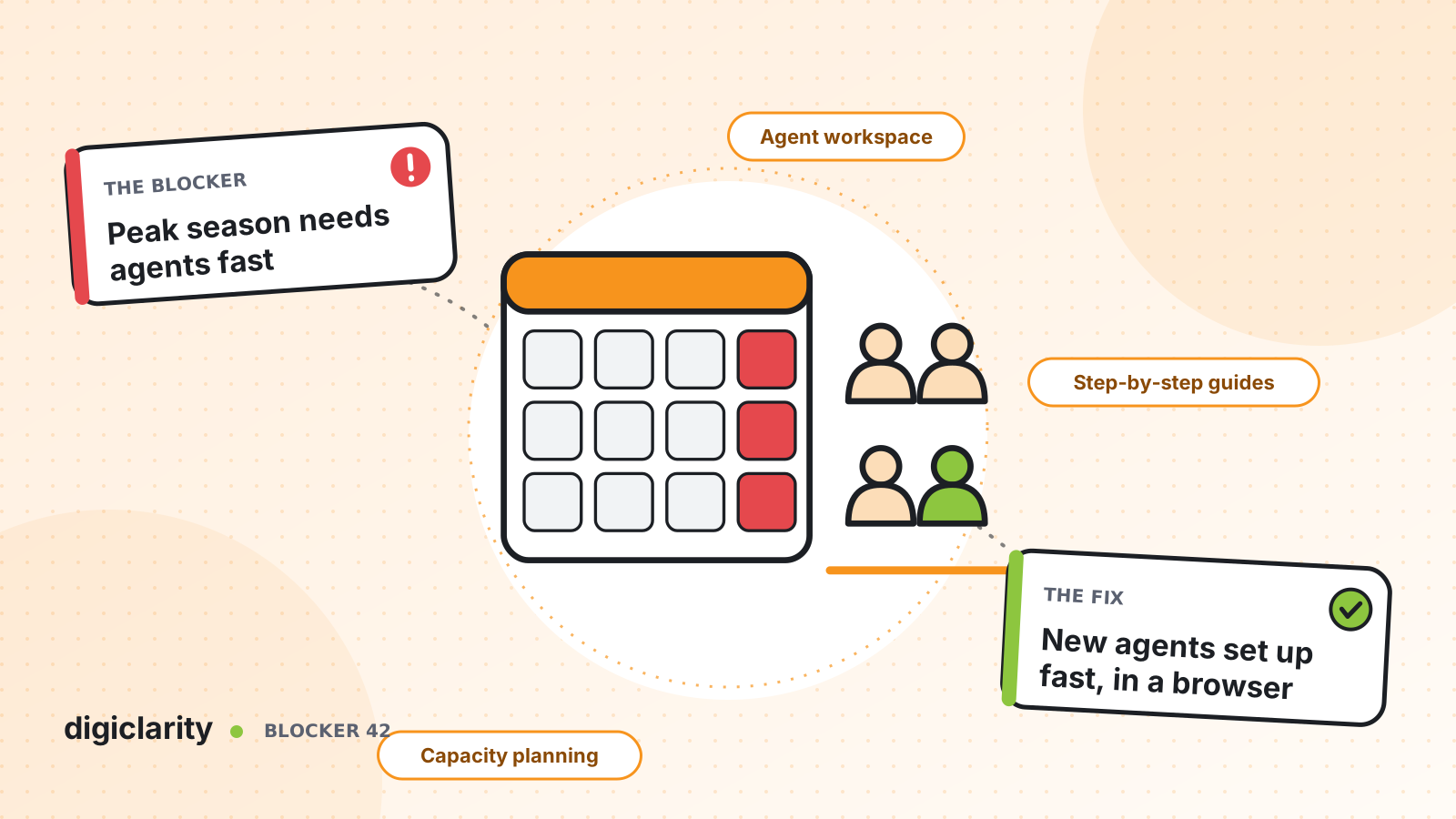
The blocker
Every business has a season. Retailers have the holidays. Insurers have open enrollment. Tax firms have April. Travel companies have summer and every storm in between. Contact volume can double for a few weeks, and the business needs temporary agents answering customers almost immediately.
On older platforms, that is a project. Each new agent needs a desk phone or a configured softphone, a license bought for the full year, an account set up by hand, and weeks of training on processes and systems. By the time the seasonal team is productive, the peak is half over. The result is long waits, lost sales and stressed permanent staff during the weeks that matter most.
Why it happens
- Hardware and licenses set the pace. Phones have to be shipped and seats bought before anyone can take a call.
- Accounts are created one at a time. Admins type in each user, team and permission by hand.
- New agents see everything. Without a separate setup, temporary staff get the same queues and screens as experienced agents.
- Training is memorization. Agents must learn every process before their first contact, because nothing on the screen guides them.
- Planning starts too late. Headcount is decided weeks before the peak, from last year’s spreadsheet.
How Amazon Connect solves it
Amazon Connect removes the hardware step, makes user setup a bulk operation, and gives new agents guidance on the screen. Planning tools help you decide the headcount early.
1. A browser and a headset are the whole workstation
Agents work in the agent workspace, which opens at your instance address in a web browser. It includes the contact controls for calls, chats, emails and tasks. AWS lists the workstation requirements: at least 2 GB of RAM and a 2 GHz processor for the softphone alone, a supported browser, and a USB headset is recommended. Mobile browsers are not supported, so plan on laptops or desktops.
Cost follows the work, not the roster. The Amazon Connect pricing page lists no minimums, no long-term contracts and no seat-based licensing. A seasonal team adds usage while it is busy, and there are no annual seats to buy for them. For more on this, see paying for seats nobody uses.
2. Create the whole seasonal team in one upload
You can add up to 1,000 users at a time from a CSV file. Download the template, fill in names, logins, the security profile, the routing profile and the hierarchy group, and import it. AWS notes one limit: more than 100 unique values for routing profiles, security profiles or hierarchies in one file can cause validation timeouts. For repeatable onboarding, the CreateUser API does the same from a script.
Put seasonal staff in their own group in the agent hierarchy. Hierarchies organize agents into teams for reporting, so you can compare the seasonal team’s results with your permanent team’s.
3. Give new agents only the work they are ready for
A routing profile decides which queues and channels reach an agent. Create a seasonal profile with the simpler queues only, such as order status or appointment changes, and leave complex queues to experienced staff. If you need finer control, proficiency routing lets you assign attributes such as a language or product to agents and match contacts to the agents who have them.
4. Put the training on the screen
Step-by-step guides show agents what to do at each point of a workflow, such as a return or a rebooking. You build them with flows and the Show view block, so a guide can fetch data from your systems and branch on the answer. A seasonal agent follows the guide instead of memorizing the process. We cover this in more depth in slow agent ramp-up.
5. Plan the peak months ahead
Capacity planning turns forecasts into staffing targets. A hiring plan estimates full-time-equivalent needs up to 64 weeks ahead, which you can share with HR, Finance and Training. See workforce planning in spreadsheets for the full forecasting and scheduling picture.
Check capacity on the platform too. AWS advises you to plan ahead with quotas: request increases well before you need them, and set CloudWatch alarms at 80% of quota limits. Our post on peak-day service quotas covers this step.
What good looks like
The hiring number is agreed with Finance months before the season. Temporary agents receive a laptop, a headset and a login. They sign in on day one, see only the queues they were trained for, and follow guides for each request. Supervisors compare the seasonal team with the permanent team in the same reports. When the season ends, there are no idle seats left on the bill.
Where to start
- Pull last year’s peak from historical metrics and build a forecast and hiring plan for this year.
- List the contact types a new agent can handle in week one, and build a seasonal routing profile for them.
- Write step-by-step guides for the three most common of those contact types.
- Prepare the CSV import and a workstation checklist, and test both with a pilot group.
- Review service quotas against the forecast peak and request increases now.









