

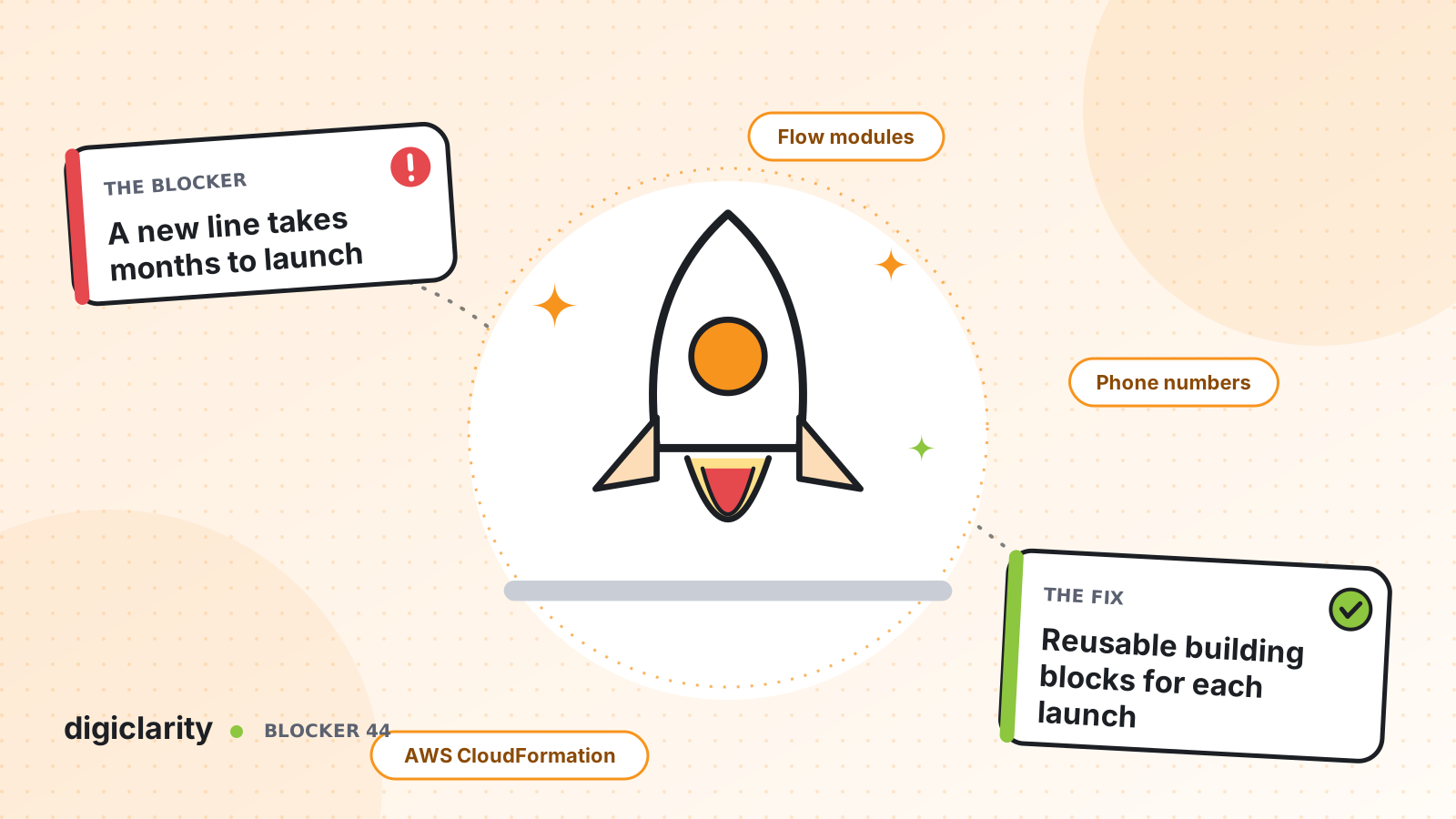
The blocker
The business has acquired a company, launched a new product line, or opened in a new region. Sales and marketing are ready. Then someone asks where customers will call, and the answer is “the contact center team needs three months.”
Every week of delay has a price. The launch goes out with an email address instead of a phone number. Customers of the new brand call the old number and reach agents who know nothing about it. Or the launch date simply moves. Leaders start to see the contact center as the thing that slows the business down.
Why it happens
- Every line is built from scratch. The existing IVR was built by hand for one brand, so the next one means copying it and editing hundreds of settings.
- Numbers take time. Ordering and porting numbers through a carrier runs on its own timeline.
- Hours and holidays are hard-coded. Opening times live inside flows, so a new time zone means new flows.
- Changes are manual. Nobody can reproduce the configuration reliably, so every launch carries risk.
How Amazon Connect solves it
Amazon Connect lets you treat a line of business as a set of small, reusable parts. Build the shared parts once, and a new brand becomes mostly new values.
1. Get a number today, port the old one in parallel
In the admin website you can claim a toll-free or DID number, and in the US choose the area code. The same can be done in code with SearchAvailablePhoneNumbers and ClaimPhoneNumber. You then attach the number to a flow.
If the brand already has a number customers know, start porting early. In the US and Canada it typically takes two to four weeks after portability is verified and documents are correct, and longer in other countries. Use a claimed number for building and testing while the port runs.
2. Build shared logic once with flow modules
Flow modules are reusable sections of a flow, with their own inputs, outputs and branches. Put greeting, caller identification, payment and routing logic in modules, and every brand’s flow calls the same ones. When you fix a module, you can propagate the change to every flow that uses it.
Each brand then needs only a short entry flow. AWS gives this exact example for the Set contact attributes block: define an attribute for a company name or line of business and use it in text-to-speech. Brand-specific recordings and hold music are prompts you upload.
3. Keep brand settings in data tables, not in flows
Data tables store configuration as rows and columns that flows read at runtime. AWS gives an example of mapping each store location to its business hours and support queue. Changes take effect almost immediately, without editing the flow. For a new brand, that means adding a row: its queue, its greeting, its escalation number.
4. Queues, hours and routing in minutes
Create a queue for the brand and give it hours of operation in its own time zone, with overrides for holidays. The Check hours of operation block reads those hours and can branch on overrides, for example to play a holiday greeting. Add the new queue to existing routing profiles so trained agents can take its contacts from the first day, then build a dedicated team as volume grows.
5. Make the next launch a template
Amazon Connect resources such as queues, hours of operation, flows, flow modules, routing profiles, phone numbers, prompts and users have AWS CloudFormation resource types. We build a template for a line of business, with the brand name, time zone and number type as parameters, and release it through a pipeline. Flows can also be imported and exported between instances and Regions. Tag each brand’s resources so you can find them, report on them and control who can change them.
The template is custom work, not a built-in Amazon Connect feature. Our posts on separate dev, test and production and manual changes that break production cover how to run it safely.
What good looks like
A new line of business starts with a short request: brand name, time zone, hours, number type and the team that will answer. The number is claimed the same day. The configuration is deployed to test from the template, checked, and promoted to production. Customers of the new brand hear its name from the first call, and the team handling them uses the same desktop and reports as everyone else. The contact center is ready before marketing is.
Where to start
- List what differs between your current lines of business: names, hours, queues, prompts and escalation numbers. Everything else is shared.
- Move the shared logic into flow modules, and the differences into a data table.
- Describe one existing line of business in a CloudFormation template and deploy it to a test instance.
- Use that template for the next launch, and measure how long it takes from request to first call.









